Sora2 Hub
Sora2 Hub
  • 프롬프트 라이브러리
  • 가격
  • 쇼케이스
Sora2 Hub
Sora2 Hub
Sora2 Hub

Sora2 Hub

Sora 2, Veo 3.1, Nano Banana Pro로 구동되는 전문 AI 창작 플랫폼입니다. 고급 제어, HD 화질, 워터마크 없는 놀라운 동영상과 스튜디오급 이미지를 제작하세요.

Email:support@sora2hub.org

AI 비디오 생성

  • 텍스트에서 비디오
  • 이미지에서 비디오
  • Veo 3.1
  • Sora 2
  • Kling 3.0
  • Kling 2.6
  • Kling 2.5
  • Runway
  • Wan 2.6
  • Seedance 2.0
  • Hailuo 2.3
  • Grok Imagine
  • HappyHorse-1.0
  • HappyHorse 1.1
  • Kling 3.0 Turbo
  • Volcengine Video-to-Video Lip Sync
  • OmniHuman 1.5
  • Grok Imagine Video 1.5
  • Gemini Omni
  • Wan 2.7 Video
  • Seedance 2.0 Mini

AI 이미지 생성기

  • 텍스트에서 이미지
  • 이미지에서 이미지
  • Nano Banana Pro
  • Nano Banana
  • 4o Image
  • Flux Kontext
  • Z Image
  • Seedream 4.5
  • Seedream 5.0 Lite
  • Nano Banana 2
  • GPT Image 2
  • AI 이미지 업스케일러
  • Seedream 5.0 Pro
  • Nano Banana 2 Lite
  • Qwen Image 2.0

AI 효과

  • AI 나이 필터
  • AI 성별 변환
  • AI 키스
  • AI 허그
  • 지브리 이미지
  • AI 인어 필터
  • AI 바디쉐이크
  • 스마일 필터
  • AI 뚱뚱하게
  • 액션 피규어

제품

  • 기능
  • 쇼케이스
  • 가격

회사

  • 소개
  • 문의

© 2025 • Sora2 Hub ORG 모든 권리 보유.

  • 개인정보 처리방침
  • 서비스 약관
  • 환불 정책
  1. 홈
  2. /
  3. 프롬프트
  4. /
  5. GPT Image 2
  6. /
  7. Fantasy Anime Scene Stylized Prompt — Mage & Elf Village
GPT Image 2AI 프롬프트

Fantasy Anime Scene Stylized Prompt — Mage & Elf Village

Generate a cinematic anime-style still with a purple-haired mage and golden-haired elf in a village, featuring smooth lines and a vibrant color palette.
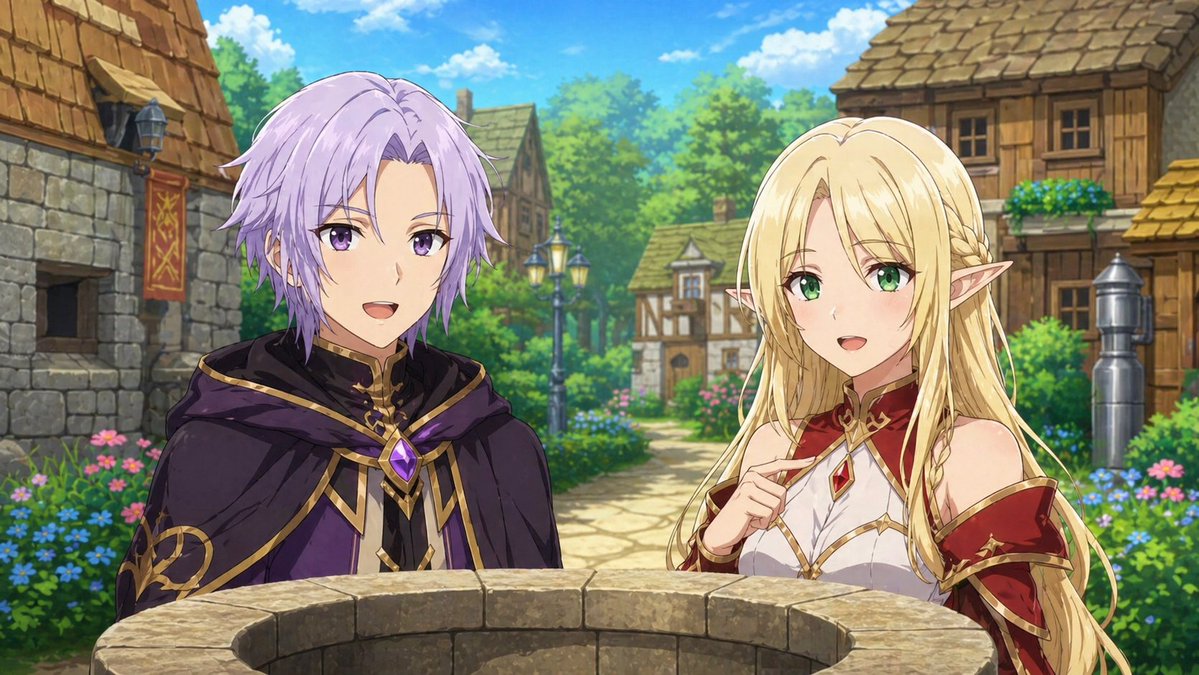
Fantasy Anime Scene Stylized Prompt — Mage & Elf Village
프롬프트 · EN
基于附件图像创建动漫场景剧照。创建角色插画。动漫风格。不要使其看起来像游戏。不允许使用像素艺术风格。argscene action: 两人正在注视着一口井。argcharacters: 一名留着浅紫色短发的男性法师和一名留着金色长发的女性精灵。角色特写。描述背景。背景也应采用动漫风格配色。两人面向前方,正在交谈。场景:arglocation: 村庄 “流畅的线条和配色”

프롬프트 소개

Generate a cinematic anime-style still with a purple-haired mage and golden-haired elf in a village, featuring smooth lines and a vibrant color palette. Use it as a 컨셉 아트 starting point for GPT Image 2: keep the visual structure and style constraints intact, then swap in your own subject, brand, or scene.

Start by replacing scene action, characters, and location, then keep the camera, composition, and material cues in the same order. This makes the output easier to compare across variations.

이 프롬프트 사용법

  1. Copy the entire prompt text, including the curly-bracket variables.
  2. Paste it into your preferred AI image generator (e.g., Sora, Midjourney, or Stable Diffusion).
  3. Customize the {argument name="scene action"} and {argument name="characters"} variables to change the action or characters.
  4. Adjust the {argument name="location"} variable to set a different background scene.
  5. Generate the image and refine the prompt if needed for better results.
FAQ

𝑲𝑨𝒁

@DCC_KAZ→

게시일
2026년 4월 30일
원본 언어
EN
모델
GPT Image 2
카테고리
컨셉 아트
GPT Image 2컨셉 아트gpt-image-2twitter
조회
427
복사
46
좋아요
9

공유

GPT Image 2의 더 많은 프롬프트

전체 보기
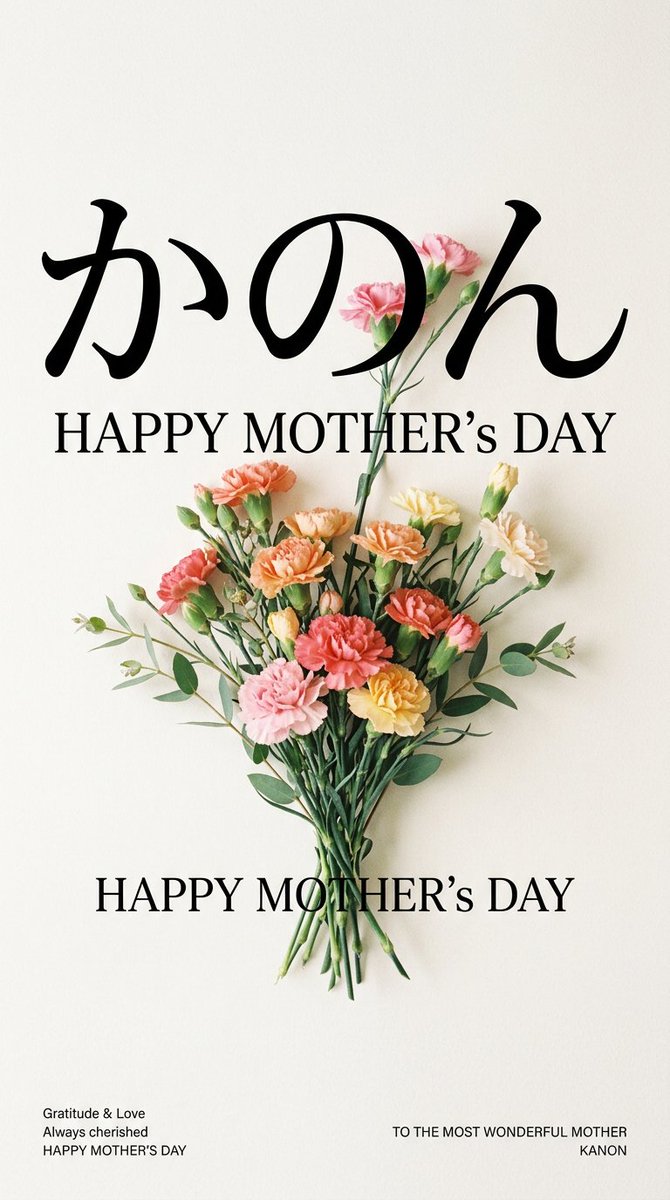
Minimalist Mother's Day Wallpaper — Sora 2 Prompt with Calligraphy & Carnations

Minimalist Mother's Day Wallpaper — Sora 2 Prompt with Calligraphy & Carnations

@EdimakorJP
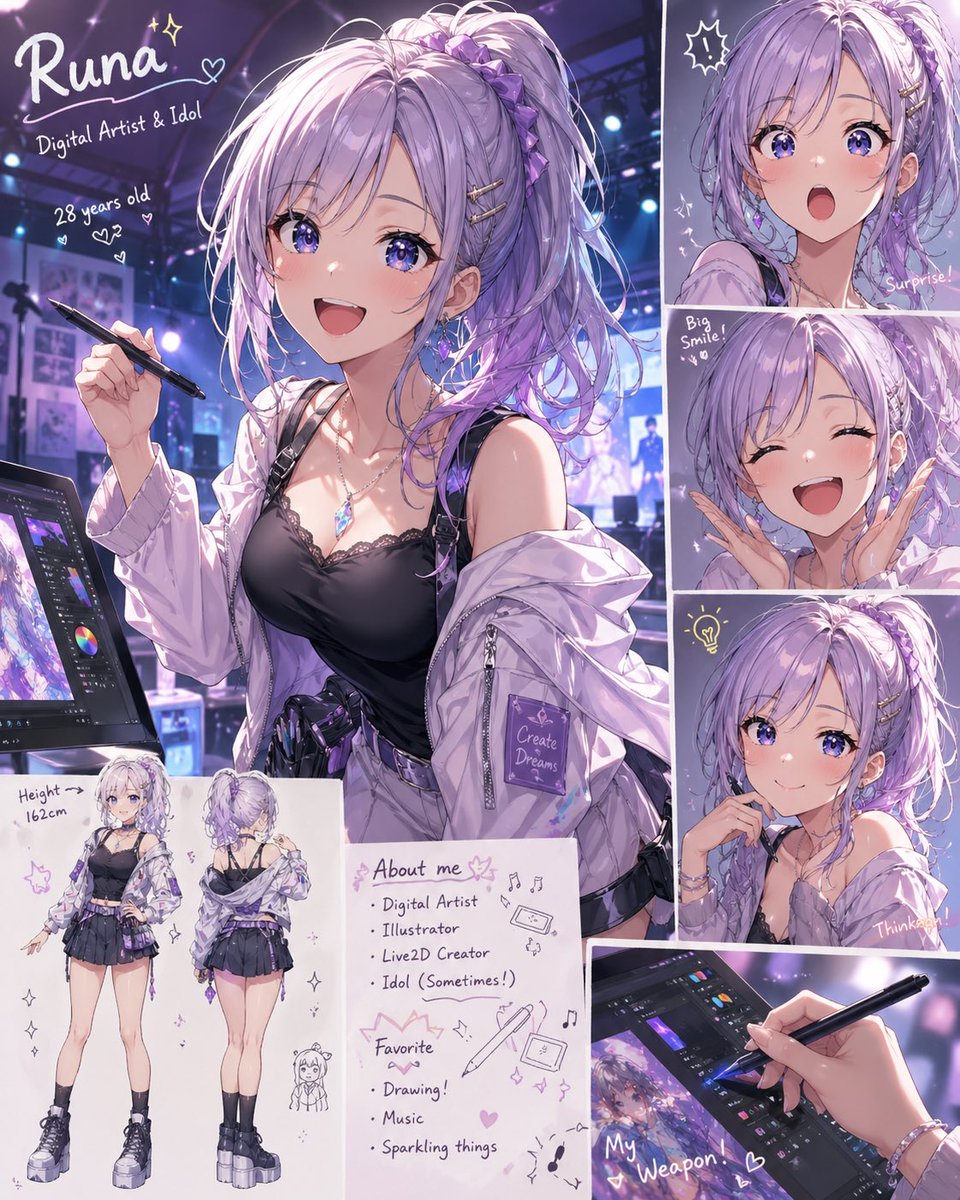
Anime Idol Profile Page — Lavender Art Style Prompt

Anime Idol Profile Page — Lavender Art Style Prompt

@uzuyanurp
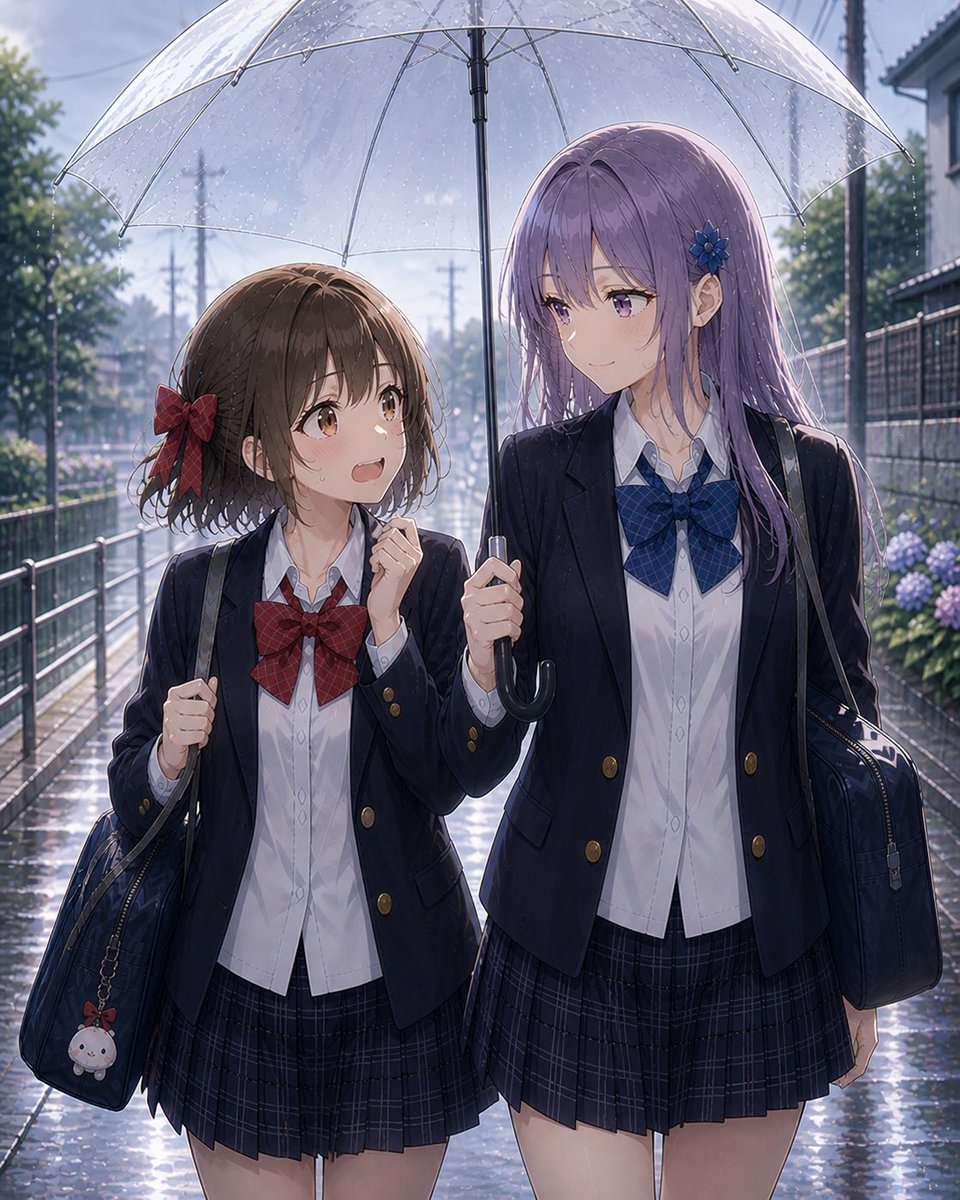
Anime Schoolgirls Sharing Transparent Umbrella — Sora 2 Prompt

Anime Schoolgirls Sharing Transparent Umbrella — Sora 2 Prompt

@yB7CqdfoDmrbhgD

Sora2Hub 프롬프트로 더 빠르게 제작하세요.

검색 가능한 프롬프트 페이지에서 시작해 적합한 모델 컨텍스트로 바로 생성하세요.

프롬프트 탐색