
GPT Image 2AI 프롬프트
미니멀리스트 패션 일러스트레이션 — Sora 2 프롬프트
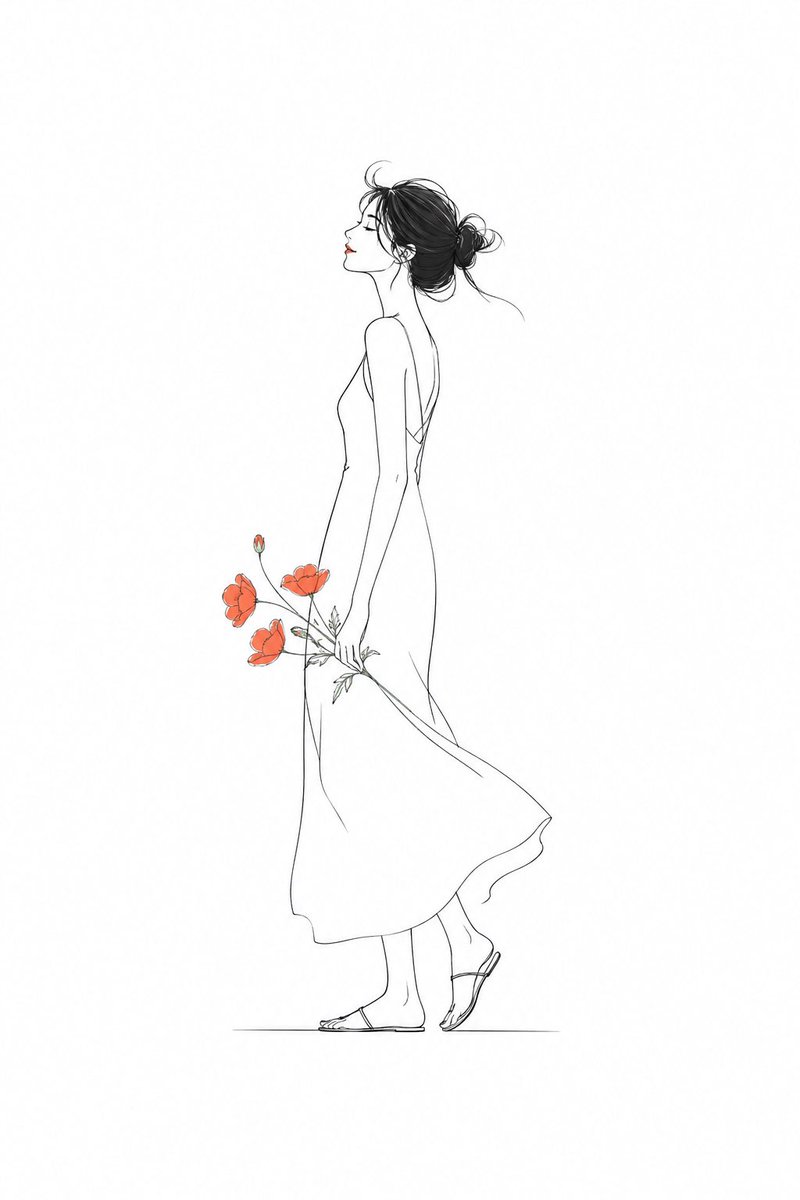
깔끔한 선, 선명한 색감 포인트, 넉넉한 여백으로 현대적이고 세련된 에디토리얼 스타일의 우아한 캐릭터 일러스트를 만드세요.
프롬프트 · EN
生成一张 argsubject: 苗条女孩 的极简主义插画,线条干净利落,局部点缀鲜艳色彩,留白充足,构图精致,现代编辑风格,优雅且简约。
프롬프트 소개
깔끔한 선, 선명한 색감 포인트, 넉넉한 여백으로 현대적이고 세련된 에디토리얼 스타일의 우아한 캐릭터 일러스트를 만드세요. Use it as a 컨셉 아트 starting point for GPT Image 2: keep the visual structure and style constraints intact, then swap in your own subject, brand, or scene.
Start by replacing subject, then keep the camera, composition, and material cues in the same order. This makes the output easier to compare across variations.
이 프롬프트 사용법
- 페이지에서 프롬프트를 복사합니다. 2. 선호하는 AI 이미지 생성기(예: Sora 2, Midjourney)를 선택합니다. 3. {subject} 변수를 원하는 캐릭터(예: '세련된 남성', '발레리나')로 조정합니다. 4. 이미지를 생성하고 필요에 따라 다른 스타일을 위해 프롬프트를 다듬으세요.


