
GPT Image 2AI 프롬프트
Childlike Crayon Drawing — Kids Art Style Prompt
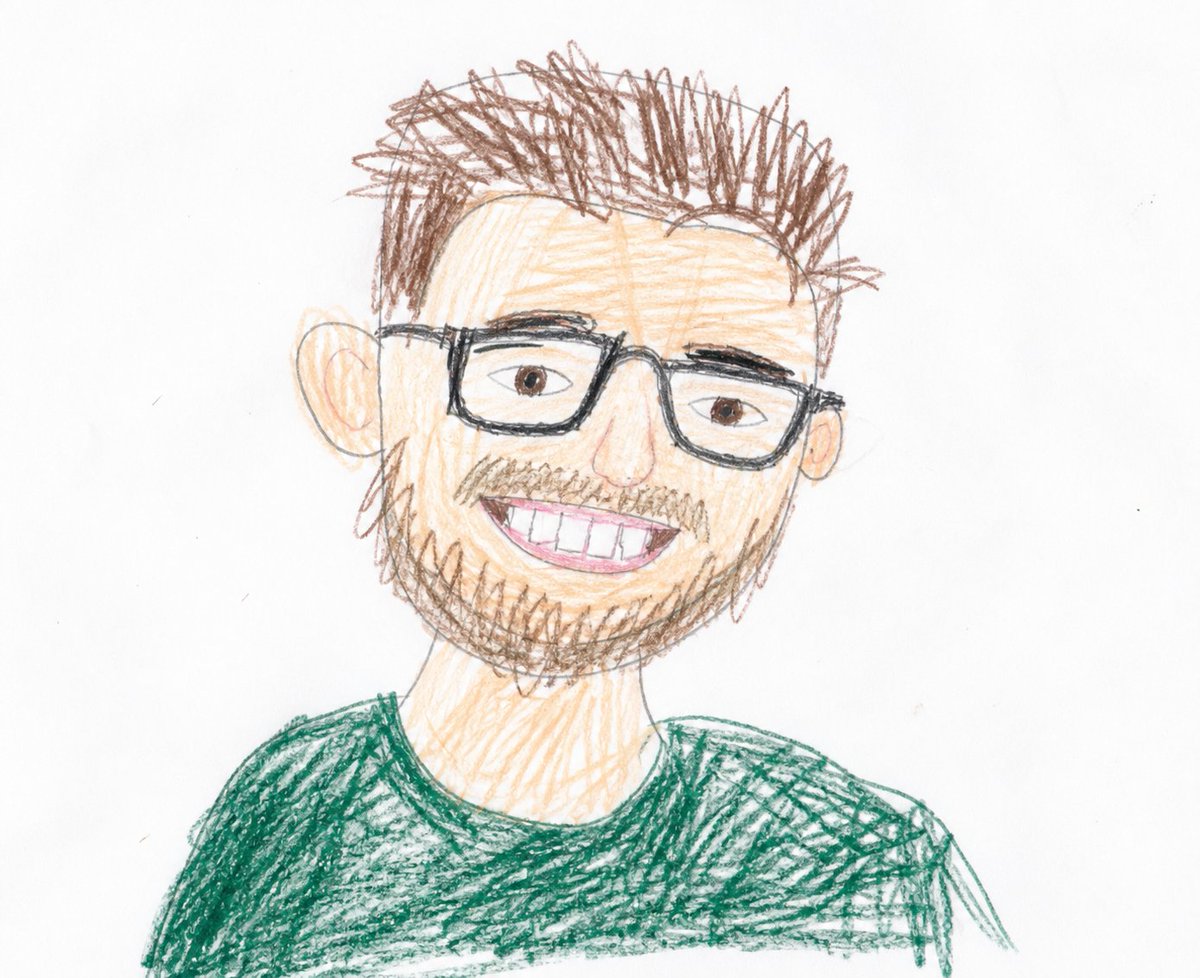
Generate an authentic, imperfect child's drawing with wobbly lines, misproportioned shapes, and joyful crayon marks for a charming, naive art style.
프롬프트 · EN
请让它看起来像是 argauthor: 幼儿园小朋友 用 argart tools: 彩色铅笔 画出来的。不要画得太干净,也不要画得太好,更不要刻意画得可爱。请让它看起来像是一幅出自孩子之手的、真正画得不怎么样的画。它是在白纸上用彩色铅笔画的。我看着原图试图临摹,但画得一点也不好。线条歪歪扭扭,几乎没有直线。因为我反复描摹,所以线条很粗。线条在奇怪的地方断开了。形状不规范,比例也不协调。大的部分太大,小的部分太小。眼睛、嘴巴、身体等部位的位置都有点怪,稍微有些偏离。总觉得哪里不太对劲。颜色涂到了线条外面,还有没涂到的空白处。有的地方颜色很深,有的地方很浅,还有用力涂抹留下的痕迹。不要把它画成专业的插画,不要进行数码修图,不要把线条理顺,也不要修正形状或调整构图。它画得有点糟糕,甚至相当糟糕,但孩子在画的时候很努力。请让它呈现出一种孩子向你展示作品时说“看,这是我画的!”的那种感觉。背景就是普通的白纸。表情也要画得充满童趣。
프롬프트 소개
Generate an authentic, imperfect child's drawing with wobbly lines, misproportioned shapes, and joyful crayon marks for a charming, naive art style. Use it as a 컨셉 아트 starting point for GPT Image 2: keep the visual structure and style constraints intact, then swap in your own subject, brand, or scene.
Start by replacing author and art tools, then keep the camera, composition, and material cues in the same order. This makes the output easier to compare across variations.
이 프롬프트 사용법
- Copy this prompt and paste it into your chosen AI image generator like Sora 2.
- Select a model that excels at artistic or illustrative styles.
- Customize the
{author}and{art tools}variables to specify the child's age and medium. - Generate the image to receive a drawing that captures the authentic, unpolished charm of a child's artwork.


