Sora2 Hub
Sora2 Hub
  • 프롬프트 라이브러리
  • 가격
  • 쇼케이스
Sora2 Hub
Sora2 Hub
Sora2 Hub

Sora2 Hub

Sora 2, Veo 3.1, Nano Banana Pro로 구동되는 전문 AI 창작 플랫폼입니다. 고급 제어, HD 화질, 워터마크 없는 놀라운 동영상과 스튜디오급 이미지를 제작하세요.

Email:support@sora2hub.org

AI 비디오 생성

  • 텍스트에서 비디오
  • 이미지에서 비디오
  • Veo 3.1
  • Sora 2
  • Kling 3.0
  • Kling 2.6
  • Kling 2.5
  • Runway
  • Wan 2.6
  • Seedance 2.0
  • Hailuo 2.3
  • Grok Imagine
  • HappyHorse-1.0

AI 이미지 생성기

  • 텍스트에서 이미지
  • 이미지에서 이미지
  • Nano Banana Pro
  • Nano Banana
  • 4o Image
  • Flux Kontext
  • Z Image
  • Seedream 4.5
  • Seedream 5.0 Lite
  • Nano Banana 2
  • GPT Image 2
  • AI 이미지 업스케일러

AI 효과

  • AI 나이 필터
  • AI 성별 변환
  • AI 키스
  • AI 허그
  • 지브리 이미지
  • AI 인어 필터
  • AI 바디쉐이크
  • 스마일 필터
  • AI 뚱뚱하게
  • 액션 피규어

제품

  • 기능
  • 쇼케이스
  • 가격

회사

  • 소개
  • 문의

© 2025 • Sora2 Hub ORG 모든 권리 보유.

  • 개인정보 처리방침
  • 서비스 약관
  • 환불 정책
  1. 홈
  2. /
  3. 프롬프트
  4. /
  5. GPT Image 2
  6. /
  7. Moody Candlelit Portrait — Cinematic Sora 2 Prompt
GPT Image 2AI 프롬프트

Moody Candlelit Portrait — Cinematic Sora 2 Prompt

Transform a reference photo into a warm, low-angle cinematic night portrait with drink, flickering light, film grain, and deep emotional mood.
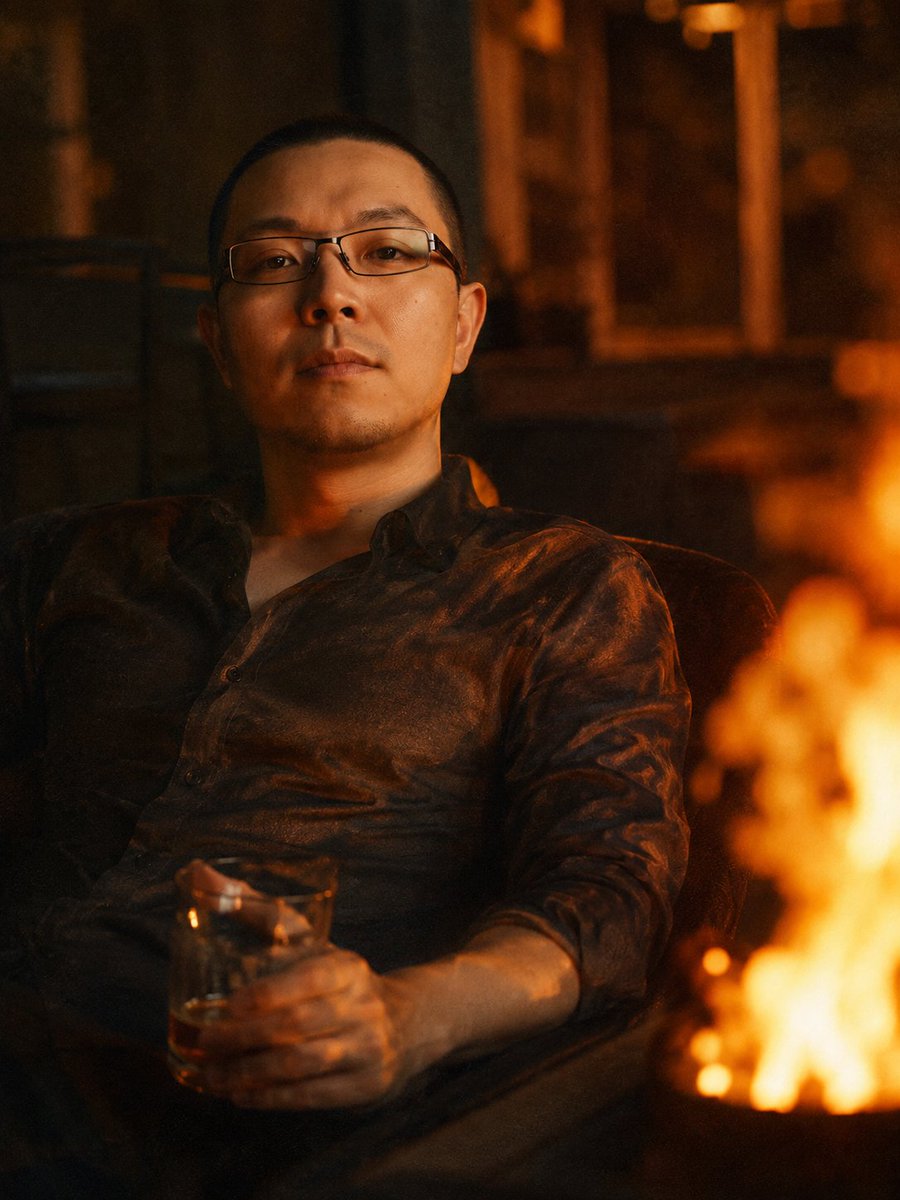
Moody Candlelit Portrait — Cinematic Sora 2 Prompt
프롬프트 · EN
使用提供的参考图像作为身份来源,重新生成与参考图像面部特征尽可能一致的男性形象。将肖像转换为一张温暖的低角度电影感夜景照片:该男子以放松的姿势靠在椅子上,身穿一件轻薄、略带褶皱的深色衬衫,而非正式西装,一只手拿着一杯 argdrink: 琥珀色饮品。在画面右侧添加一团巨大的柔和模糊橙色火焰,占据前景,并将闪烁的暖色高光投射到他的脸部和衬衫上。将摄影棚背景替换为昏暗、略微失焦的室内或夜间环境,色调以琥珀色和棕色为主,营造出一种 argmood: 忧郁、私密、略带怀旧 的氛围。使其看起来像是一张使用现代数码相机或智能手机在高 ISO 下拍摄的照片:具有可见的胶片感颗粒、低对比度、浅景深,并带有微妙的色差以增强氛围。

프롬프트 소개

Transform a reference photo into a warm, low-angle cinematic night portrait with drink, flickering light, film grain, and deep emotional mood. Use it as a 컨셉 아트 starting point for GPT Image 2: keep the visual structure and style constraints intact, then swap in your own subject, brand, or scene.

Start by replacing drink and mood, then keep the camera, composition, and material cues in the same order. This makes the output easier to compare across variations.

이 프롬프트 사용법

  1. Copy the prompt and paste it into your Sora 2 or compatible AI video/image generator.
  2. Choose a model that excels in photorealism and cinematic lighting (e.g., Sora 2, Runway Gen-3).
  3. Upload your reference portrait as the identity source for consistent facial features.
  4. Customize the variables like {drink} (e.g., whiskey, coffee) and {mood} (e.g., melancholic, serene) to match your vision.
  5. Generate and refine. Adjust lighting or grain settings if the output needs tweaking.
FAQ

hxhxhx0916

@hxhxhx0916→

게시일
2026년 5월 15일
원본 언어
EN
모델
GPT Image 2
카테고리
컨셉 아트
GPT Image 2컨셉 아트gpt-image-2twitter
조회
1.3K
복사
110
좋아요
66

공유

GPT Image 2의 더 많은 프롬프트

전체 보기
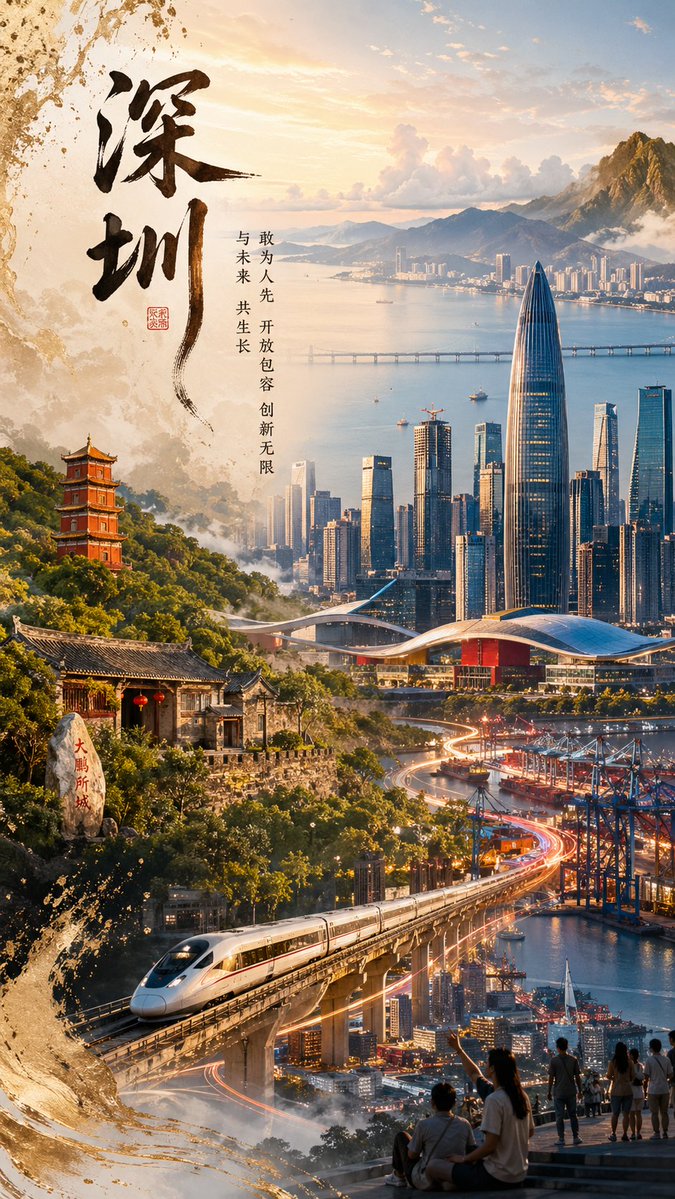
Shenzhen Golden Hour City Prompt: Futuristic Heritage Poster

Shenzhen Golden Hour City Prompt: Futuristic Heritage Poster

@ivanalog_com
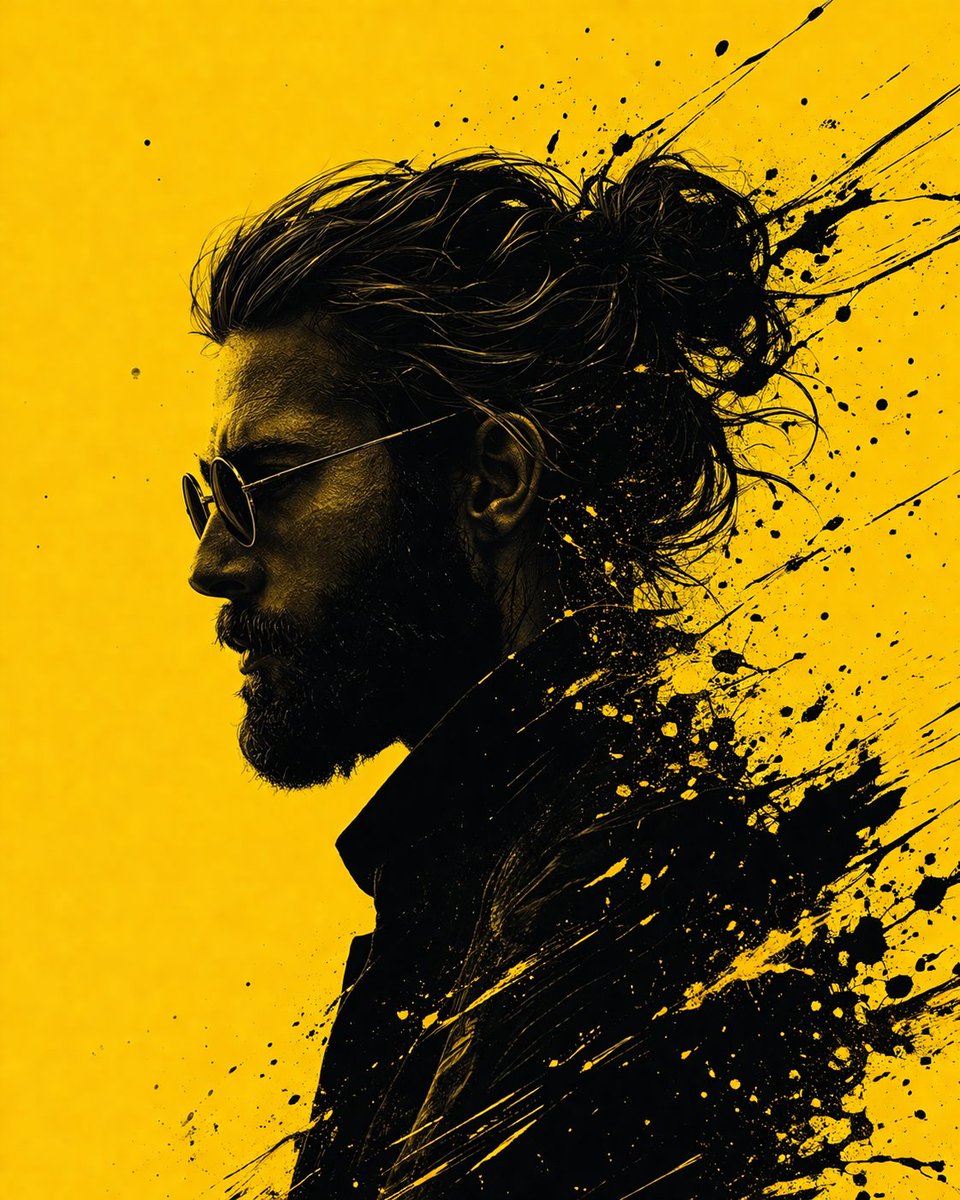
Graphic Novel Ink Splash Portrait — Sora 2 Prompt

Graphic Novel Ink Splash Portrait — Sora 2 Prompt

@iamsofiaijaz
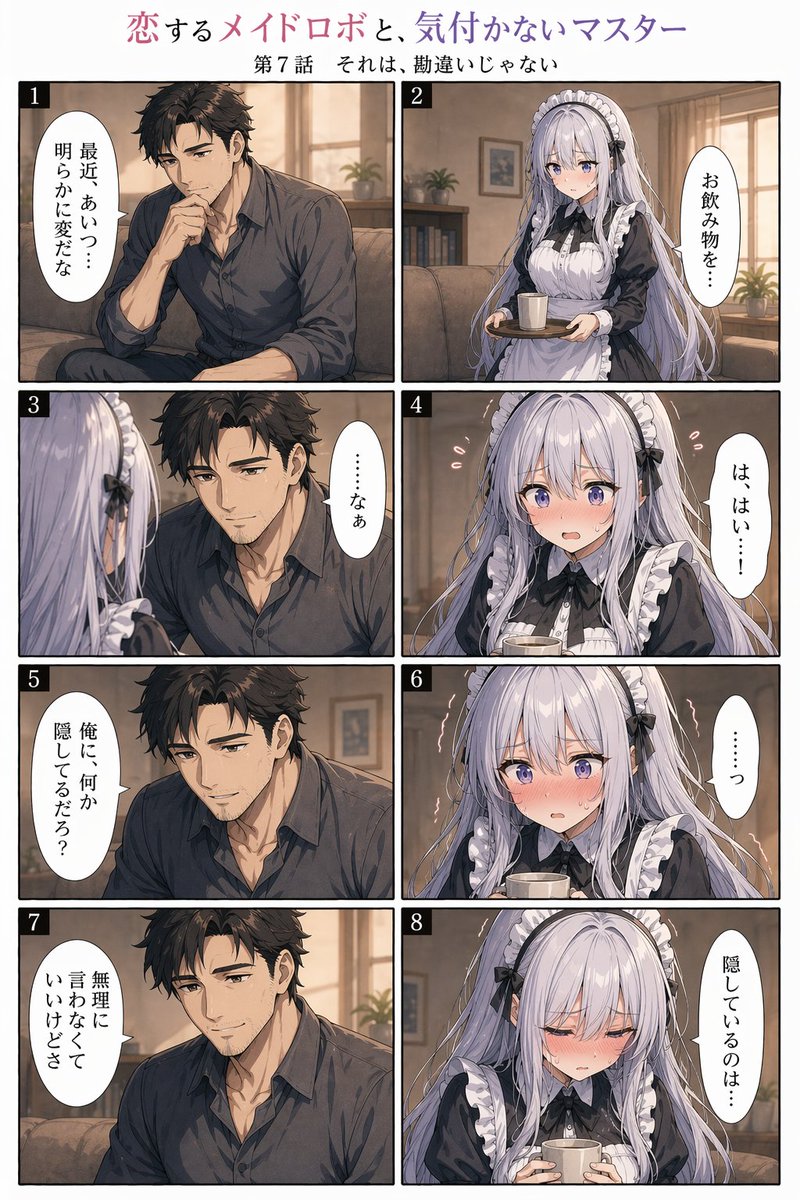
8-Panel Romantic Manga: Shy Maid Robot & Master — Sora 2 Prompt

8-Panel Romantic Manga: Shy Maid Robot & Master — Sora 2 Prompt

@yume00112211

Sora2Hub 프롬프트로 더 빠르게 제작하세요.

검색 가능한 프롬프트 페이지에서 시작해 적합한 모델 컨텍스트로 바로 생성하세요.

프롬프트 탐색