
GPT Image 2AI 프롬프트
Cinematic Teal & Orange Color Grading — Sora 2 Prompt
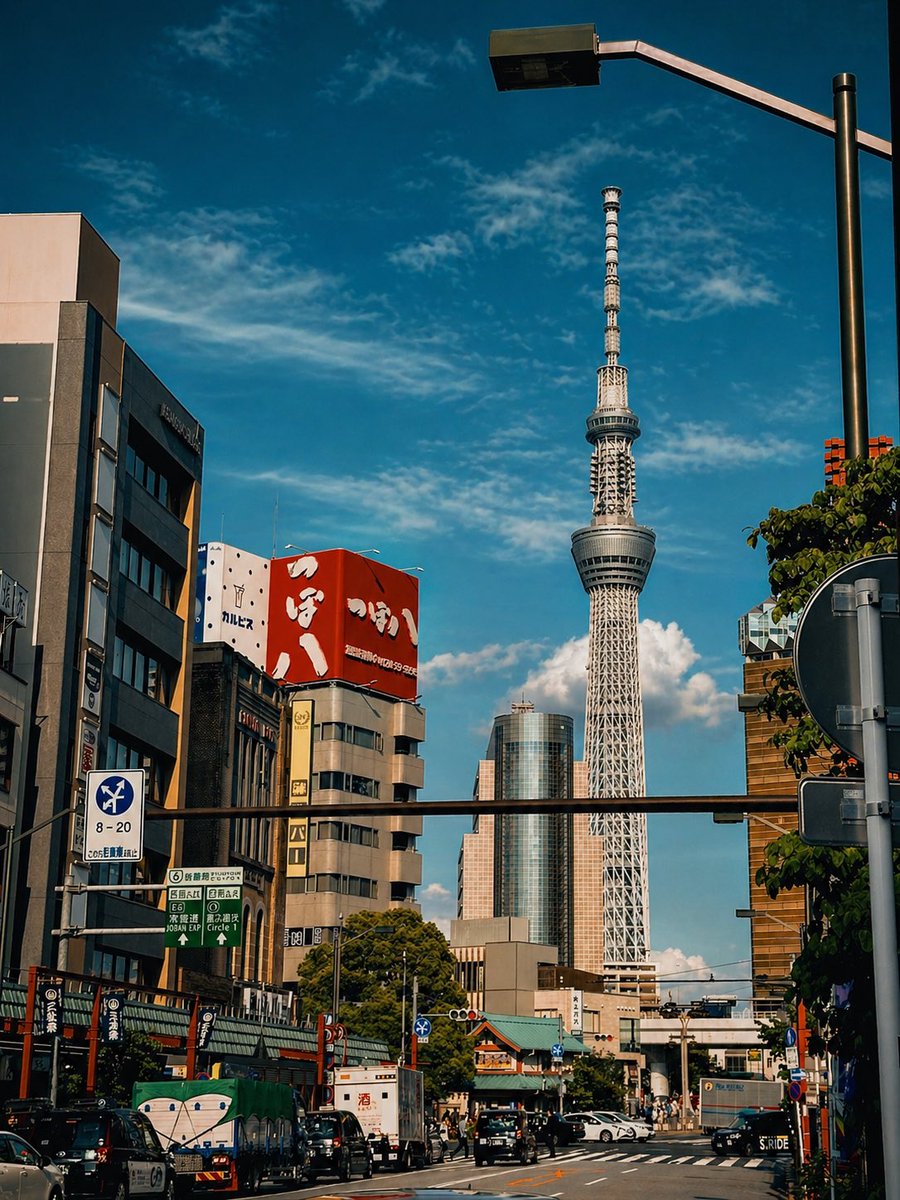
Transform any city photo into a stunning cinematic shot with dramatic teal-and-orange grading, golden hour light, and enhanced contrast for professional travel photography.
프롬프트 · EN
使用提供的参考图像,在保持构图、建筑、塔楼、街道元素和取景完全不变的前提下,应用电影感的青橙色色彩分级。将蓝天加深为更暗、更浓郁的色调,增加云层对比度使其更具层次感,将建筑和街道上的阳光调暖,营造出傍晚时分的金色光影效果。同时提高对比度和清晰度,略微加深阴影,使整张照片呈现出精致的旅行摄影质感,并确保真实感以及所有标识和细节得以保留。
프롬프트 소개
Transform any city photo into a stunning cinematic shot with dramatic teal-and-orange grading, golden hour light, and enhanced contrast for professional travel photography. Use it as a 컨셉 아트 starting point for GPT Image 2: keep the visual structure and style constraints intact, then swap in your own subject, brand, or scene.
Start with small changes to subject, scene, camera, and color, then generate a few variations to compare composition and detail without turning the page copy into keyword stuffing.
이 프롬프트 사용법
- Copy the full prompt text provided.
- Open your preferred AI video or image generation model (like Sora 2, Runway, or Pika).
- Paste the prompt and attach your reference city or street photography image.
- (Optional) Adjust specific details like 'Tokyo' to your city, or tweak the 'warmth' and 'contrast' levels in the prompt wording.
- Generate to receive your cinematic, color-graded output.


