
GPT Image 2AI 프롬프트
Ultra-Wide Angle Outdoor Portrait on Modern Bridge — Sora 2 Prompt
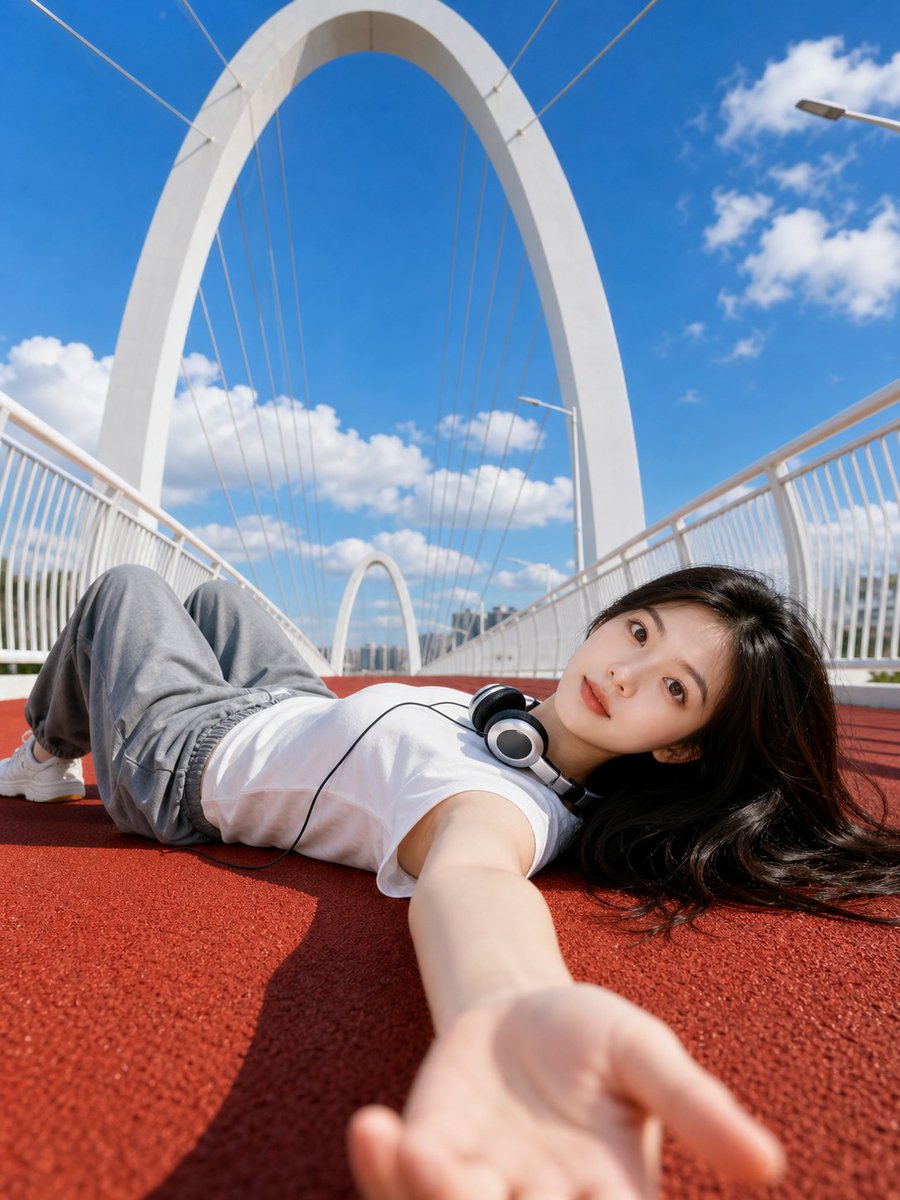
Create a cinematic, ultra-realistic low-angle portrait on a red track against a symmetrical white bridge, with natural skin texture and a fresh, youthful vibe.
프롬프트 · EN
使用上传的人像照片作为人物外观参考。创作一张明亮的超写实户外人像,拍摄对象为一名年轻女性 argpose: 躺在红色跑道上,位于一座现代 argbridge: 白色拱形人行天桥 上。超广角低角度自拍视角,她的手臂在前景中伸向镜头,姿势放松,脖子上挂着有线耳机,身穿 argoutfit: 白色无袖上衣,搭配宽松灰色长裤,黑发铺散在地面上。干净的蓝天配以柔软的白云,强烈的午后阳光,清晰的阴影,高清晰度,清新青春的氛围,建筑对称性,真实的皮肤质感,电影级构图,3:4 竖向图像 负面提示词: 水印,标志,文字,标题,签名,AI 标签,多余的手指,畸形的手,扭曲的脸,身份错误,重复的人物,模糊的脸,低分辨率,过度磨皮,塑料感皮肤,不自然的解剖结构,错误的透视,杂乱的背景,严重的伪影,过度曝光,曝光不足
프롬프트 소개
Create a cinematic, ultra-realistic low-angle portrait on a red track against a symmetrical white bridge, with natural skin texture and a fresh, youthful vibe. Use it as a 컨셉 아트 starting point for GPT Image 2: keep the visual structure and style constraints intact, then swap in your own subject, brand, or scene.
Start by replacing pose, bridge, and outfit, then keep the camera, composition, and material cues in the same order. This makes the output easier to compare across variations.
이 프롬프트 사용법
- Copy the full prompt text above.
- Select your preferred AI video/image generation model (e.g., Sora 2).
- Replace the default variable values (like
poseoroutfit) with your own creative choices. - Generate the image and iterate on the prompt for your desired result.


