
GPT Image 2AI 프롬프트
Dragon-Coiled Lighthouse Storm — Sora 2 Prompt
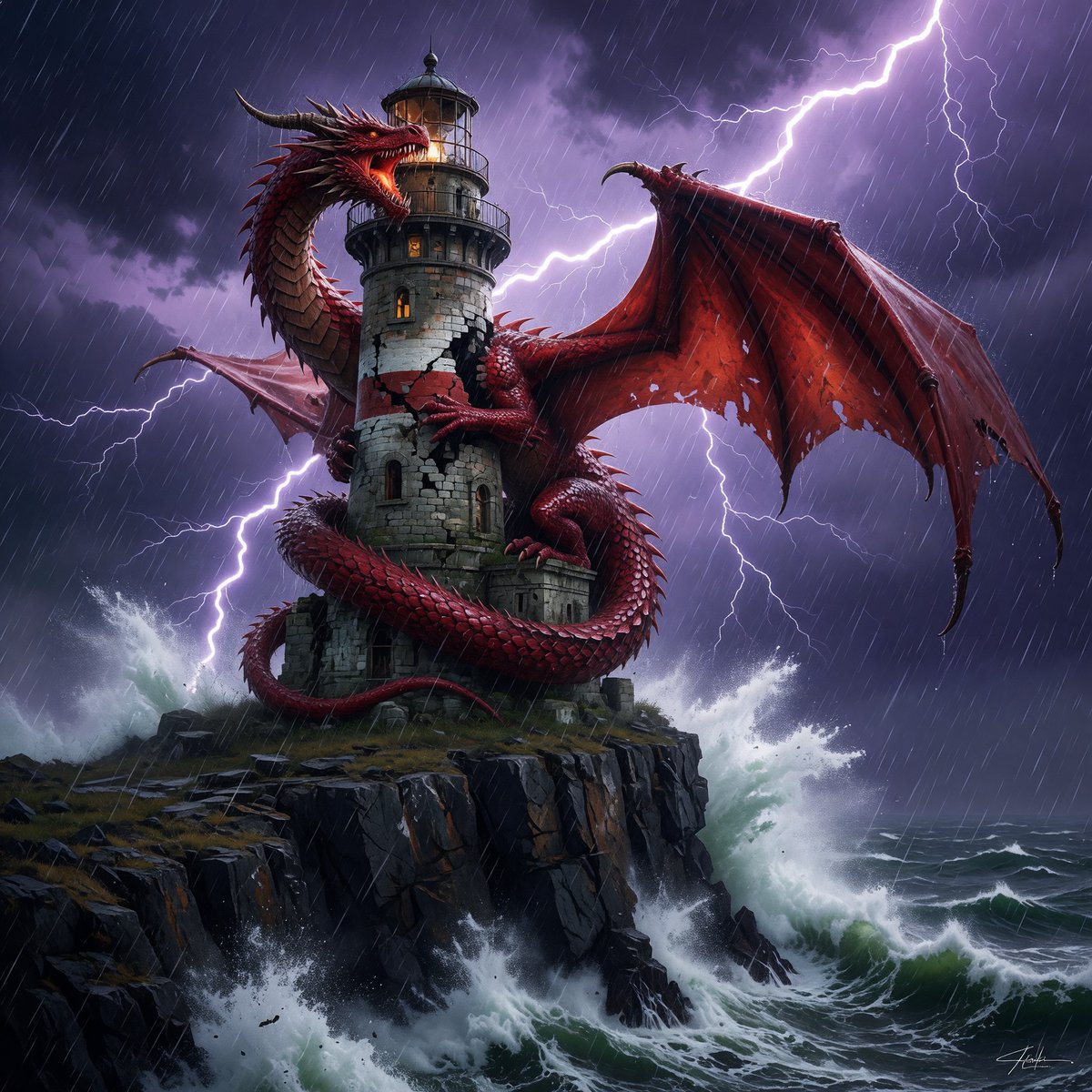
Generate a cinematic fantasy concept art of a massive dragon wrapped around a storm-battered lighthouse, featuring dramatic lightning and hyper-realistic detail.
프롬프트 · EN
创作一幅极具戏剧性的高奇幻概念艺术场景,画面中一条 argdragon color: 红 色的巨龙紧紧盘绕在一座位于崎岖海崖上的斑驳中世纪石质灯塔上。巨龙体型巨大,呈蛇形,神态凶猛,拥有光泽的深红色鳞片、锋利的角和背棘、发光的双眼、张开咆哮的巨口,利爪紧扣砖石,长尾缠绕在塔基,一侧巨大的破损翼膜在画面右侧展开。灯塔由古老的灰色石块堆砌而成,布满裂纹,拱形窗户透出温暖的琥珀色光芒,设有圆形阳台,顶部为玻璃灯室。场景设定在夜晚一场猛烈的 argstorm type: 雷暴 中:斜向的暴雨如注,紫黑色的风暴云层翻滚,明亮的树枝状闪电在巨龙与灯塔后方划破长空,汹涌的海浪在下方崖壁上激起层层白色浪花。采用低角度电影级构图,灯塔位于画面中心,巨龙呈 S 型盘绕其上,翅膀在闪电映衬下呈现剪影,冷色调的蓝紫色风暴光影与暖色调的灯光形成强烈对比。以高度细腻的奇幻写实风格渲染,强调戏剧性光影、锐利的纹理、湿润的石材、反光的鳞片、海浪喷雾、雨中的动态感、史诗般的宏大尺度以及阴郁的氛围感。
프롬프트 소개
Generate a cinematic fantasy concept art of a massive dragon wrapped around a storm-battered lighthouse, featuring dramatic lightning and hyper-realistic detail. Use it as a 컨셉 아트 starting point for GPT Image 2: keep the visual structure and style constraints intact, then swap in your own subject, brand, or scene.
Start by replacing dragon color and storm type, then keep the camera, composition, and material cues in the same order. This makes the output easier to compare across variations.
이 프롬프트 사용법
- Copy the entire prompt text. 2. Choose your preferred AI video/image model (e.g., Sora, Runway, Kling). 3. Customize the variables in the curly brackets
{}to change details like the dragon's color or the storm type. 4. Paste the prompt into the model's input field and generate.


