
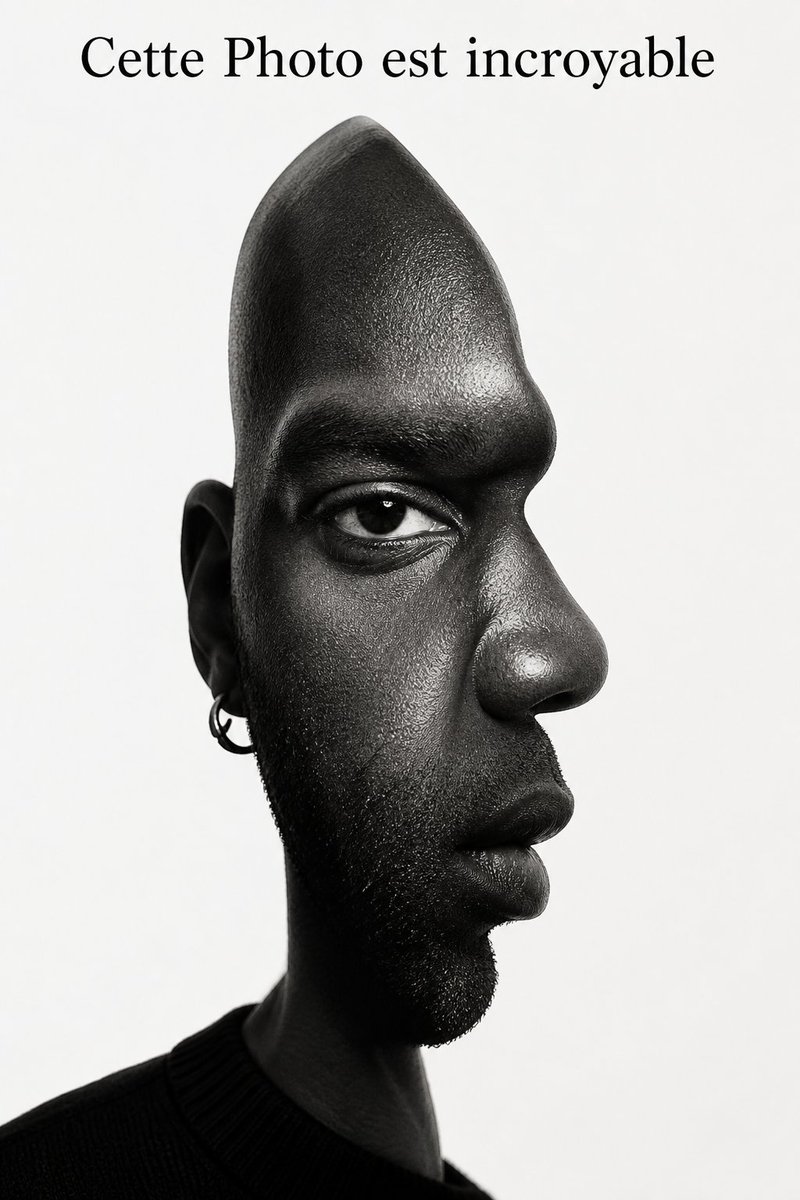
Surrealist Optical Illusion Portrait — Cubist Realism Prompt
Generate a striking black-and-white portrait merging front and side views with hyper-realistic skin textures and dramatic studio lighting.
프롬프트 소개
Generate a striking black-and-white portrait merging front and side views with hyper-realistic skin textures and dramatic studio lighting. Use it as a 컨셉 아트 starting point for GPT Image 2: keep the visual structure and style constraints intact, then swap in your own subject, brand, or scene.
This prompt is organized as structured JSON with fields such as image prompt. Keeping that hierarchy helps the model separate the subject, layout, interface elements, and detail constraints.
Start with small changes to subject, scene, camera, and color, then generate a few variations to compare composition and detail without turning the page copy into keyword stuffing.
이 프롬프트 사용법
- Copy the Prompt — Click the copy button to save the full JSON prompt to your clipboard. 2. Choose Your Model — Use Sora 2, Runway Gen-3, or similar AI image generators that support detailed prompt structures. 3. Customize Variables — Adjust demographics, skin tone, accessories, or background color in the JSON to personalize the portrait. 4. Set Resolution — Select the highest available output quality (8K or max) to capture fine details like pores and stubble. 5. Generate & Refine — Run the prompt and regenerate with slight lighting or composition tweaks if needed.


