
GPT Image 2AI 프롬프트
Anonymous Face-Blocked Portrait — Sora 2 Prompt
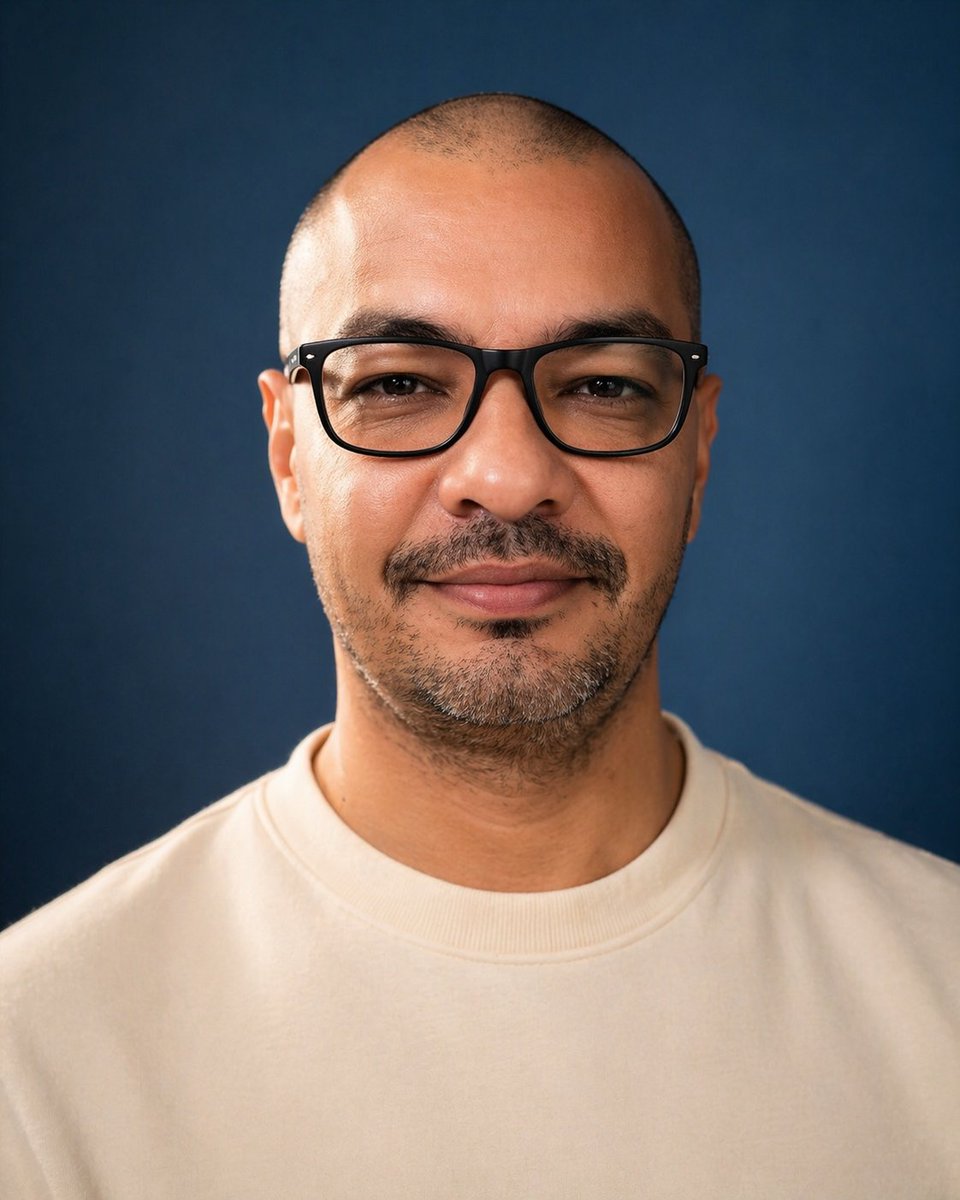
This prompt creates a realistic studio headshot with a large opaque block hiding the face, ideal for privacy visuals and anonymous avatars.
프롬프트 · EN
一张居中的摄影棚肖像照,拍摄对象为一名成年男性,取景范围从胸部上方至头顶,正对镜头,背景为平滑的深海军蓝色。他留着极短的寸头,双耳清晰可见,肤色为中等棕褐色,下巴和下颌线处有短促的深色胡茬,并带有淡淡的八字胡。让他穿着一件纯色米白色或奶油色圆领卫衣,无任何标志。采用柔和的专业摄影棚灯光,在头皮、耳朵、颈部和卫衣上形成柔和的高光,呈现逼真的皮肤纹理、浅景深以及干净的摄影质感。采用对称构图,头部靠近画面顶部,宽阔的肩膀填充下半部分,呈垂直肖像方向。在面部中心覆盖一个巨大的不透明矩形遮挡块,覆盖范围从前额到鼻部下方,横跨大部分面部宽度;将遮挡块设为平坦的柔和棕色调,边缘略微柔化,使面部特征完全被隐藏。
프롬프트 소개
This prompt creates a realistic studio headshot with a large opaque block hiding the face, ideal for privacy visuals and anonymous avatars. Use it as a 컨셉 아트 starting point for GPT Image 2: keep the visual structure and style constraints intact, then swap in your own subject, brand, or scene.
Start with small changes to subject, scene, camera, and color, then generate a few variations to compare composition and detail without turning the page copy into keyword stuffing.
이 프롬프트 사용법
- Copy the prompt to your clipboard.
- Paste it into Sora 2 or any AI image generator supporting text-to-image.
- (Optional) Modify details like clothing color, background, or block color if the model allows.
- Set aspect ratio to vertical portrait (e.g., 2:3 or 3:4) for best results.
- Generate and download your anonymous portrait.


