
GPT Image 2AI 프롬프트
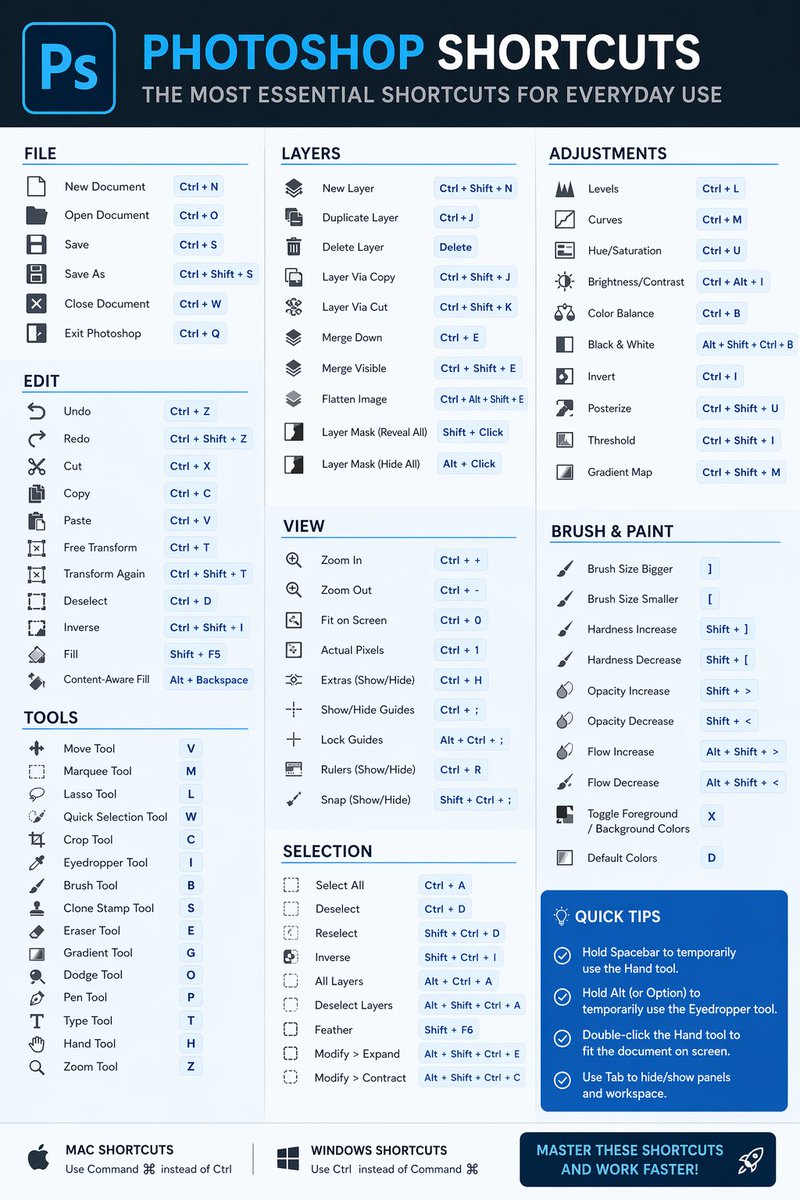
Essential Photoshop Shortcuts Infographic: Clean & Modern
Create a stylish shortcut cheat sheet for Photoshop (or any app) to boost your editing speed and efficiency with a clear, modern infographic.
프롬프트 · EN
制作一张简洁现代的信息图,展示 argsoftware: Photoshop 最核心的快捷键,排版清晰且易于阅读
프롬프트 소개
Create a stylish shortcut cheat sheet for Photoshop or any app to boost your editing speed and efficiency with a clear, modern infographic. Use it as a 컨셉 아트 starting point for GPT Image 2: keep the visual structure and style constraints intact, then swap in your own subject, brand, or scene.
Start by replacing software, then keep the camera, composition, and material cues in the same order. This makes the output easier to compare across variations.
이 프롬프트 사용법
- Copy the prompt text from the page.
- Paste it into your AI image generation tool, such as Sora 2, DALL·E, or Midjourney.
- Customize the
softwarevariable (default is "Photoshop") to any application name you prefer. - Run the generation to produce a clean, modern infographic of core shortcuts for that software.


