
GPT Image 2AI 프롬프트
Sassy Handwritten Instruction Manual — AI Prompt
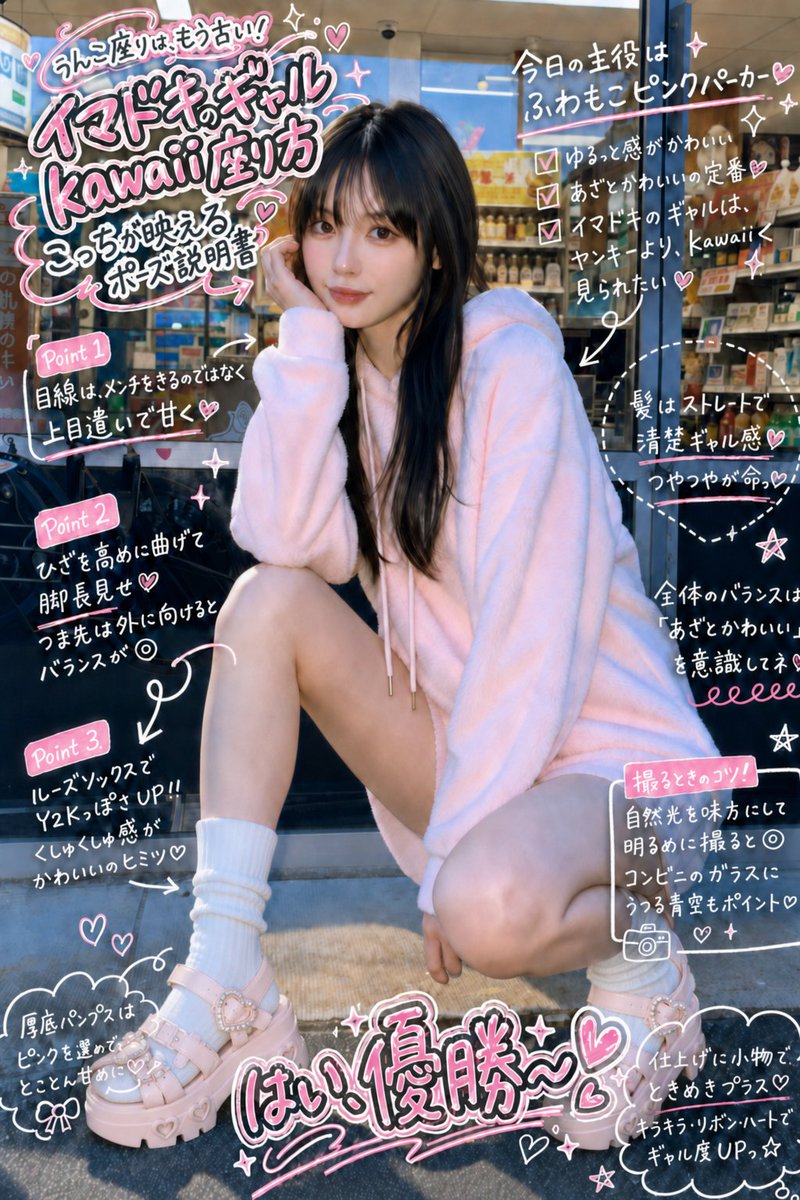
Transform any image into a trendy instruction manual with stylish handwritten annotations, custom lighting, and a polished border design.
프롬프트 · EN
将图像的光效更改为 arglighting: 自然日光。在不改变姿势的前提下,像在 argboard: 项目 上书写一样,使用带有边框的流行风格画笔在图像上进行标注,使其看起来像是一份 argcontent type: 说明书,并采用 arghandwriting style: 辣妹手写风格。
프롬프트 소개
Transform any image into a trendy instruction manual with stylish handwritten annotations, custom lighting, and a polished border design. Use it as a 컨셉 아트 starting point for GPT Image 2: keep the visual structure and style constraints intact, then swap in your own subject, brand, or scene.
Start by replacing lighting, board, content type, and handwriting style, then keep the camera, composition, and material cues in the same order. This makes the output easier to compare across variations.
이 프롬프트 사용법
- Copy this prompt into your preferred AI image generator (like Sora 2).
- Select the model you want to use for the generation.
- Customize the variables in curly braces
{}:lighting,board,content type, andhandwriting styleto fit your vision. - Generate the image to see your instruction manual come to life with personalized flair.


