
GPT Image 2AI 프롬프트
Editable PSD Layer Generator — Sora 2 Prompt
Generate a multi-layered, editable Photoshop file from any reference image by automatically isolating subjects, effects, and text onto separate layers.
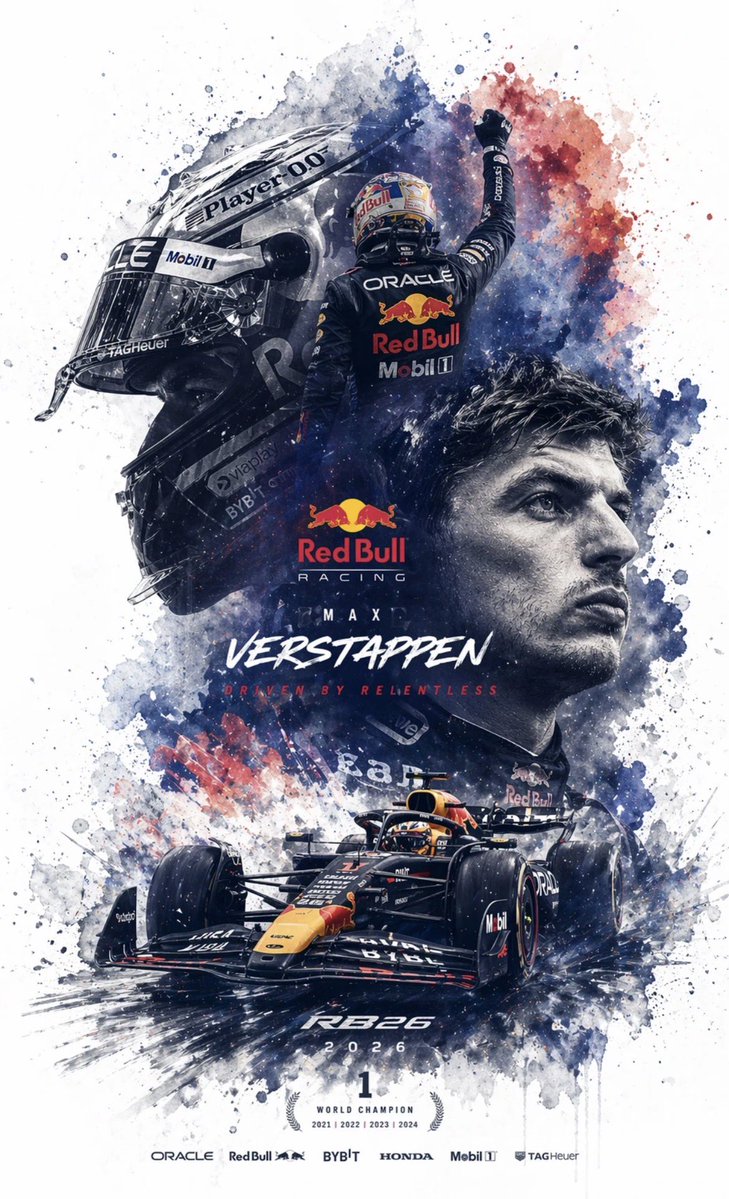
프롬프트 · EN
根据参考图像生成一个 argfile format: 可编辑的 Photoshop 分层 PSD 文件。请将图像分解为若干独立元素,且不改变其原始位置,并在 Photoshop 中生成相应的图层:1. 主体:使用图像生成工具创建无背景的 PNG,然后将其复制到对应的 Photoshop 图层中。2. 特效:如光效、装饰或氛围元素;同样生成无背景的 PNG 并复制到图层中。3. 文本:优先使用 Photoshop 原生文本工具调整字体、大小、颜色和样式;如果无法复刻字体,则生成无背景的 PNG 文本图像并放置在正确位置。4. 所有元素应与参考图像保持一致的位置、大小和层级关系。5. 最后,输出一个可以在 Photoshop 中打开并编辑的 PSD 文件。
프롬프트 소개
Generate a multi-layered, editable Photoshop file from any reference image by automatically isolating subjects, effects, and text onto separate layers. Use it as a 컨셉 아트 starting point for GPT Image 2: keep the visual structure and style constraints intact, then swap in your own subject, brand, or scene.
Start by replacing file format, then keep the camera, composition, and material cues in the same order. This makes the output easier to compare across variations.
이 프롬프트 사용법
- Copy this prompt into your AI image generation model (e.g., GPT-4o, GPT Image 2).
- Upload or specify your reference image.
- Adjust the 'file format' argument if you need a different output type.
- Run the prompt to generate the layered PSD structure.
- Download and open the output file in Adobe Photoshop for full editing.


