
GPT Image 2AI 프롬프트
Q-Style Character Fusion Sequence — Sora 2 Prompt
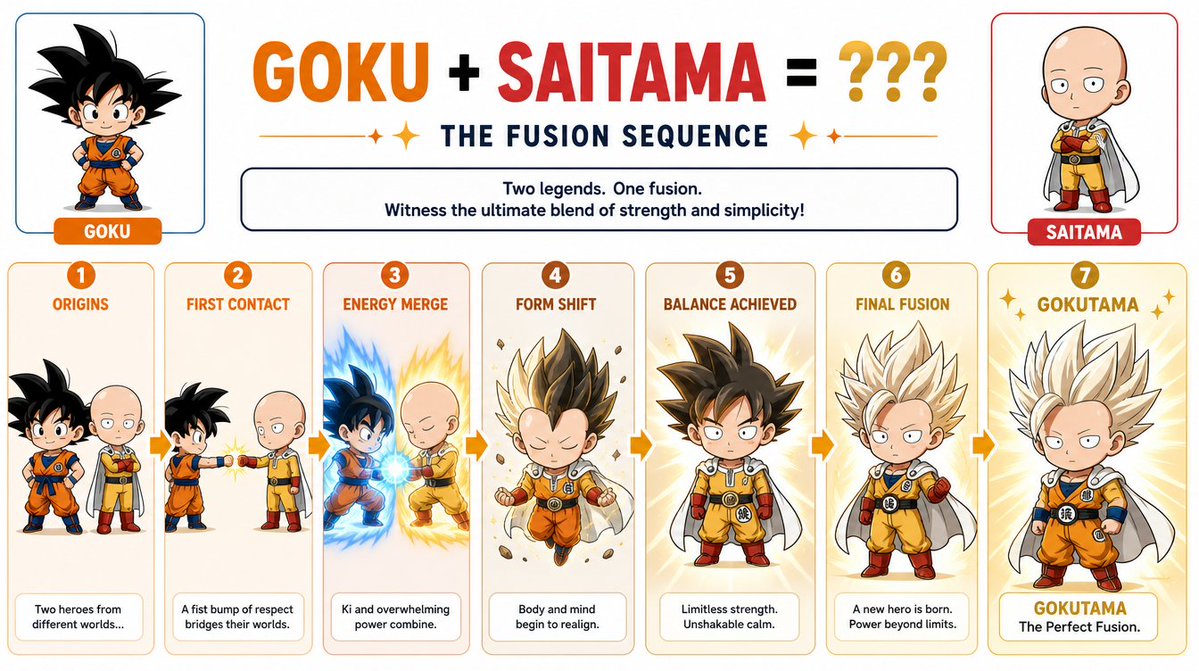
Generate a multi-stage chibi character fusion sequence combining two iconic heroes into one dynamic transformation with a clean layout.
프롬프트 · EN
创建一个 Q 版变身序列,展示 argfirst character: Goku 和 argsecond character: Saitama 之间的融合过程,包含多个阶段并采用简洁的布局。
프롬프트 소개
Generate a multi-stage chibi character fusion sequence combining two iconic heroes into one dynamic transformation with a clean layout. Use it as a 컨셉 아트 starting point for GPT Image 2: keep the visual structure and style constraints intact, then swap in your own subject, brand, or scene.
Start by replacing first character and second character, then keep the camera, composition, and material cues in the same order. This makes the output easier to compare across variations.
이 프롬프트 사용법
- Copy the prompt text and paste it into your AI model's input field.
- Choose a compatible model that supports sequence or animation generation.
- Replace the default character names (Goku, Saitama) with your desired pair.
- Adjust any style or stage details to match your creative vision.
- Generate the output and review the multi-stage fusion transformation.


