
GPT Image 2AI 프롬프트
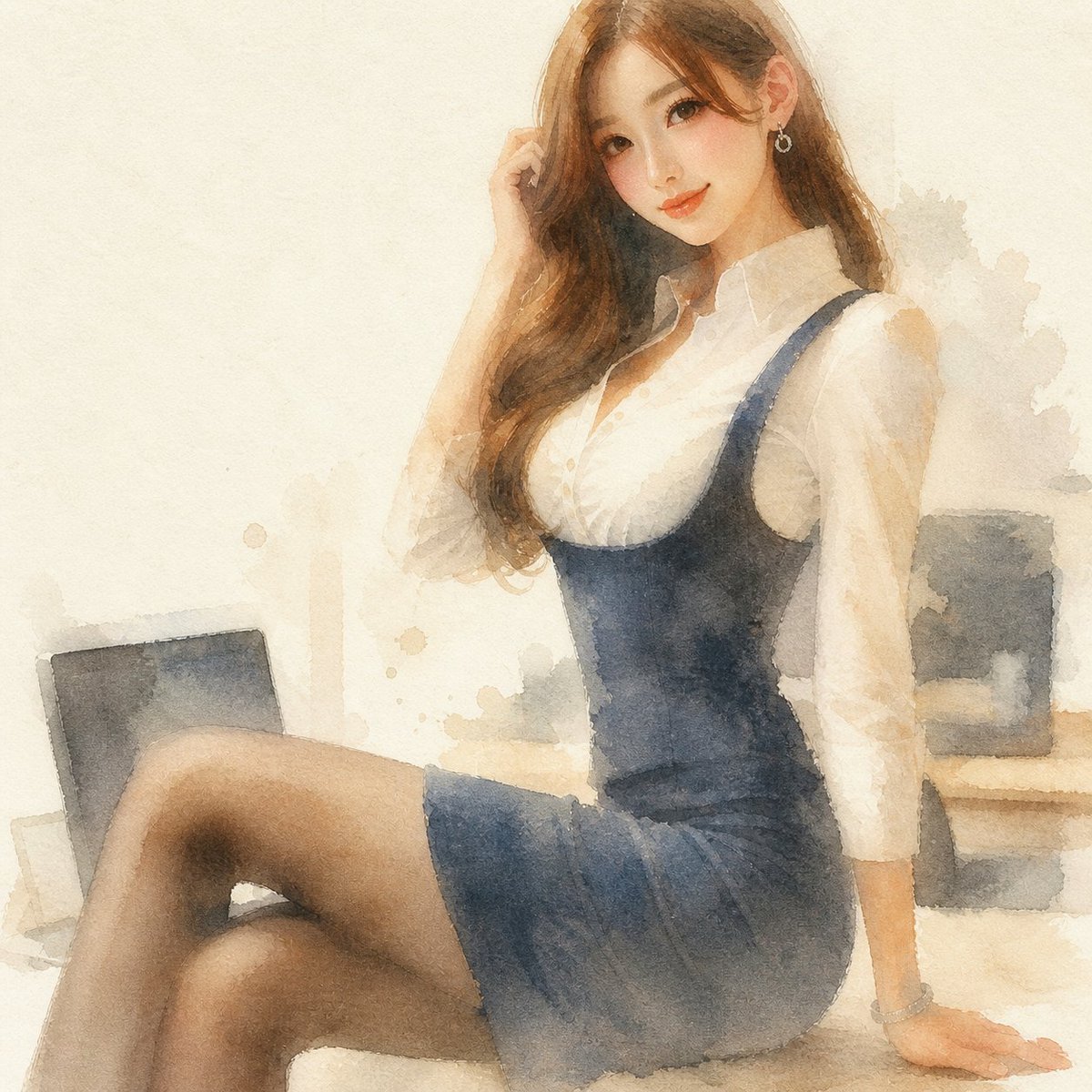
Reference Photo to Soft Watercolor — Sora 2 Prompt
Transform any portrait photo into a loose, translucent watercolor illustration with gentle color bleeding and a modern, anonymized aesthetic.
프롬프트 · EN
Using the provided reference image, regenerate the same composition as a soft modern watercolor illustration. Preserve the subject’s pose, outfit, proportions, cropped face anonymization, and office-window setting, but reinterpret everything with translucent washes, loose edges, granulating paper texture, muted warm beige lighting, gentle color bleeding, and lightly suggested background details instead of photorealism. Keep the image square and maintain the same overall framing.
프롬프트 소개
Transform any portrait photo into a loose, translucent watercolor illustration with gentle color bleeding and a modern, anonymized aesthetic. Use it as a 컨셉 아트 starting point for GPT Image 2: keep the visual structure and style constraints intact, then swap in your own subject, brand, or scene.
Start with small changes to subject, scene, camera, and color, then generate a few variations to compare composition and detail without turning the page copy into keyword stuffing.
이 프롬프트 사용법
- Copy the full prompt text from the page.
- Choose an image-to-image capable model like Sora 2 or Midjourney.
- Upload your reference portrait photo as the input image.
- Optionally adjust the lighting description (e.g., 'warm beige' to 'cool blue') or texture details.
- Generate and review, refining the prompt if the style wash is too heavy or light.


