Sora2 Hub
Sora2 Hub
  • 프롬프트 라이브러리
  • 가격
  • 쇼케이스
Sora2 Hub
Sora2 Hub
Sora2 Hub

Sora2 Hub

Sora 2, Veo 3.1, Nano Banana Pro로 구동되는 전문 AI 창작 플랫폼입니다. 고급 제어, HD 화질, 워터마크 없는 놀라운 동영상과 스튜디오급 이미지를 제작하세요.

Email:support@sora2hub.org

AI 비디오 생성

  • 텍스트에서 비디오
  • 이미지에서 비디오
  • Veo 3.1
  • Sora 2
  • Kling 3.0
  • Kling 2.6
  • Kling 2.5
  • Runway
  • Wan 2.6
  • Seedance 2.0
  • Hailuo 2.3
  • Grok Imagine
  • HappyHorse-1.0

AI 이미지 생성기

  • 텍스트에서 이미지
  • 이미지에서 이미지
  • Nano Banana Pro
  • Nano Banana
  • 4o Image
  • Flux Kontext
  • Z Image
  • Seedream 4.5
  • Seedream 5.0 Lite
  • Nano Banana 2
  • GPT Image 2
  • AI 이미지 업스케일러

AI 효과

  • AI 나이 필터
  • AI 성별 변환
  • AI 키스
  • AI 허그
  • 지브리 이미지
  • AI 인어 필터
  • AI 바디쉐이크
  • 스마일 필터
  • AI 뚱뚱하게
  • 액션 피규어

제품

  • 기능
  • 쇼케이스
  • 가격

회사

  • 소개
  • 문의

© 2025 • Sora2 Hub ORG 모든 권리 보유.

  • 개인정보 처리방침
  • 서비스 약관
  • 환불 정책
  1. 홈
  2. /
  3. 프롬프트
  4. /
  5. GPT Image 2
  6. /
  7. Vertical Lightning VFX — 5-Bolt Storm Overlay
GPT Image 2AI 프롬프트

Vertical Lightning VFX — 5-Bolt Storm Overlay

Generate a high-res, black-background lightning VFX overlay with five vertical bolts, perfect for gaming, film compositing, and visual effects work.
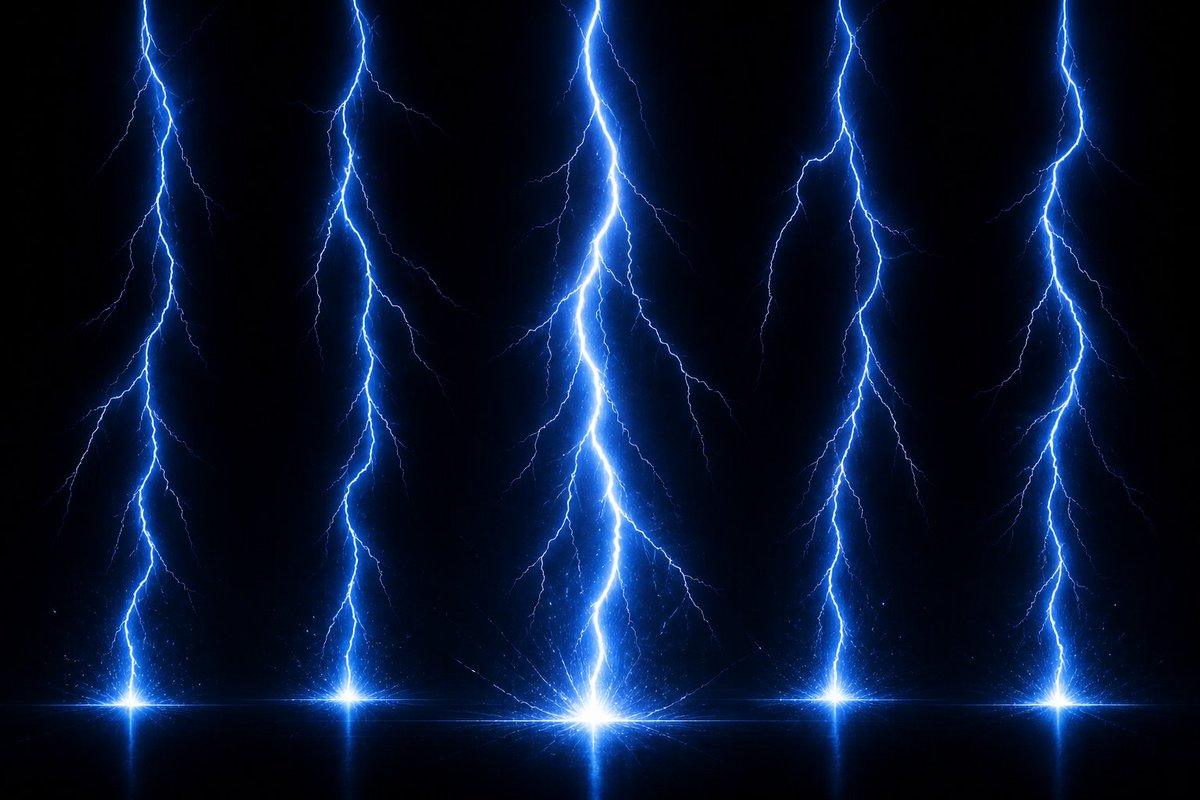
Vertical Lightning VFX — 5-Bolt Storm Overlay
프롬프트 · EN
创建一个高分辨率的 argeffect type: 电闪雷鸣 VFX 素材,背景为纯黑色(呈现透明感),旨在用作游戏或合成特效图。展示 5 条从顶部边缘延伸到底部的独立垂直闪电柱:一条靠近最左侧,一条位于左中,一条位于中心(最大且最亮),一条位于右中,一条靠近最右侧。每条闪电都有锯齿状的分支主闪电,颜色为强烈的 arglightning color: 电光蓝,核心呈白热色,并带有向外扩散的细小分支以及柔和的蓝色光晕。在每条闪电的底部,添加一个明亮的星爆冲击点,置于一条微妙的水平发光线上,并带有微弱的火花、细小的粒子散射以及冲击点下方轻微的镜像反射。使中心闪电成为最高、最粗、最亮的视觉焦点,其余四条闪电略窄且均匀分布。采用戏剧性的暗黑风暴能量外观,高对比度,清晰的分支细节,发光光环,体积光,无文字,无角色,无场景,无边框,16:9 宽屏构图,适合作为视觉特效素材进行叠加使用。

프롬프트 소개

Generate a high-res, black-background lightning VFX overlay with five vertical bolts, perfect for gaming, film compositing, and visual effects work. Use it as a 컨셉 아트 starting point for GPT Image 2: keep the visual structure and style constraints intact, then swap in your own subject, brand, or scene.

Start by replacing effect type and lightning color, then keep the camera, composition, and material cues in the same order. This makes the output easier to compare across variations.

이 프롬프트 사용법

  1. Copy the full prompt into your AI video or image generation tool.
  2. Select a model that supports high-resolution VFX output (e.g., Sora 2 or similar).
  3. Customize the effect type and lightning color variables to match your creative vision.
  4. Generate the asset in 16:9 widescreen and download the transparent-background result.
  5. Import the footage into your editing software and use it as a blend-mode overlay on your scene.
FAQ

LUCY

@luxaios→

게시일
2026년 5월 15일
원본 언어
EN
모델
GPT Image 2
카테고리
컨셉 아트
GPT Image 2컨셉 아트gpt-image-2twitter
조회
1.1K
복사
83
좋아요
42

공유

GPT Image 2의 더 많은 프롬프트

전체 보기
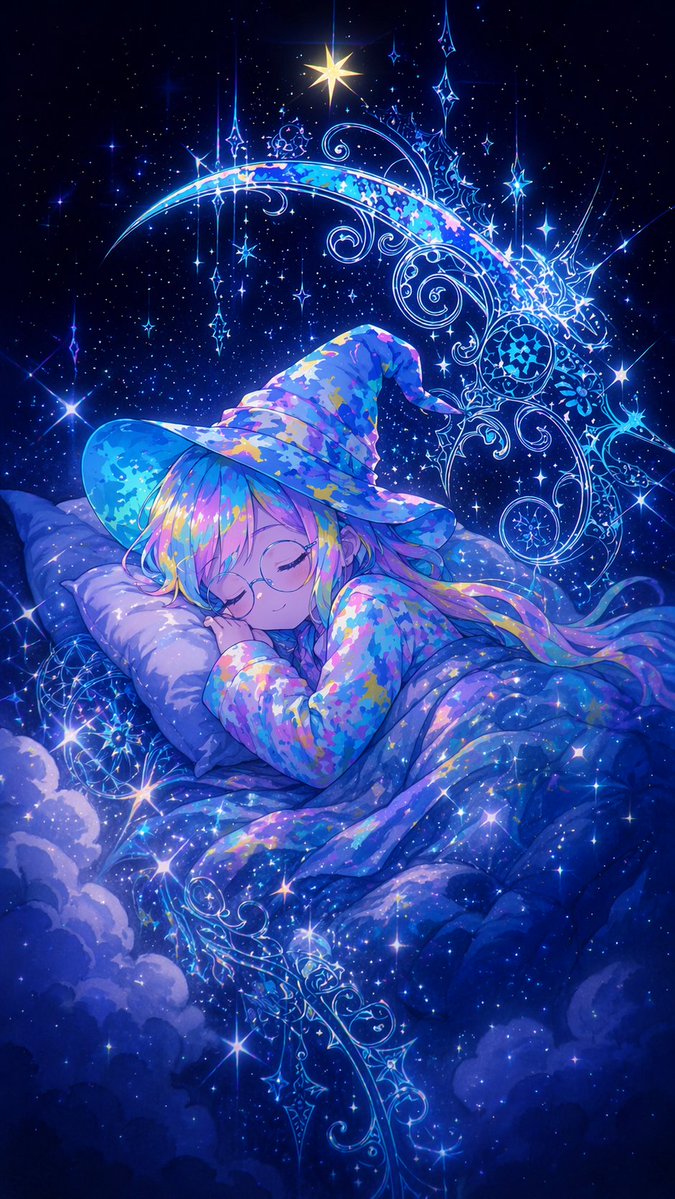
Sleeping Anime Star Witch — Dreamy Cosmic Sora 2 Prompt

Sleeping Anime Star Witch — Dreamy Cosmic Sora 2 Prompt

@prompts
Graphic Novel Ink Splash Portrait — Sora 2 Prompt

Graphic Novel Ink Splash Portrait — Sora 2 Prompt

@iamsofiaijaz
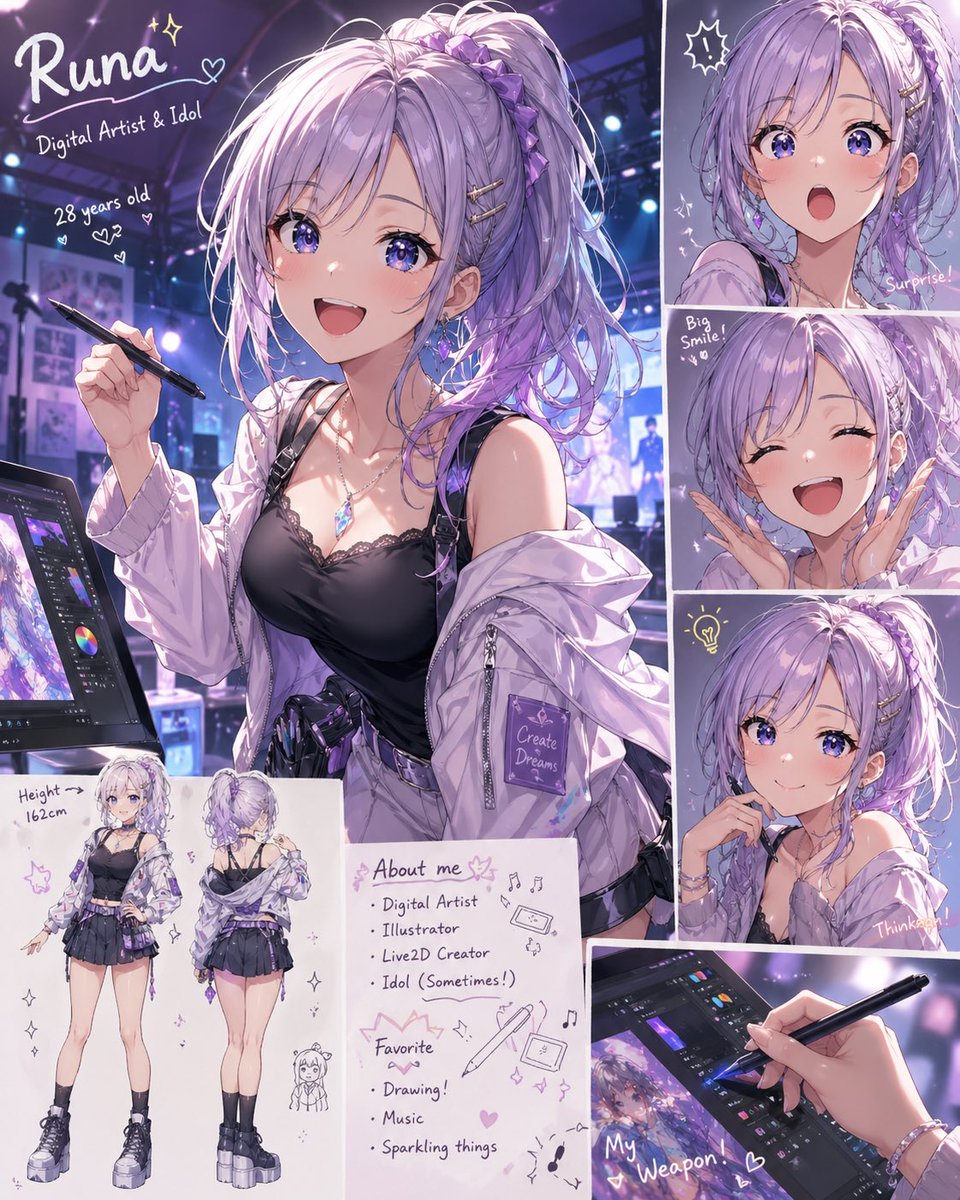
Anime Idol Profile Page — Lavender Art Style Prompt

Anime Idol Profile Page — Lavender Art Style Prompt

@uzuyanurp

Sora2Hub 프롬프트로 더 빠르게 제작하세요.

검색 가능한 프롬프트 페이지에서 시작해 적합한 모델 컨텍스트로 바로 생성하세요.

프롬프트 탐색