
WeChat Chat Screenshot with Smudges & Glare — Sora 2 Prompt
Generate a hyper-realistic smartphone photo showing a WeChat chat with Chinese dialogue, smudges, and glare, perfect for testing AI photorealism.
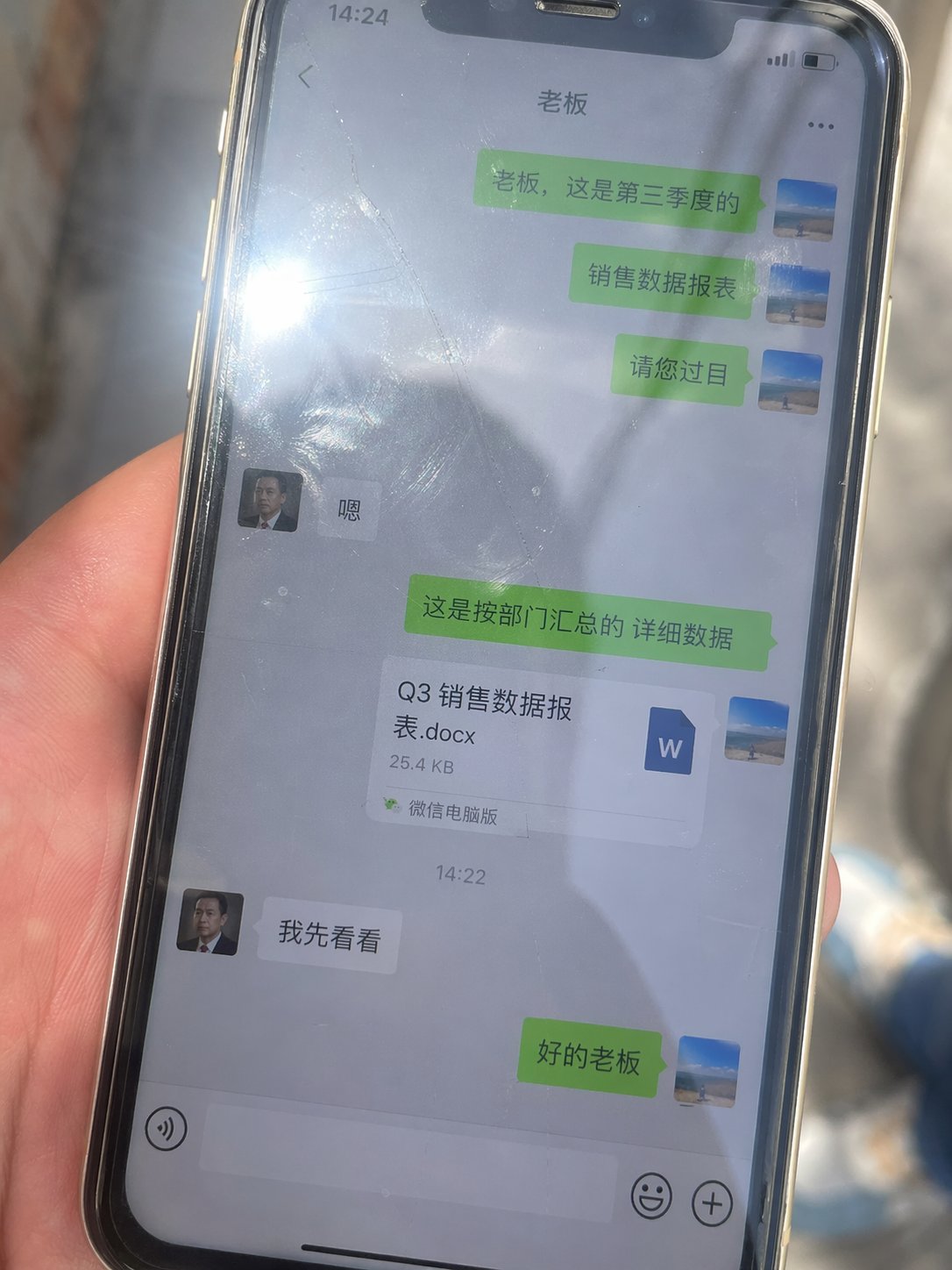
Generate an image, aspect ratio 3:4. A real-life smartphone photo, with the phone screen displaying a WeChat chat interface in Chinese dialogue, featuring chat bubbles and a Word document attachment. The interface has green and gray bubbles. The screen shows obvious fingerprints, smudges, and scratches. The glass has strong reflections and a direct light source creating glare. The frame is slightly tilted, handheld shot, natural ambient light, imperfect composition, strong sense of realism, casual everyday snapshot, high detail, 4K. The dialogue is between a boss and an employee: the employee sends a file to the boss, and the boss replies that they will take a look first.
프롬프트 소개
Generate a hyper-realistic smartphone photo showing a WeChat chat with Chinese dialogue, smudges, and glare, perfect for testing AI photorealism. Use it as a 컨셉 아트 starting point for GPT Image 2: keep the visual structure and style constraints intact, then swap in your own subject, brand, or scene.
Common directions include ui/ux & social media. Treat these tags as creative cues; the prompt structure and preview image are the more useful guide.
Start with small changes to subject, scene, camera, and color, then generate a few variations to compare composition and detail without turning the page copy into keyword stuffing.
이 프롬프트 사용법
- Copy the prompt text from the page.
- Paste it into your AI image generator (e.g., Sora, Midjourney, Stable Diffusion).
- Adjust the aspect ratio to 3:4 if your tool requires it.
- Optionally tweak the dialogue content or file attachment type.
- Generate and iterate to refine the realism of imperfections like fingerprints and reflections.


