
GPT Image 2AI 프롬프트
Unboxing Video Thumbnail — GPT-Image-2 Prompt
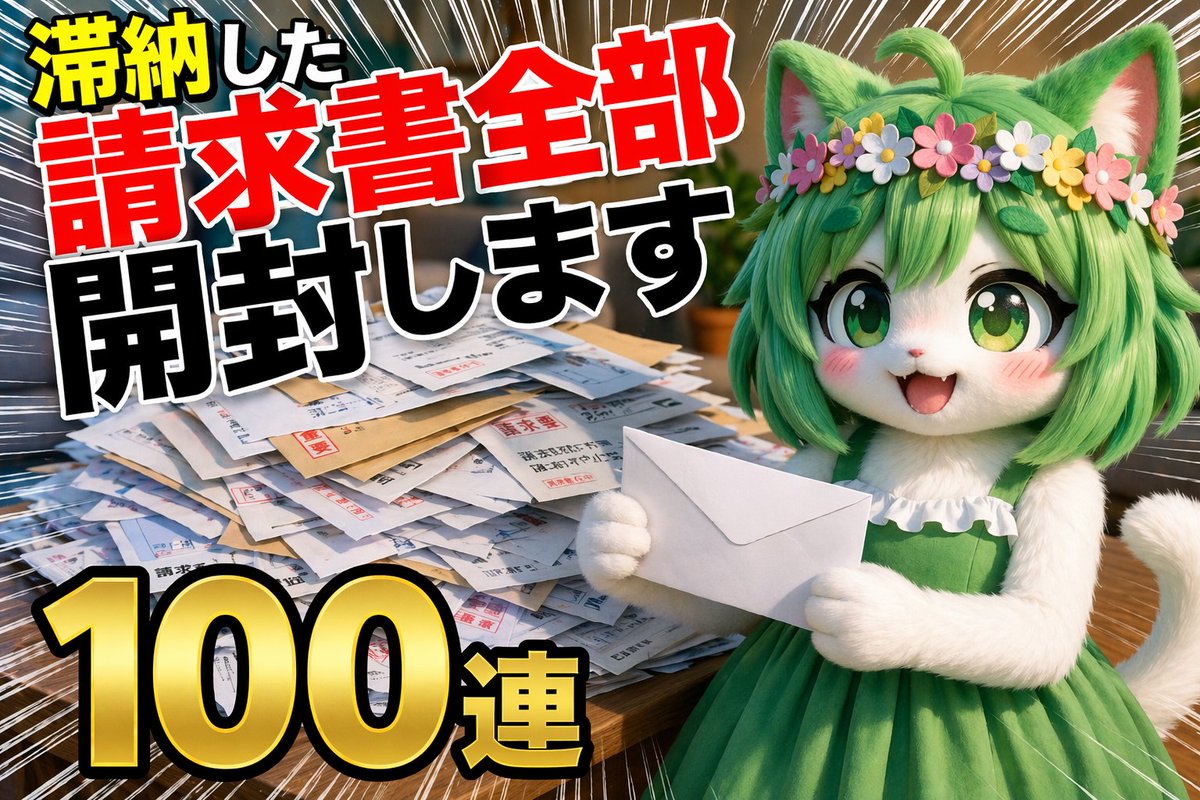
Generate a funny or dramatic YouTube thumbnail for an unboxing video of overdue bills or other quirky themes.
프롬프트 · EN
Thumbnail for a YouTube unboxing video, a video of argtopic: opening all overdue bills, argquantity: 100 in a row
프롬프트 소개
Generate a funny or dramatic YouTube thumbnail for an unboxing video of overdue bills or other quirky themes. Use it as a 컨셉 아트 starting point for GPT Image 2: keep the visual structure and style constraints intact, then swap in your own subject, brand, or scene.
Common directions include gptimage2api prompts, gptimage2api, and ja. Treat these tags as creative cues; the prompt structure and preview image are the more useful guide.
Start by replacing topic and quantity, then keep the camera, composition, and material cues in the same order. This makes the output easier to compare across variations.
이 프롬프트 사용법
- Copy the prompt text from the page.
- Paste it into an AI image model like GPT-Image-2.
- Replace the
topicandquantityvariables with your specific theme (e.g., "my mail", "50 in a row"). - Generate the image.
- Download and use the thumbnail for your video.


