
3D Integrated Bridge Text — Cinematic Perspective Prompt
Generate dramatic, perspective-warped typography seamlessly integrated onto a sea-crossing bridge with cinematic lighting and depth.
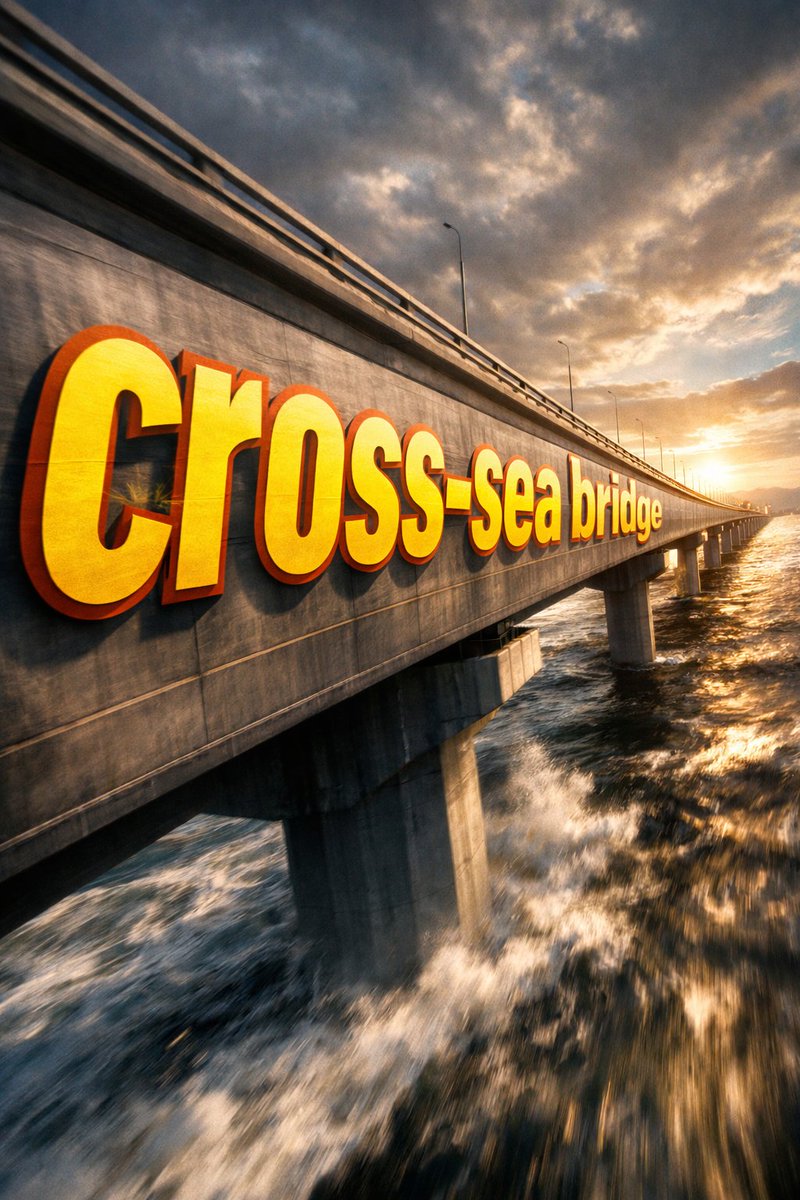
① Scene argscene description: side of a sea-crossing bridge, dramatic cinematic angle. Giant bold sans-serif text "___② Text content argtext content: Sea-crossing Bridge" painted onto the surface of ___③ Subject: None, progressively foreshortens from the front near the lens to the far end. Letterforms conform to surface curvature, surface-integrated not floating. Some areas of text are occluded by ___④ Foreground objects: None, exposed in gaps to create depth-layering. argtext color and style: Oversized bright yellow + sharp orange outline, extreme perspective distortion aligned to vanishing point. Cinematic lighting, motion blur, poster-grade dynamic integrated typography.
Sobre este prompt
Generate dramatic, perspective-warped typography seamlessly integrated onto a sea-crossing bridge with cinematic lighting and depth. Use it as a Arte Conceitual starting point for GPT Image 2: keep the visual structure and style constraints intact, then swap in your own subject, brand, or scene.
Common directions include gptimage2api prompts, gptimage2api, and zh. Treat these tags as creative cues; the prompt structure and preview image are the more useful guide.
Start by replacing scene description, text content, and text color and style, then keep the camera, composition, and material cues in the same order. This makes the output easier to compare across variations.
Como usar este prompt
- Copy the entire prompt template.
- Select an advanced AI image generator (like Sora 2).
- Customize the
scene,text content, andtext stylearguments. - Generate the image for a dynamic, poster-grade result.


