Sora2 Hub
Sora2 Hub
  • Biblioteca de Prompts
  • Preços
  • Vitrine
Sora2 Hub
Sora2 Hub
Sora2 Hub

Sora2 Hub

Plataforma de criação profissional de IA impulsionada por Sora 2, Veo 3.1 e Nano Banana Pro. Crie vídeos impressionantes e imagens de qualidade de estúdio com controle avançado, qualidade HD e sem marcas d'água.

Email:support@sora2hub.org

Gerador de Vídeo IA

  • Texto para Vídeo
  • Imagem para Vídeo
  • Veo 3.1
  • Sora 2
  • Kling 3.0
  • Kling 2.6
  • Kling 2.5
  • Runway
  • Wan 2.6
  • Seedance 2.0
  • Hailuo 2.3
  • Grok Imagine
  • HappyHorse-1.0
  • HappyHorse 1.1
  • Kling 3.0 Turbo
  • Volcengine Video-to-Video Lip Sync
  • OmniHuman 1.5
  • Grok Imagine Video 1.5
  • Gemini Omni
  • Wan 2.7 Video
  • Seedance 2.0 Mini

Gerador de Imagens IA

  • Texto para Imagem
  • Imagem para Imagem
  • Nano Banana Pro
  • Nano Banana
  • 4o Image
  • Flux Kontext
  • Z Image
  • Seedream 4.5
  • Seedream 5.0 Lite
  • Nano Banana 2
  • GPT Image 2
  • Ampliador de Imagem IA
  • Seedream 5.0 Pro
  • Nano Banana 2 Lite
  • Qwen Image 2.0

Efeitos IA

  • Filtro de Idade IA
  • Troca de Gênero IA
  • Beijo IA
  • Abraço IA
  • Imagem Ghibli
  • Filtro Sereia IA
  • Tremor Corporal IA
  • Filtro de Sorriso
  • Gordo IA
  • Boneco de Ação

Produto

  • Recursos
  • Vitrines
  • Preços

Empresa

  • Sobre
  • Contato

© 2025 • Sora2 Hub ORG Todos os direitos reservados.

  • Política de Privacidade
  • Termos de Serviço
  • Política de Reembolso
  1. Início
  2. /
  3. Prompts
  4. /
  5. GPT Image 2
  6. /
  7. AI Retirement Planning Boundaries — Chinese Infographic Prompt
GPT Image 2Prompt de IA

AI Retirement Planning Boundaries — Chinese Infographic Prompt

Generate a clean academic journal-style Chinese infographic that examines the boundaries of AI in retirement planning, perfect for business education and thought leadership visuals.
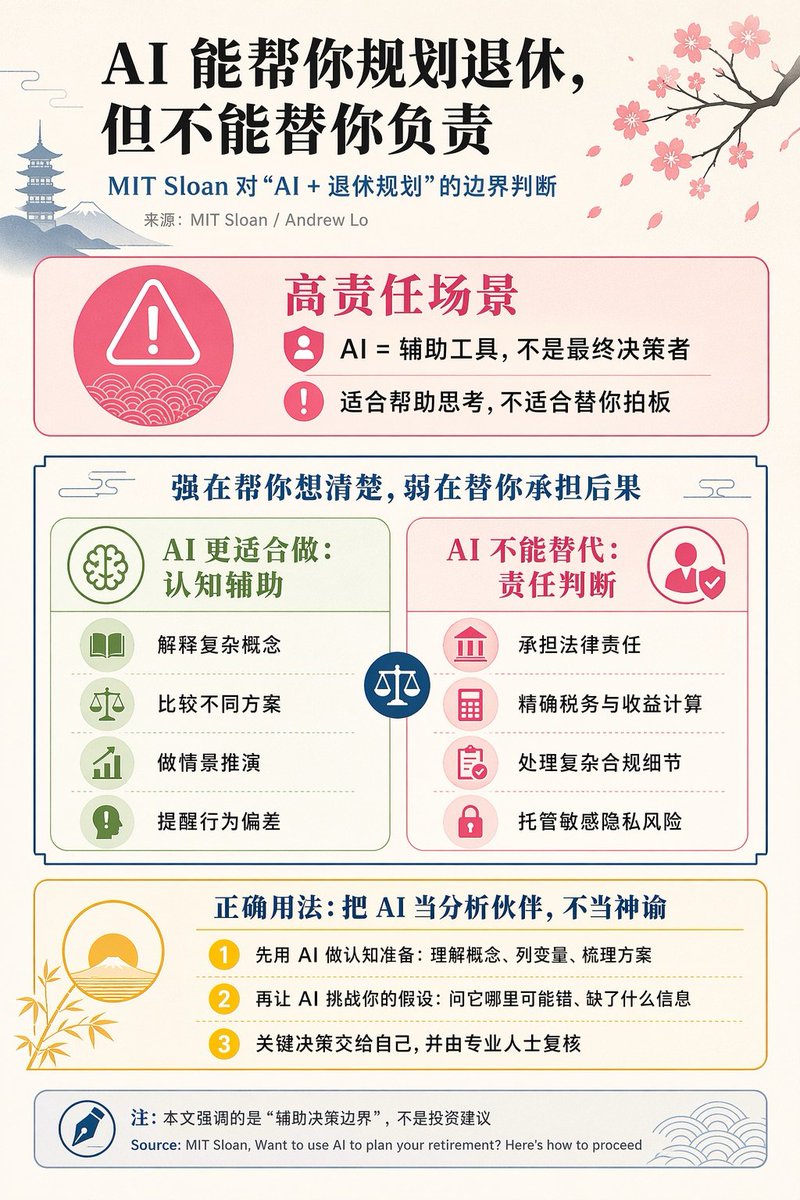
AI Retirement Planning Boundaries — Chinese Infographic Prompt
PROMPT · EN
type
编辑类中文信息图海报
topic
AI 与退休规划的边界
style
简洁的学术杂志信息图风格,扁平化矢量图标,柔和纹理的米白色纸张背景,平衡的中文编辑排版,极简的日式装饰元素
canvas
orientation
portrait
aspect_ratio
3:4
palette
background
暖象牙白
primary_text
黑色
secondary_text
深蓝色
accent_red
玫瑰粉
accent_green
柔和橄榄绿
accent_yellow
金黄色
accent_blue
海军蓝
line_color
柔和灰蓝色
headline
text
{argument name="headline text" default="AI 能帮你规划退休,但不能替你负责"}
position
左上角
font
粗体中文衬线体或宋体标题字
large
true
subheadline
text
MIT Sloan 对“AI + 退休规划”的边界判断
position
标题下方
color
深蓝色
font
粗体中文无衬线体
source_line
text
来源:MIT Sloan / Andrew Lo
position
副标题下方
color
灰色
layout
sections
item 1
title
高责任场景
position
中上部
count
2
shape
带粉色边框和淡粉色填充的圆角矩形
icon_count
3
labels
item 1
AI = 辅助工具,不是最终决策者
item 2
适合帮助思考,不适合替你拍板
left_icon
圆圈内的大型粉色警告三角形,背景为波浪纹
item_icons
item 1
人员徽章
item 2
感叹号
item 2
title
强在帮你想清楚,弱在替你承担后果
position
中心
count
2
shape
大型框架对比面板
subsections
item 1
title
AI 更适合做:认知辅助
position
左侧
count
4
color
绿色
labels
item 1
解释复杂概念
item 2
比较不同方案
item 3
做情景推演
item 4
提醒行为偏差
icons
item 1
书本
item 2
天平
item 3
上升图表
item 4
对话框中的感叹号
item 2
title
AI 不能替代:责任判断
position
右侧
count
4
color
粉红色
labels
item 1
承担法律责任
item 2
精确税务与收益计算
item 3
处理复杂合规细节
item 4
托管敏感隐私风险
icons
item 1
法院
item 2
计算器
item 3
剪贴板
item 4
锁
center_icon
带白色天平的蓝色圆圈
item 3
title
正确用法:把 AI 当分析伙伴,不当神谕
position
中下部
count
3
shape
带黄色边框和淡奶油色填充的圆角矩形
labels
item 1
先用 AI 做认知准备:理解概念、列变量、梳理方案
item 2
再让 AI 挑战你的假设:问它哪里可能错、缺了什么信息
item 3
关键决策交给自己,并由专业人士复核
left_illustration
竹叶背景下,旭日东升的简约景观
step_markers
三个黄色数字圆圈:1, 2, 3
item 4
title
注:本文强调的是“辅助决策边界”,不是投资建议
position
底部
count
1
shape
带灰蓝色边框的圆角矩形
labels
item 1
Source: MIT Sloan, Want to use AI to plan your retirement? Here’s how to proceed
left_icon
圆圈内的蓝色钢笔尖
right_decoration
灰蓝色波浪纹
decorations
count
5
items
item 1
右上角带有粉色花朵和落瓣的樱花枝
item 2
左上角宝塔剪影
item 3
左上角远山剪影
item 4
对比部分上角附近的小云纹
item 5
圆形图标和右下角页脚内的精致波浪纹
composition
留白充足,除底部英文来源行外,所有文本均为中文,从标题到彩色内容框具有强烈的层级感,中间采用对称对比布局,适合社交媒体发布的精美信息图
rendering
清晰的矢量信息图,文字锐利,带有细微纸张纹理,非写实风格

Sobre este prompt

Generate a clean academic journal-style Chinese infographic that examines the boundaries of AI in retirement planning, perfect for business education and thought leadership visuals. Use it as a Arte Conceitual starting point for GPT Image 2: keep the visual structure and style constraints intact, then swap in your own subject, brand, or scene.

This prompt is organized as structured JSON with fields such as type, topic, style, canvas, palette, headline, and subheadline. Keeping that hierarchy helps the model separate the subject, layout, interface elements, and detail constraints.

Start with small changes to subject, scene, camera, and color, then generate a few variations to compare composition and detail without turning the page copy into keyword stuffing.

Como usar este prompt

  1. Copy the prompt from this page.
  2. Use an AI model like Midjourney or DALL·E that can generate detailed infographics.
  3. Optionally replace the {argument} placeholder in the headline with your own text.
  4. Run the prompt and download your image.
FAQ

S Li

@YanyuRensheng→

Publicado
25 de abr. de 2026
Idioma original
EN
Modelo
GPT Image 2
Categoria
Arte Conceitual
GPT Image 2Arte Conceitualgpt-image-2twitter
Visualizações
3.0K
Cópias
441
Curtidas
153

Compartilhar

Mais de GPT Image 2

Ver tudo
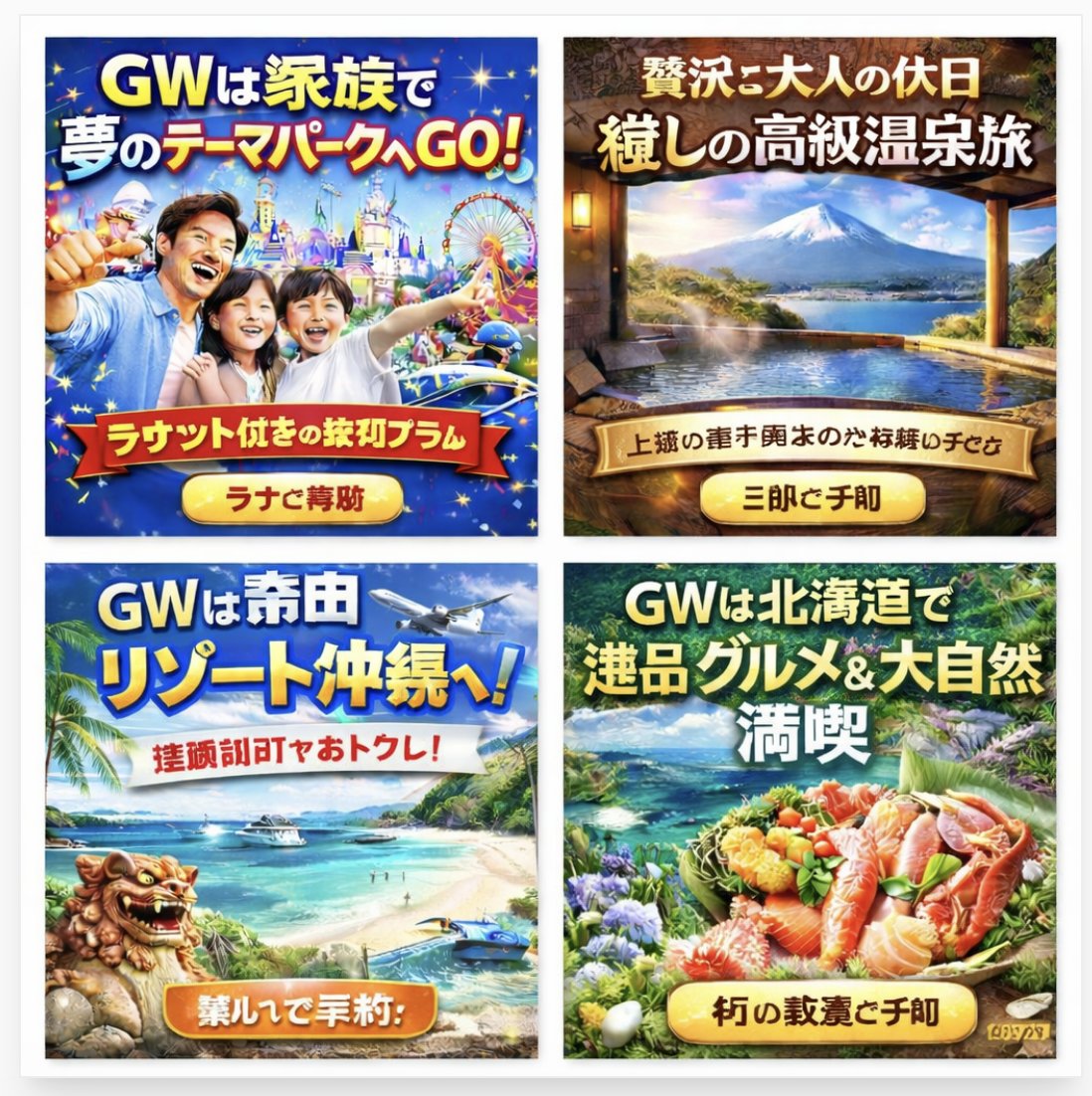
AI-Generated Japanese Travel Ad Grid — Sora Prompt

AI-Generated Japanese Travel Ad Grid — Sora Prompt

@jblogpham
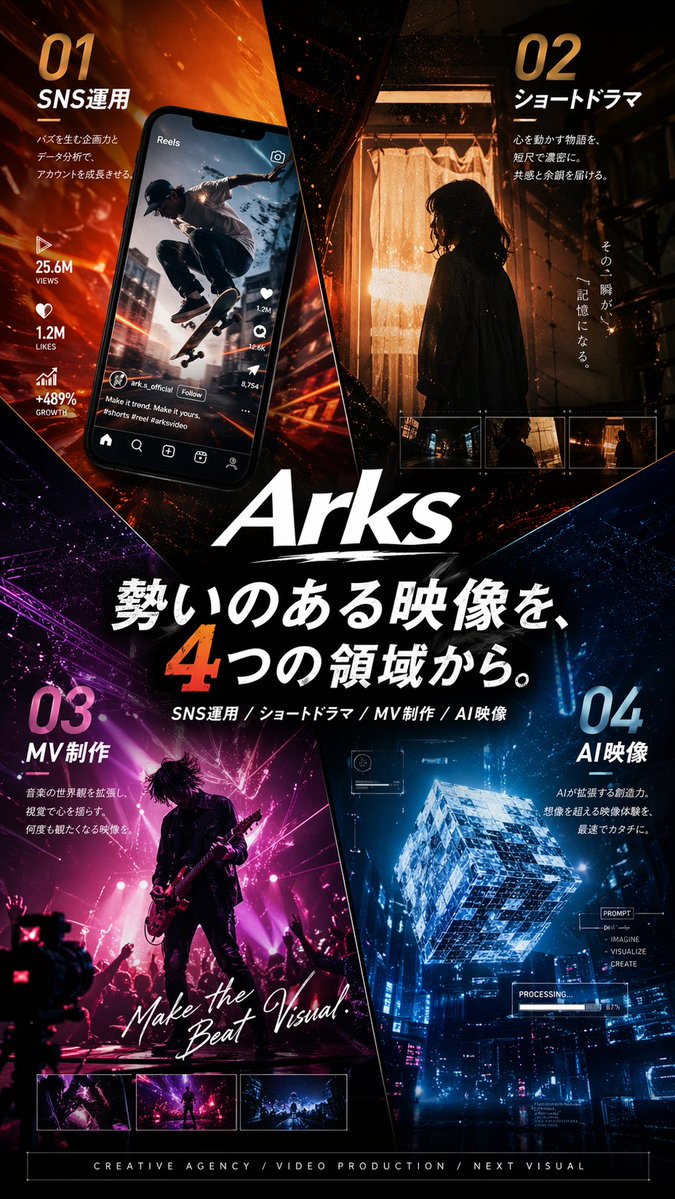
Japanese Cinematic Poster Prompt — 4-Panel Agency Ad

Japanese Cinematic Poster Prompt — 4-Panel Agency Ad

@kantamizutamari
Cozy Anime Cat Holiday Bedroom — Sora 2 Prompt

Cozy Anime Cat Holiday Bedroom — Sora 2 Prompt

@miya_space

Crie mais rápido com prompts Sora2Hub.

Use páginas de prompts curadas como entradas pesquisáveis e pule direto para geração com o contexto certo do modelo.

Explorar prompts