
GPT Image 2Prompt de IA
Create Realistic Nanoblock Figure Photos — Sora 2 Prompt
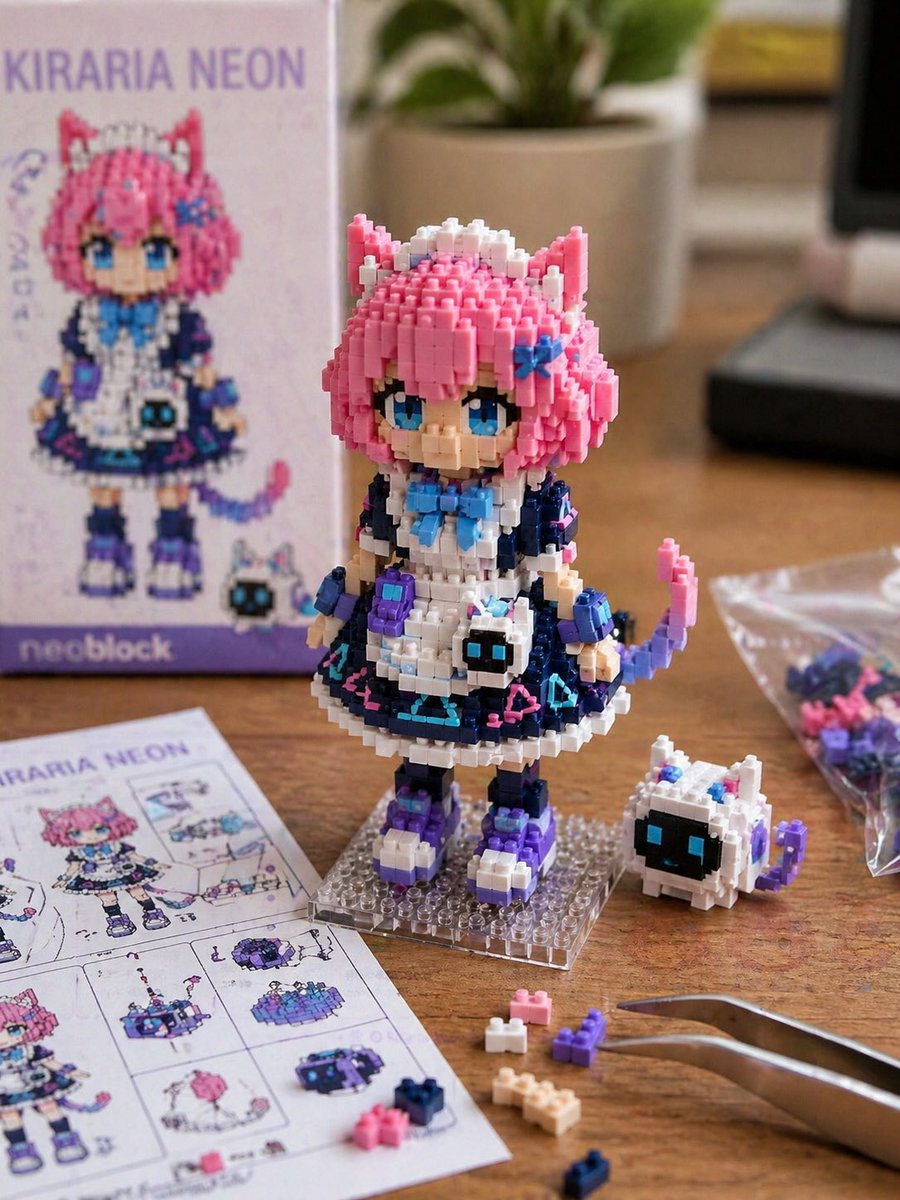
Generate ultra-detailed macro shots of custom Nanoblock character toys on a workbench, with plastic textures and assembly tools — perfect for collectors.
1 / 2
PROMPT · EN
一张以 argmotif: 角色名称或参考图 为主题的实拍风格 Nanoblock 微型积木创作照片。 利用精细的积木块,以 Q 版变形的方式还原参考图中角色的特征。将发型、发色、瞳色、耳朵、服装配色、配饰以及标志性的小物件融入到积木造型中。注意,它看起来不应像插画,而应像一个实际组装完成的小型积木玩具。 该角色为小型人偶尺寸,放置在桌面上。可以看到积木的棱角、阶梯感、凹凸感、塑料光泽以及细微的拼装缝隙。在旁边放置多余的积木零件、组装说明书、透明小袋和镊子。 背景为简洁的室内工作台。采用自然光或柔和的摄影棚灯光。浅景深,微距摄影,写实纹理,产品摄影风格。高清晰度,真实感,微缩模型感,可爱,收藏品氛围。 3:4。
Sobre este prompt
Generate ultra-detailed macro shots of custom Nanoblock character toys on a workbench, with plastic textures and assembly tools — perfect for collectors. Use it as a Arte Conceitual starting point for GPT Image 2: keep the visual structure and style constraints intact, then swap in your own subject, brand, or scene.
Start by replacing motif, then keep the camera, composition, and material cues in the same order. This makes the output easier to compare across variations.
Como usar este prompt
- Copy the prompt into your AI image generator (Sora, Midjourney, DALL·E, etc.).
- Replace
{motif}with your character's name or a detailed reference description. - Fine-tune lighting and background keywords if you want a different studio setup.
- Generate and review the output; re-roll or strengthen photorealism terms as needed.
- For best results, use a model that excels at macro product photography.


