
GPT Image 2Prompt de IA
X-Ray Blueprint: Ultra-Detailed Cross-Section — Sora 2 Prompt
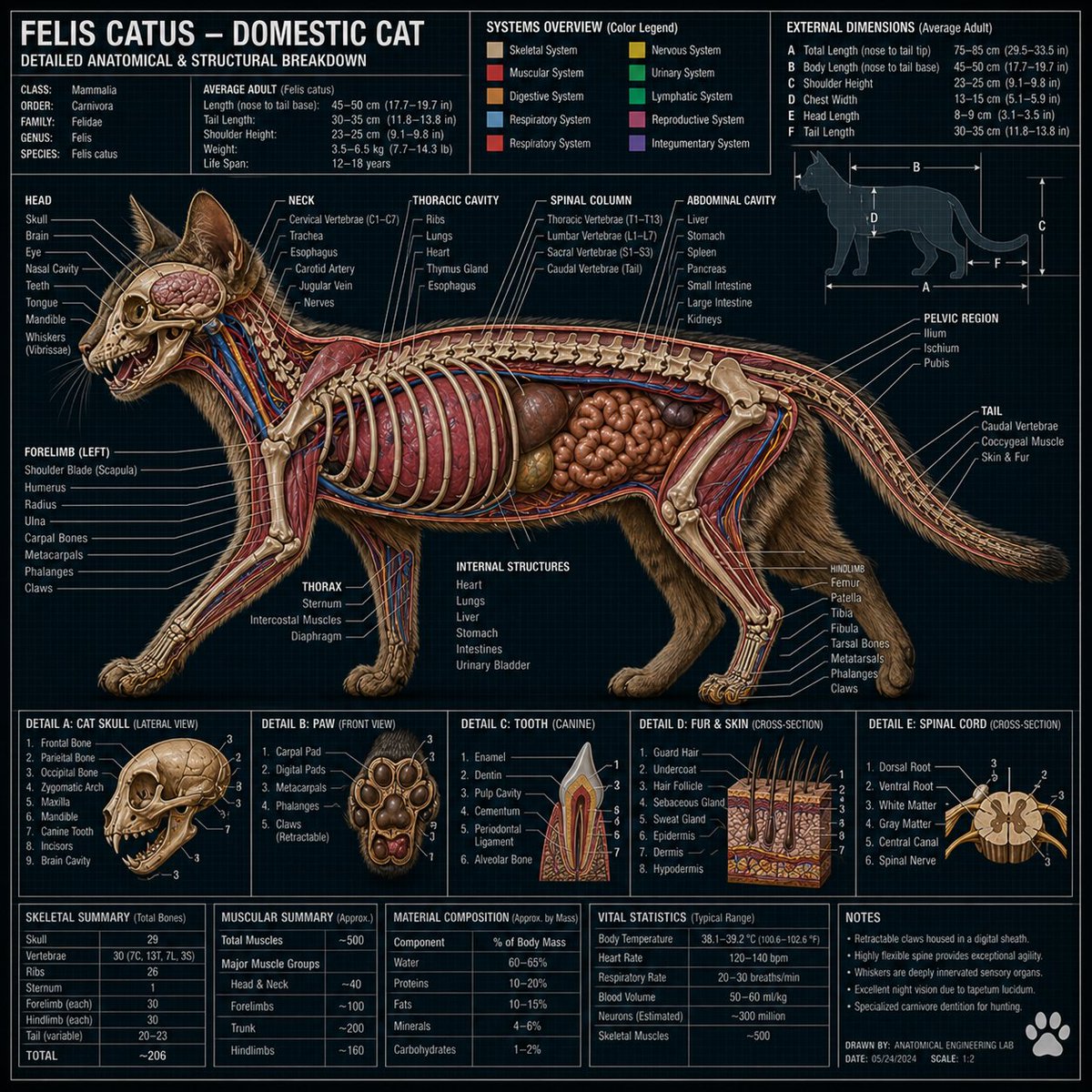
Generate detailed technical cross-section illustrations with a dark engineering blueprint style, featuring labeled components and photorealistic rendering.
1 / 2
PROMPT · EN
对 argobject: [在此输入对象] 进行超精细的技术剖面图渲染,采用深色工程蓝图风格。剖视图精确展示了所有内部组件、层级和机械结构。每个部件均配有清晰的白色标注线、说明框和技术参数。顶部包含标题栏、材料/组件图例、尺寸规格,以及展示关键部分特写的微型细节插图。风格:专业技术插图与照片级真实感渲染相结合。布局密集,信息丰富。无留白。比例 1:1。
Sobre este prompt
Generate detailed technical cross-section illustrations with a dark engineering blueprint style, featuring labeled components and photorealistic rendering. Use it as a Arte Conceitual starting point for GPT Image 2: keep the visual structure and style constraints intact, then swap in your own subject, brand, or scene.
Start by replacing object, then keep the camera, composition, and material cues in the same order. This makes the output easier to compare across variations.
Como usar este prompt
- Copy the prompt from sora2hub.com.
- Paste it into your AI image generator (e.g., Sora 2, Midjourney, DALL·E).
- Replace
[Enter object here]with the object you want to visualize (e.g., "watch movement", "engine block"). - (Optional) Adjust the aspect ratio to 1:1 for optimal results, or tweak the style intensity.
- Generate and iterate as needed.


