
Japanese Brand Strategy Infographic — Sora 2 Prompt
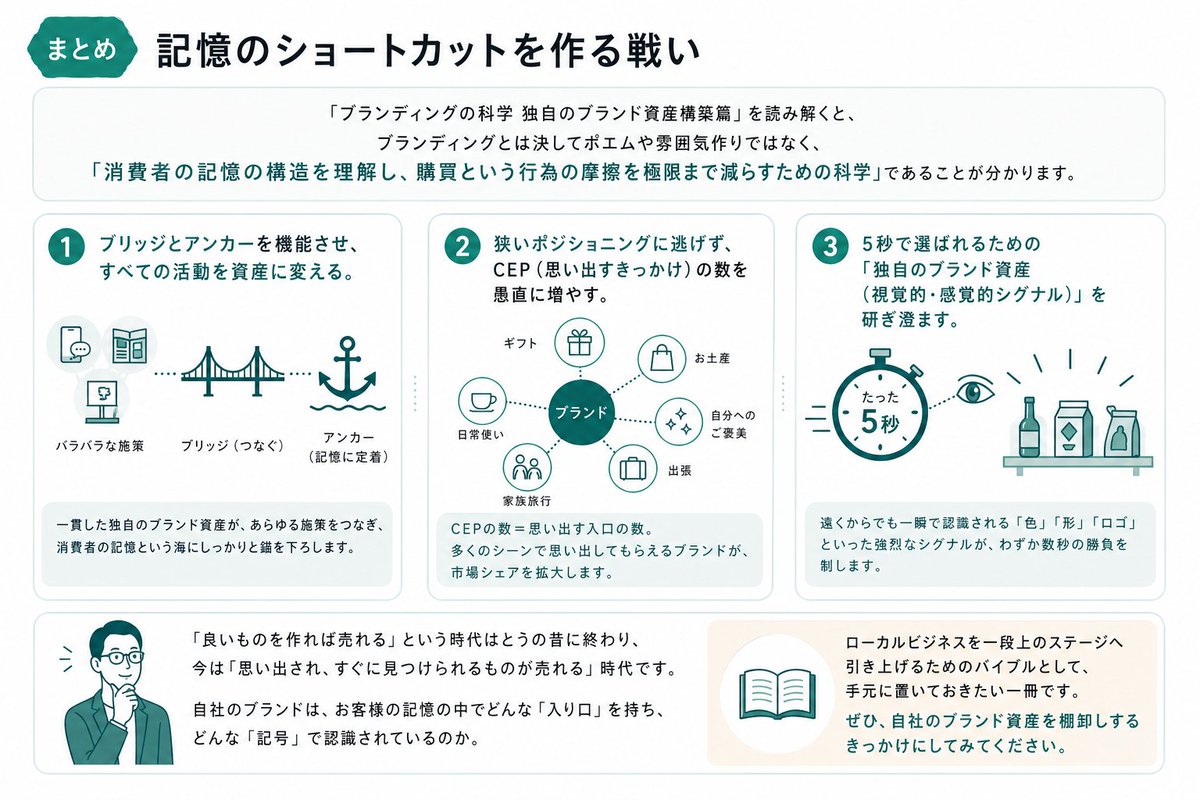
Creates a minimalist, professional infographic with a 16:9 layout, icon-driven cards, and a cohesive cyan-navy color scheme for clear brand strategy education.
Sobre este prompt
Creates a minimalist, professional infographic with a 16:9 layout, icon-driven cards, and a cohesive cyan-navy color scheme for clear brand strategy education. Use it as a Arte Conceitual starting point for GPT Image 2: keep the visual structure and style constraints intact, then swap in your own subject, brand, or scene.
This prompt is organized as structured JSON with fields such as type, style, canvas, header, intro, layout, and typography. Keeping that hierarchy helps the model separate the subject, layout, interface elements, and detail constraints.
Start with small changes to subject, scene, camera, and color, then generate a few variations to compare composition and detail without turning the page copy into keyword stuffing.
Como usar este prompt
- Copy this entire prompt structure and paste it into your chosen AI model (e.g., Sora 2).
- Ensure the model supports complex JSON-like structured prompts for detailed graphic generation.
- Review the generated output; you can tweak elements like the color palette (
青色,深海军蓝), aspect ratio, or specific icon labels to better fit your brand or topic. - Generate the image. For best results, use a model known for its strong understanding of design layouts and vector-style graphics.


