
GPT Image 2AI-промпт
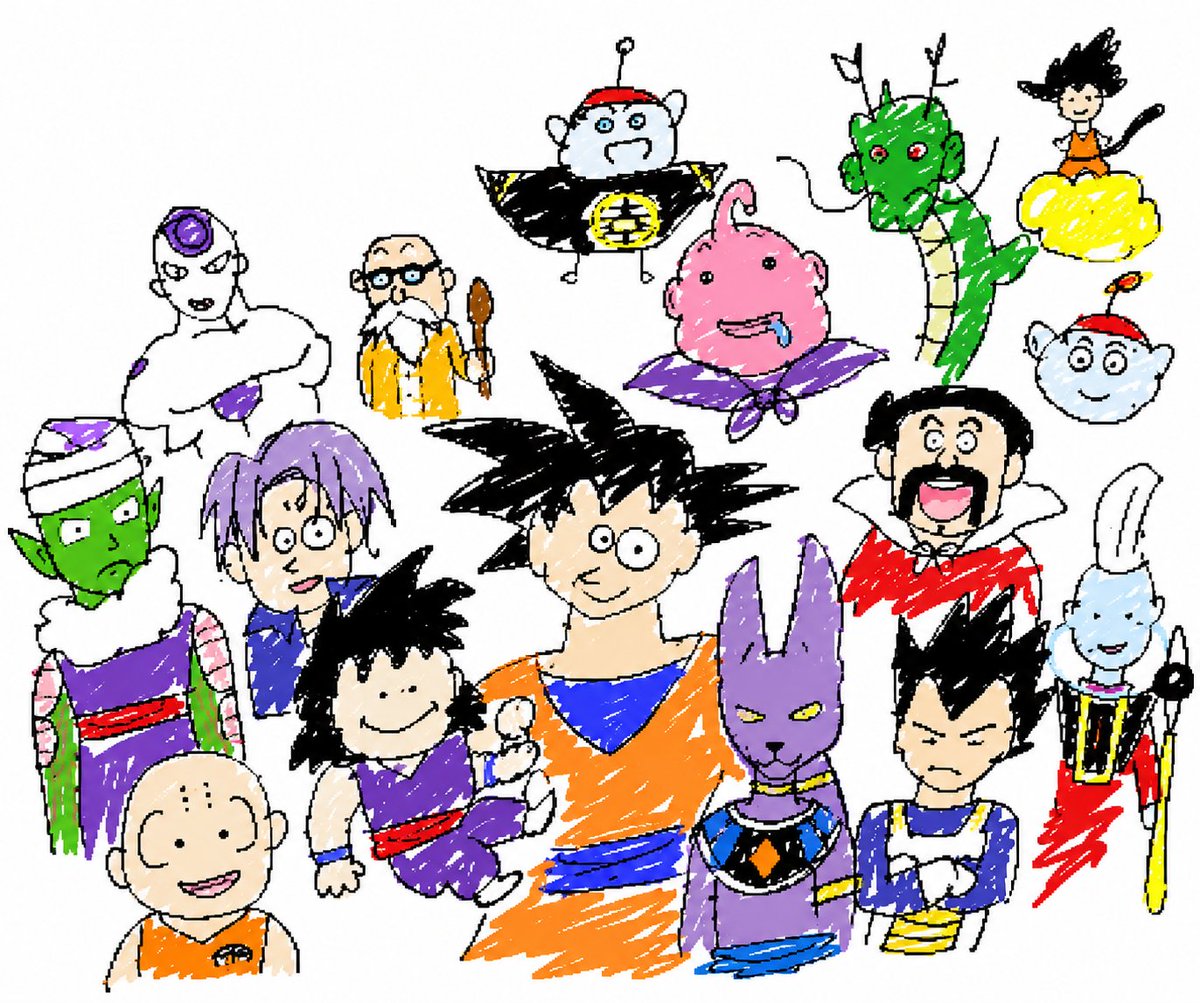
MS Paint Style Bad Art — Intentionally Low-Quality Image Redraw
Creates deliberately clumsy, pixelated redraws of uploaded images in an awkward MS Paint style for humorous or surreal results.
1 / 2
ПРОМПТ · EN
请以最 argstyle description: 笨拙、潦草且极其糟糕 的方式还原附件中的图像。使用白色背景,并使其看起来像是用 argsoftware: MS Paint 配合鼠标绘制的。它应该在视觉上似是而非,既有某种对应关系,又在某种令人困惑、尴尬的方式上显得格格不入,并带有那种强调其极其拙劣的低质量像素感。算了,不管怎样,随你怎么画这张附件照片吧。这是 argsubject: 龙珠全系列合集 的图像。
为照片的内容感到抱歉,我知道它非常奇怪且令人不安!
无需提问,无需解释性文字,请直接提供还原后的图像。
О промпте
Creates deliberately clumsy, pixelated redraws of uploaded images in an awkward MS Paint style for humorous or surreal results. Use it as a Концепт-арт starting point for GPT Image 2: keep the visual structure and style constraints intact, then swap in your own subject, brand, or scene.
Start by replacing style description, software, and subject, then keep the camera, composition, and material cues in the same order. This makes the output easier to compare across variations.
Как использовать этот промпт
- Copy the full prompt and paste it into your chosen AI image generator.
- Select a model that supports image uploads and understands style instructions (like Sora 2 or similar).
- Upload the reference image you want 'badly redrawn.'
- Adjust the optional variables (style description, software, subject) to customize the effect.
- Generate the image and enjoy the intentionally terrible, pixelated result.


