
Character Reference Sheet: Front, Side, Back Views — Sora 2 Prompt
Generate a polished, multi-view character reference sheet with expressions, callouts, and a color palette, ideal for game and animation design.
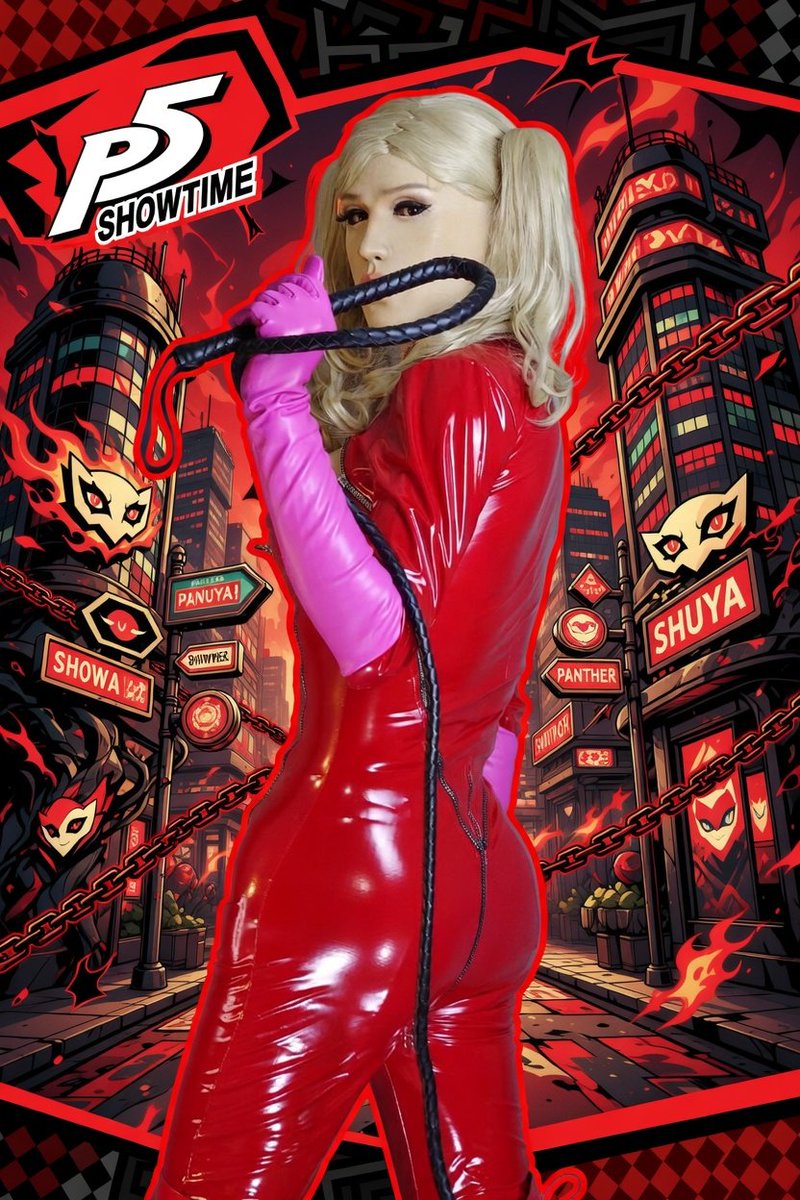
Based on the character and background reference, create a polished official-style character reference card. Include front, side, and back views, a few expression variations, callouts for clothing and equipment details, a compact color palette, and a short worldbuilding note. Use an organized white-background layout with illustration-style panels, high-resolution concept-art quality, and a presentation that feels like a professional game or animation design document.
О промпте
Generate a polished, multi-view character reference sheet with expressions, callouts, and a color palette, ideal for game and animation design. Use it as a Концепт-арт starting point for GPT Image 2: keep the visual structure and style constraints intact, then swap in your own subject, brand, or scene.
Common directions include character design, intermediate, character sheet, and reference card. Treat these tags as creative cues; the prompt structure and preview image are the more useful guide.
Start with small changes to subject, scene, camera, and color, then generate a few variations to compare composition and detail without turning the page copy into keyword stuffing.
Как использовать этот промпт
- Copy the prompt and paste it into your AI image generator (e.g., Sora 2, Midjourney, Stable Diffusion).
- Replace placeholders like [character description] and [background details] with your own content.
- Adjust the aspect ratio or model settings for high-resolution output.
- Generate the image and refine by tweaking the prompt for more detail or style variations.
- Save your character sheet for use in game design, animation, or portfolio.


