
GPT Image 2AI-промпт
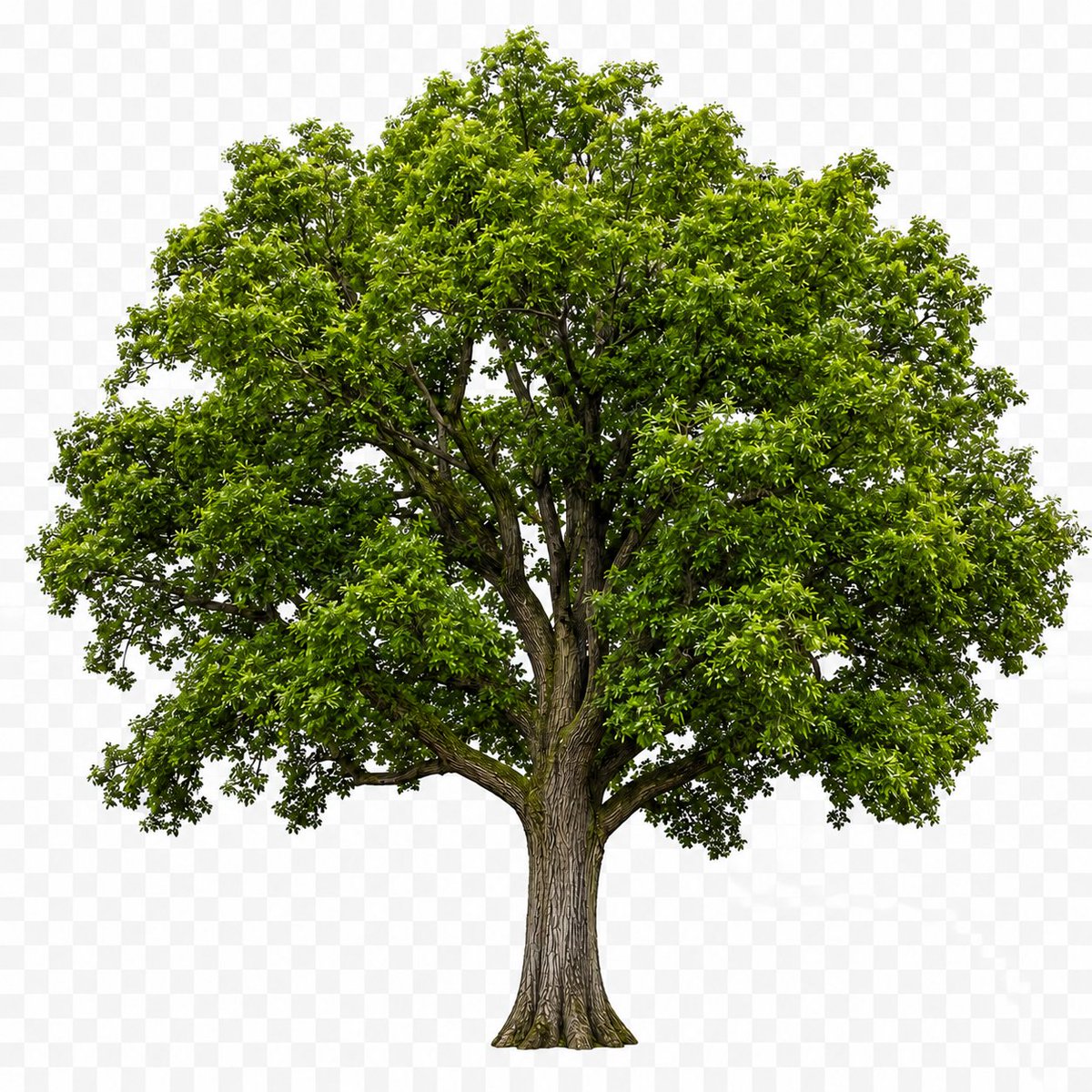
Realistic Isolated Tree — Cutout PNG Asset
Generate a photorealistic isolated tree on a checkered transparency preview, perfect for stock compositing and design mockups.
ПРОМПТ · EN
生成一张照片级写实的单棵成熟 argtree type: 阔叶落叶树 抠图素材,居中独立显示,展示从根部到树冠的完整树木形态。树木拥有粗糙且纹理分明的棕色树干,向上分叉出几根粗壮的枝干,树冠茂密且形状不规则,布满许多深浅不一的 argleaf color: 明亮的春绿色 光泽小叶,树冠内部带有自然阴影,枝叶间隐约可见精细的枝条细节。使用均匀的摄影棚日光照明,对焦清晰,细节丰富,无地面,无景观,无人物,无文字。将其放置在由浅灰色和白色方块组成的 argbackground style: 透明背景预览棋盘格 上,呈现出类似 PNG 透明素材的展示效果。构图:方形画布,树木垂直和水平居中,树冠几乎填满上方宽度,树干位于下三分之一处中心,物体边缘抠图干净,符合真实的植物学比例。
О промпте
Generate a photorealistic isolated tree on a checkered transparency preview, perfect for stock compositing and design mockups. Use it as a Концепт-арт starting point for GPT Image 2: keep the visual structure and style constraints intact, then swap in your own subject, brand, or scene.
Start by replacing tree type, leaf color, and background style, then keep the camera, composition, and material cues in the same order. This makes the output easier to compare across variations.
Как использовать этот промпт
- Copy the full prompt and paste it into a Sora 2 or compatible text-to-image model.
- Edit the variables:
tree type(e.g., oak, maple),leaf color(e.g., autumn gold), andbackground styleto match your project. - Set the output aspect ratio to 1:1 square for best results.
- Generate and download the image for use in design software as a cutout element.


