
GPT Image 2AI-промпт
Epic Fantasy Double Exposure Silhouette — Sora 2 Prompt
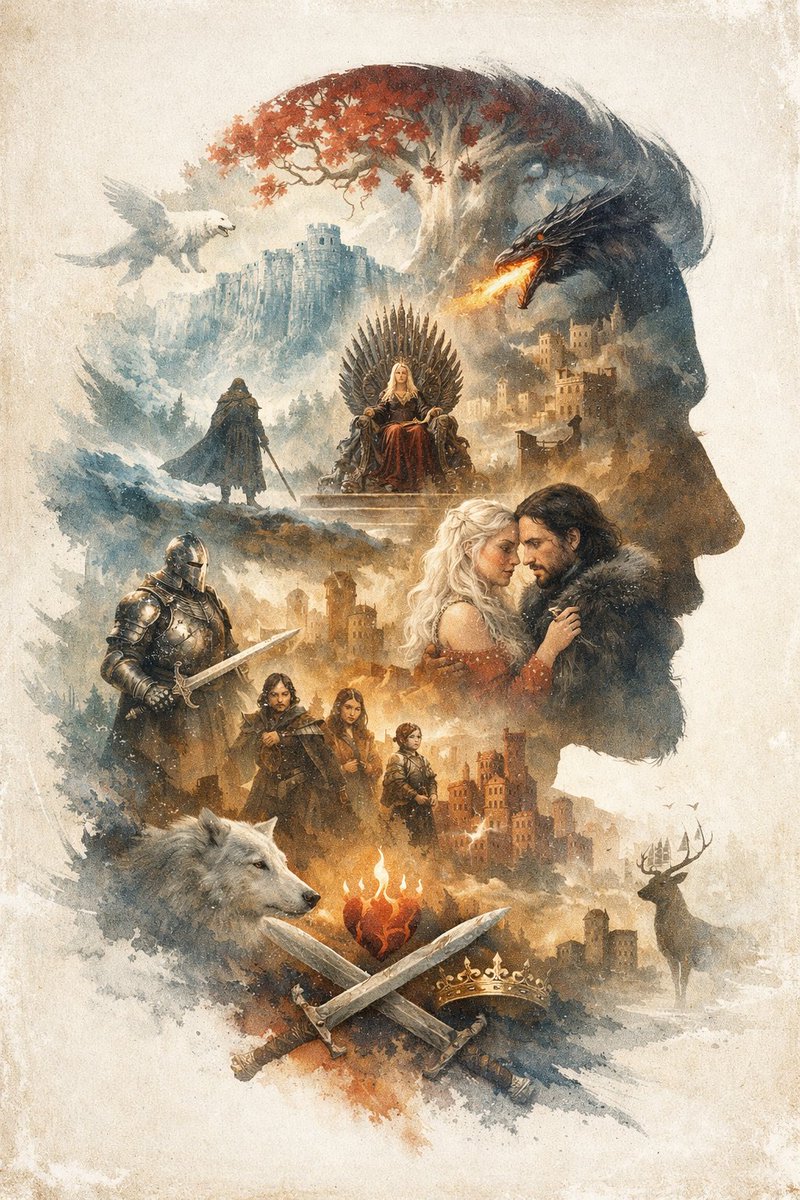
Generate a richly detailed epic fantasy illustration with a customizable double exposure silhouette filled with castles, dragons, and heroes.
ПРОМПТ · EN
一幅 argoverall theme: 史诗奇幻 插画,在复古羊皮纸背景上运用了 argart style: 水彩与水墨双重曝光 技法。整体构图呈现为 argmain silhouette subject: 向右的男性头部侧影。剪影内部是一个由场景和角色构成的复杂蒙太奇。顶部,一棵红叶白树矗立在悬崖城堡旁,左侧有一只白色翼兽在飞翔,右侧有一条喷火的黑龙。下方,一位金发女性坐在由剑组成的王座上,附近的山丘上站着一个披风人影。中右侧,一对浪漫的情侣——金发女子与身着皮领服装的黑发男子——正深情对视。他们的左侧站着一位手持长剑、身披全身板甲的骑士。再下方是一组 3 位人物:一名男子、一名年轻女子和一个孩子。底部左侧是一个巨大的白狼头,右侧是一头站在城堡附近的雄鹿。底部中央,一颗燃烧的心悬浮在 2 把交叉的剑和 1 顶金冠上方。argdominant color palette: 柔和的大地色调点缀着红色与橙色 营造出一种充满戏剧性的传奇氛围。
О промпте
Generate a richly detailed epic fantasy illustration with a customizable double exposure silhouette filled with castles, dragons, and heroes. Use it as a Концепт-арт starting point for GPT Image 2: keep the visual structure and style constraints intact, then swap in your own subject, brand, or scene.
Start by replacing overall theme, art style, main silhouette subject, and dominant color palette, then keep the camera, composition, and material cues in the same order. This makes the output easier to compare across variations.
Как использовать этот промпт
- Copy the prompt from sora2hub.com.
- Choose an AI image model like Sora, Midjourney, or Stable Diffusion.
- Adjust the variables inside
{ }to customize the theme, art style, silhouette, or colors. - Generate the image and tweak settings for the best result.
- Experiment with different combinations for unique artworks.


