
GPT Image 2AI-промпт
Censored Researcher Office Paper — Sora 2 Prompt
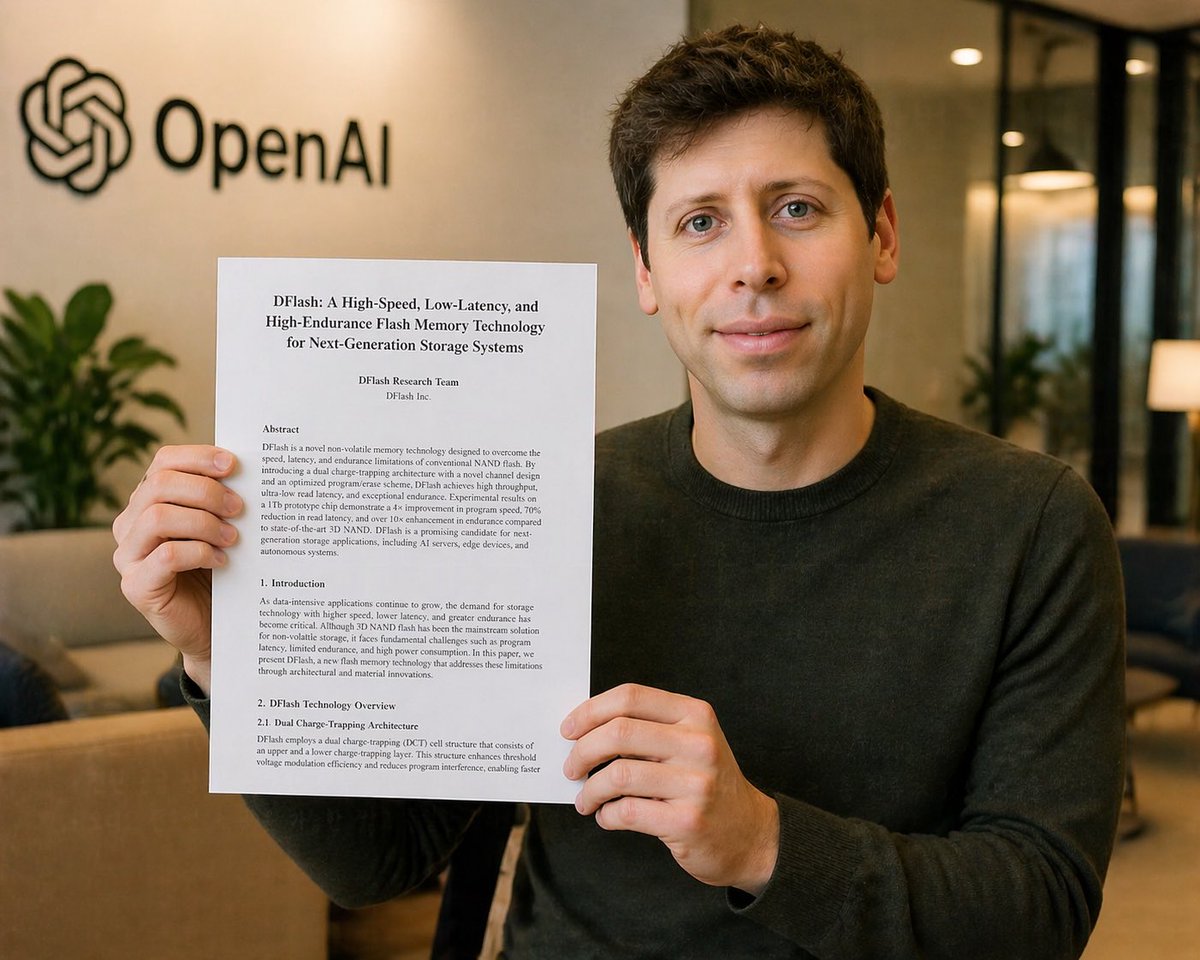
Generate a photorealistic office portrait of a censored researcher holding a flash memory paper, perfect for tech news or parody announcements.
ПРОМПТ · EN
一张写实的职场办公室照片,一名年轻男子坐在室内,双手将一份打印的研究论文举向镜头。他的脸部被一个中棕色的实心矩形遮挡块完全遮住。他留着深棕色短发,身穿一件纯色深炭灰色圆领毛衣。手中的论文是一份纵向的白色信纸大小文档,清晰可见并位于躯干前方中央。文档标题为“DFlash: A High-Speed, Low-Latency, and High-Endurance Flash Memory Technology for Next-Generation Storage Systems”。下方是作者行“DFlash Research Team”和“DFlash Inc.”。页面显示 4 个可见文本部分:“Abstract”、“1. Introduction”、“2. DFlash Technology Overview”和“2.1 Dual Charge-Trapping Architecture”,采用正式的学术论文排版,配以密集的黑色衬线字体。背景为柔和模糊的现代办公室大厅,配有温暖的环境光、米色墙壁、玻璃隔断、沙发、室内植物,左上角墙上安装有黑色的 OpenAI 标志和文字标识。构图为中景直拍,主体略微偏向右侧,以便 OpenAI 标志保持可见。浅景深,柔和的自然办公光线,精致的照片级写实风格,微妙的暖色调,手部、纸张、毛衣纹理和室内环境细节丰富。保持整体画面整洁、可信,呈现出抓拍的新闻或公告照片效果。使用 argdocument title: DFlash: A High-Speed, Low-Latency, and High-Endurance Flash Memory Technology for Next-Generation Storage Systems 作为论文标题,argcompany logo text: OpenAI 作为墙面品牌标识,argsweater color: dark charcoal 作为主体服装颜色,以及 argcensor block color: medium tan 作为面部遮挡块颜色。
О промпте
Generate a photorealistic office portrait of a censored researcher holding a flash memory paper, perfect for tech news or parody announcements. Use it as a Концепт-арт starting point for GPT Image 2: keep the visual structure and style constraints intact, then swap in your own subject, brand, or scene.
Start by replacing document title, company logo text, sweater color, and censor block color, then keep the camera, composition, and material cues in the same order. This makes the output easier to compare across variations.
Как использовать этот промпт
- Copy the prompt text from above.
- Paste it into Sora 2 or your preferred AI image generator.
- Use the provided variables to customize the document title, brand logo text, sweater color, and censor block color.
- Generate the image at high quality for photorealism.
- Download and use in your tech news, parody, or corporate social media content.


