
AI Workflow Infographic with Photorealistic Guide — Sora 2 Prompt
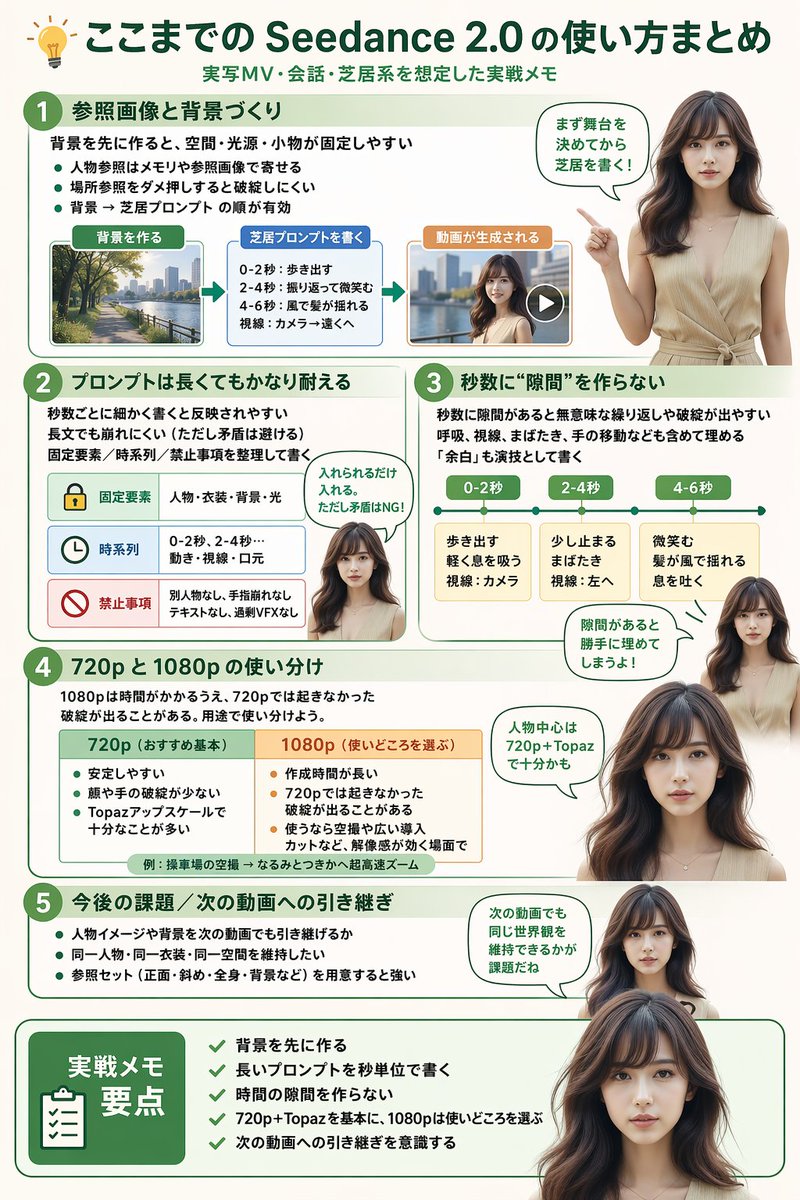
Create a professional, multi-section infographic with a photorealistic AI presenter for software tutorials, workflow summaries, or best-practice guides.
О промпте
Create a professional, multi-section infographic with a photorealistic AI presenter for software tutorials, workflow summaries, or best-practice guides. Use it as a Концепт-арт starting point for GPT Image 2: keep the visual structure and style constraints intact, then swap in your own subject, brand, or scene.
This prompt is organized as structured JSON with fields such as type, style, header, presenter character, total presenter cutouts, and layout. Keeping that hierarchy helps the model separate the subject, layout, interface elements, and detail constraints.
Start with small changes to subject, scene, camera, and color, then generate a few variations to compare composition and detail without turning the page copy into keyword stuffing.
Как использовать этот промпт
- Copy the full JSON prompt template.
- Paste it into your preferred AI image generator that supports complex instructions.
- Customize the variables in curly braces
{}(likemain title,presenter description) to match your topic. - Adjust the section details and number of presenter cutouts as needed.
- Generate the image for a clean, modern infographic layout.


