Sora2 Hub
Sora2 Hub
  • Библиотека промптов
  • Цены
  • Примеры
Sora2 Hub
Sora2 Hub
Sora2 Hub

Sora2 Hub

Профессиональная платформа для создания ИИ-контента на базе Sora 2, Veo 3.1 и Nano Banana Pro. Создавайте потрясающие видео и изображения студийного качества с расширенным управлением, HD-качеством и без водяных знаков.

Email:support@sora2hub.org

Генератор видео ИИ

  • Текст в видео
  • Изображение в видео
  • Veo 3.1
  • Sora 2
  • Kling 3.0
  • Kling 2.6
  • Kling 2.5
  • Runway
  • Wan 2.6
  • Seedance 2.0
  • Hailuo 2.3
  • Grok Imagine
  • HappyHorse-1.0
  • HappyHorse 1.1
  • Kling 3.0 Turbo
  • Volcengine Video-to-Video Lip Sync
  • OmniHuman 1.5
  • Grok Imagine Video 1.5
  • Gemini Omni
  • Wan 2.7 Video
  • Seedance 2.0 Mini

Генератор изображений ИИ

  • Текст в изображение
  • Изображение в изображение
  • Nano Banana Pro
  • Nano Banana
  • 4o Image
  • Flux Kontext
  • Z Image
  • Seedream 4.5
  • Seedream 5.0 Lite
  • Nano Banana 2
  • GPT Image 2
  • Увеличитель изображений ИИ
  • Seedream 5.0 Pro
  • Nano Banana 2 Lite
  • Qwen Image 2.0

Эффекты ИИ

  • Фильтр возраста ИИ
  • Смена пола ИИ
  • Поцелуй ИИ
  • Объятие ИИ
  • Изображение Гибли
  • Фильтр русалки ИИ
  • Тряска тела ИИ
  • Фильтр улыбки
  • Толстый ИИ
  • Фигурка

Продукт

  • Функции
  • Витрины
  • Цены

Компания

  • О нас
  • Контакт

© 2025 • Sora2 Hub ORG Все права защищены.

  • Политика конфиденциальности
  • Условия обслуживания
  • Политика возврата
  1. Главная
  2. /
  3. Промпты
  4. /
  5. GPT Image 2
  6. /
  7. WikiHow Tutorial Generator — Step-by-Step AI Prompt
GPT Image 2AI-промпт

WikiHow Tutorial Generator — Step-by-Step AI Prompt

Create detailed, text-rich wikiHow-style tutorials with embedded UI mockups and variable placeholders for step titles, model names, and more using this AI prompt template.
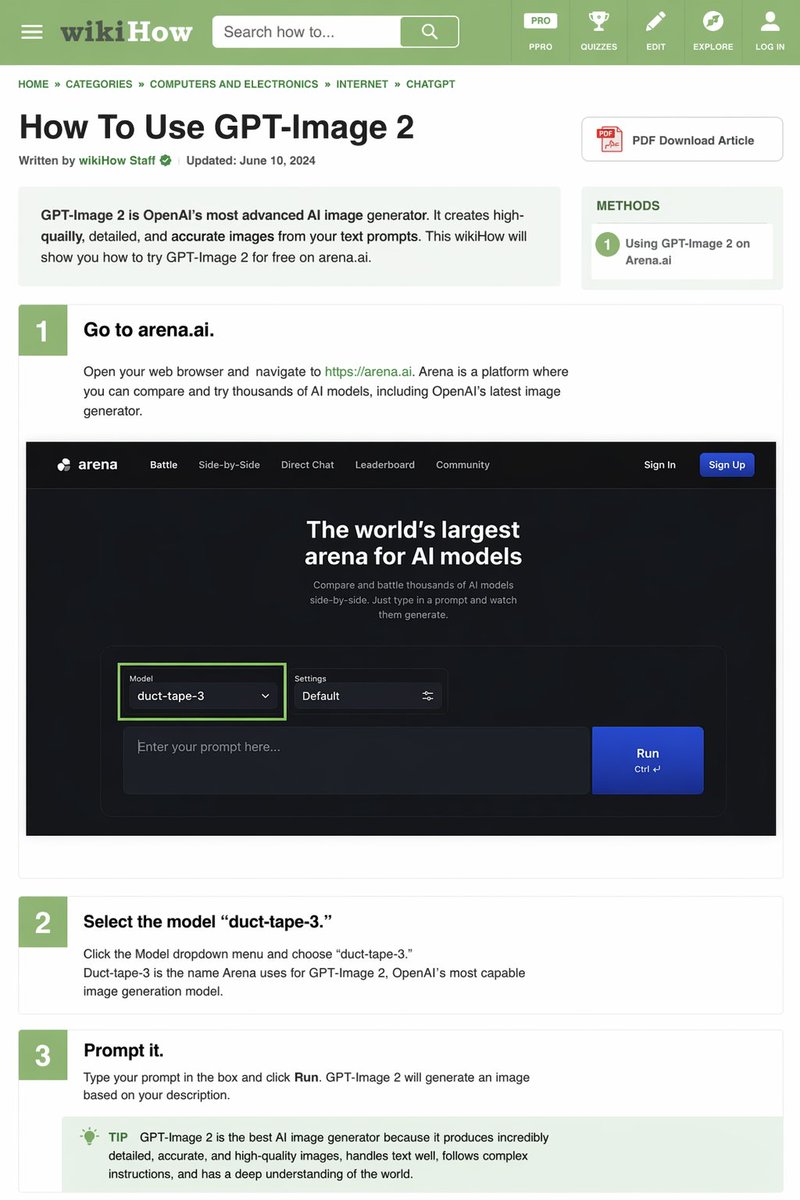
WikiHow Tutorial Generator — Step-by-Step AI Prompt
ПРОМПТ · EN
type
wikiHow 文章模拟
header
background
绿色
elements
item 1
汉堡菜单图标
item 2
wikiHow 标志
item 3
带有“搜索方法...”文本的搜索栏
item 4
5 个导航图标:PRO/PPRO、测验、编辑、探索、登录
breadcrumbs
首页 » 分类 » 计算机与电子产品 » 互联网 » CHATGPT
article_info
title
{argument name="article title" default="如何使用 GPT-Image 2"}
metadata
由 wikiHow 员工撰写 | 更新时间:2024 年 6 月 10 日
sidebar
item 1
PDF 下载文章按钮
item 2
方法框:1 在 Arena.ai 上使用 GPT-Image 2
intro_box
GPT-Image 2 是 OpenAI 最先进的 AI 图像生成器。它能根据你的文本提示创建高质量、细节丰富且准确的图像。本 wikiHow 将向你展示如何在 arena.ai 上免费试用 GPT-Image 2。
steps
item 1
number
1
title
{argument name="step 1 title" default="前往 arena.ai。"}
description
打开你的网页浏览器并访问 https://arena.ai。Arena 是一个你可以比较和试用数千种 AI 模型的平台,其中包括 OpenAI 最新的图像生成器。
embedded_image
type
深色模式网站 UI 模拟
logo
arena
navigation
item 1
对战
item 2
并排对比
item 3
直接对话
item 4
排行榜
item 5
社区
item 6
登录
item 7
注册按钮
hero_text
全球最大的 AI 模型竞技场
input_ui
model_dropdown
模型:{argument name="model name" default="duct-tape-3"}
settings
默认
text_input
在此输入你的提示词...
button
运行
item 2
number
2
title
{argument name="step 2 title" default="选择模型 'duct-tape-3'。"}
description
点击模型下拉菜单并选择“duct-tape-3”。Duct-tape-3 是 Arena 为 OpenAI 最强大的图像生成模型 GPT-Image 2 所使用的名称。
item 3
number
3
title
{argument name="step 3 title" default="输入提示词。"}
description
在框中输入你的提示词并点击“运行”。GPT-Image 2 将根据你的描述生成图像。
tip_box
提示:GPT-Image 2 是目前最好的 AI 图像生成器,因为它能生成极其详细、准确且高质量的图像,擅长处理文本,能够遵循复杂的指令,并对世界有深刻的理解。

О промпте

Create detailed, text-rich wikiHow-style tutorials with embedded UI mockups and variable placeholders for step titles, model names, and more using this AI prompt template. Use it as a Концепт-арт starting point for GPT Image 2: keep the visual structure and style constraints intact, then swap in your own subject, brand, or scene.

This prompt is organized as structured JSON with fields such as type, header, breadcrumbs, article info, intro box, and steps. Keeping that hierarchy helps the model separate the subject, layout, interface elements, and detail constraints.

Start with small changes to subject, scene, camera, and color, then generate a few variations to compare composition and detail without turning the page copy into keyword stuffing.

Как использовать этот промпт

  1. Copy the prompt template from this page.
  2. Choose an AI model such as GPT-4, Claude, or Gemini that supports structured outputs.
  3. Customize the variables—like the article title, step headings, model dropdown name, and tip text—to fit your topic.
  4. Paste the prompt into the model and run it to generate a full HTML/wikiHow layout.
  5. Review and refine the generated content, adjusting branding, images, or text as needed.
FAQ

Keyboard81727

@Kittymanagmgf→

Опубликовано
25 апр. 2026 г.
Исходный язык
EN
Модель
GPT Image 2
Категория
Концепт-арт
GPT Image 2Концепт-артgpt-image-2twitter
Просмотры
301
Копии
36
Лайки
16

Поделиться

Больше из GPT Image 2

Смотреть все
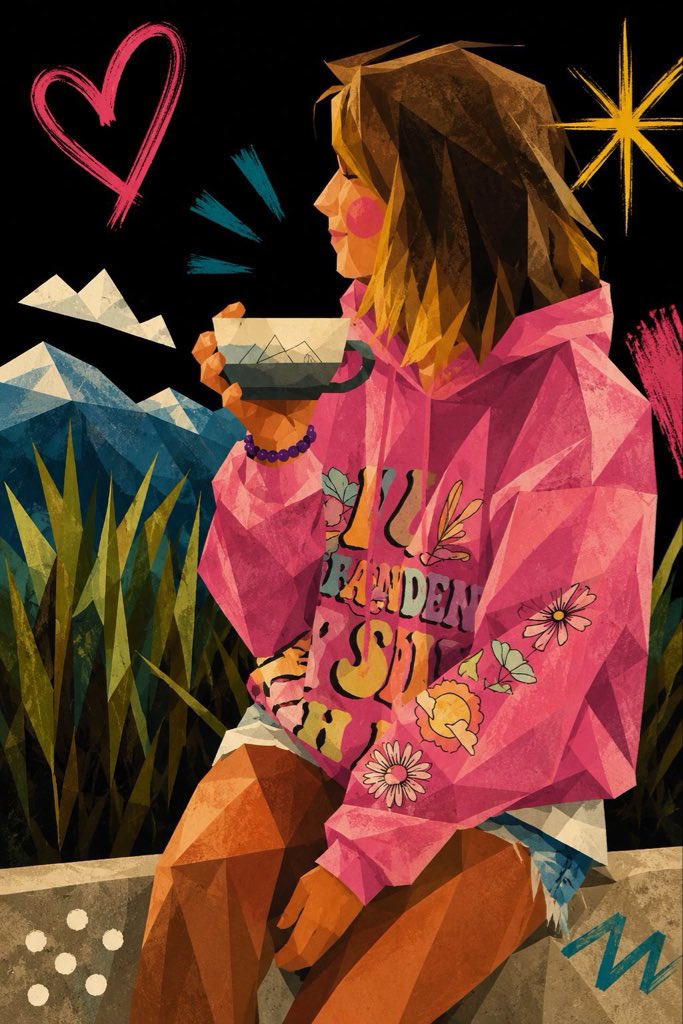
Cubist Minimalist Fashion Portrait — Sora 2 Prompt

Cubist Minimalist Fashion Portrait — Sora 2 Prompt

@ChillaiKalan__
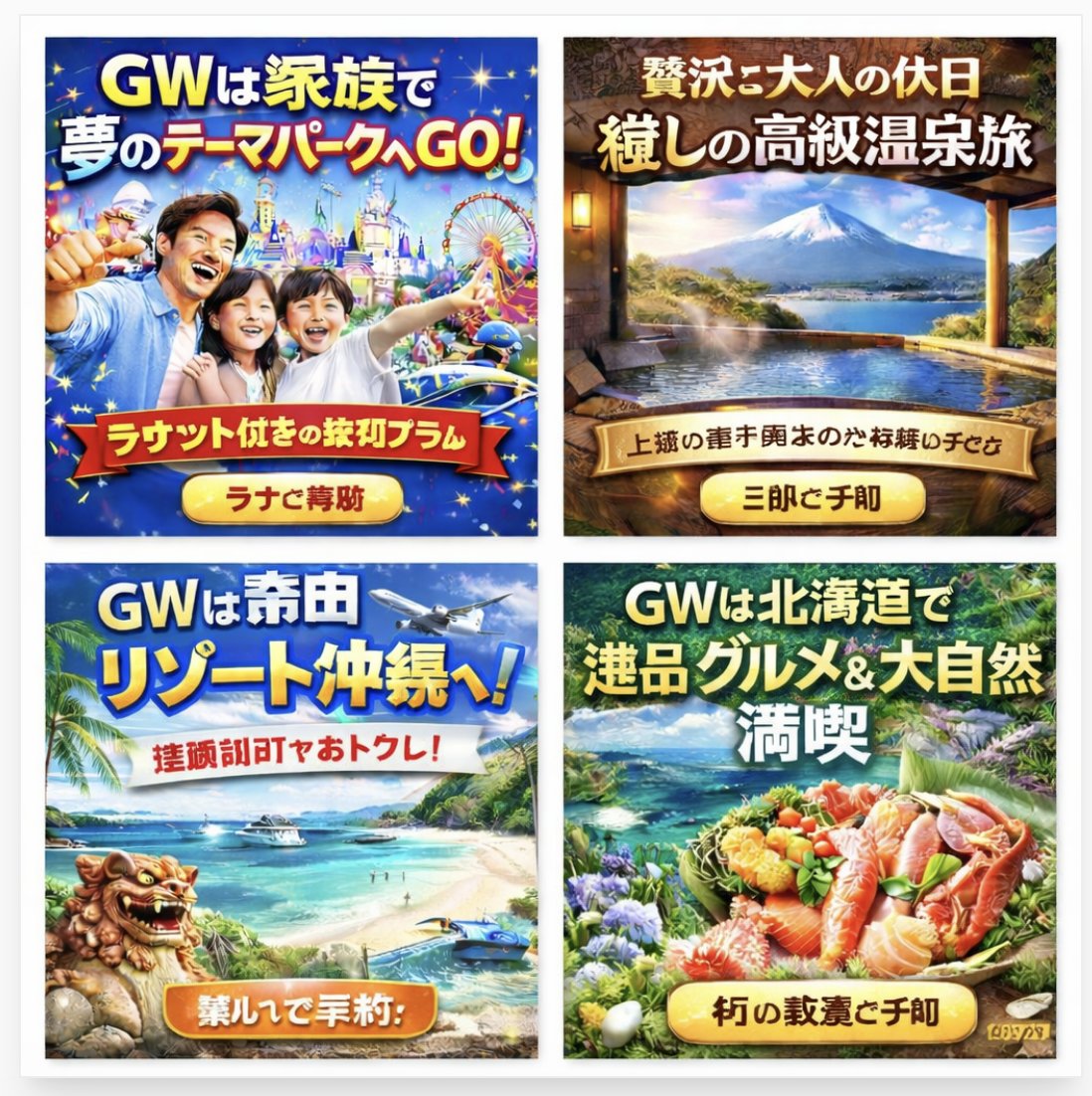
AI-Generated Japanese Travel Ad Grid — Sora Prompt

AI-Generated Japanese Travel Ad Grid — Sora Prompt

@jblogpham
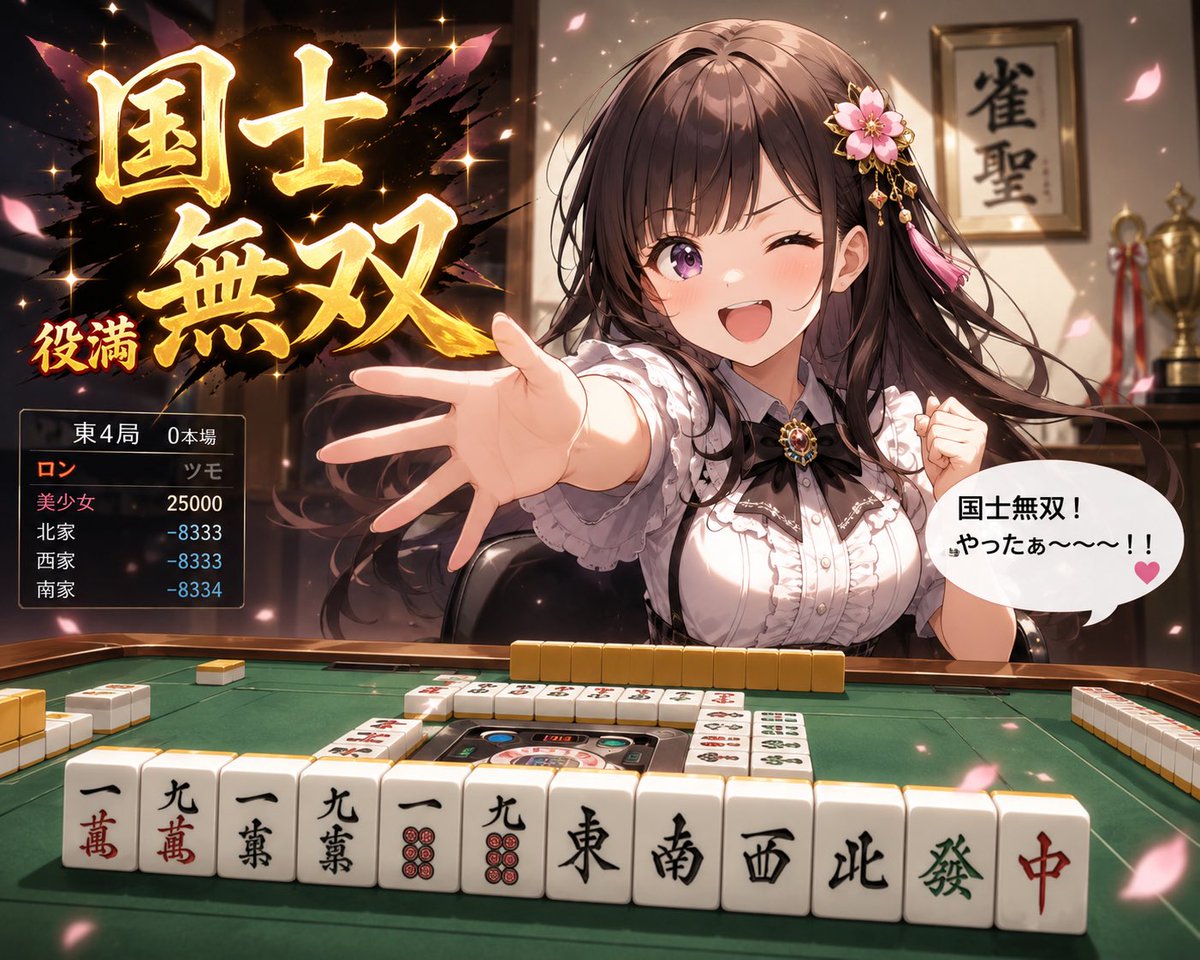
Anime Mahjong Win Scene with Yakuza Score UI — Sora 2 Prompt

Anime Mahjong Win Scene with Yakuza Score UI — Sora 2 Prompt

@AI_Ossan

Создавайте быстрее с промптами Sora2Hub.

Используйте страницы промптов как поисковые входы и сразу переходите к генерации с нужным контекстом модели.

Изучить промпты