
GPT Image 2AI-Prompt
Parametric City Relief Map — Sora 2 Prompt
Generate stunning 3D topographic city maps where the city name becomes monumental architecture, complete with landmarks, labels, and cartographic details.
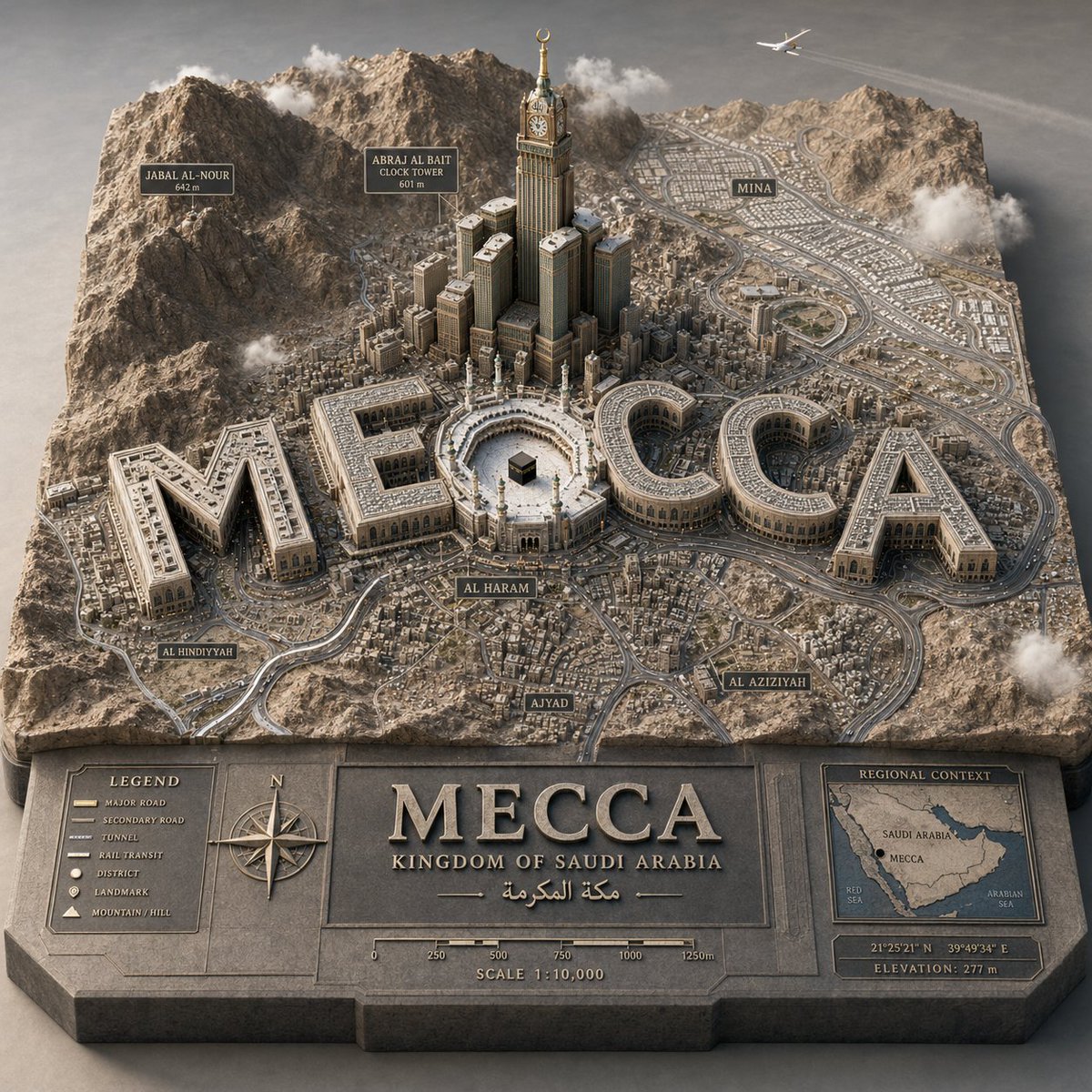
1 / 2
PROMPT · EN
PYTHON_SCENE_GRAPH :: PARAMETRIC_CITY_RELIEF class Variables: city = "argcity: [CITY]" city_name_text = "argcity name: literal city name from input" region_context = "推断国家、地形、气候、文化、城市特征" topography = "推断山脉、河流、海岸线、平原、岛屿、沙漠、丘陵" urban_grid = "推断区域密度、道路、交通走廊、城市格局" landmarks = "推断 landmark_set(city)" signature_core = "推断最具象征意义的中心地标或公共空间" style = "奢华 3D 地图城市模型" class TerrainSlab: form = "厚实凸起的镂空地图底座" surface = Variables.topography edges = "雕刻标题面板、图例、指南针、比例尺、插图区域地图" material = "哑光石材/石膏/地图模型材质" class CityTypography: text = Variables. city_name_text form = "纪念碑式 3D 字体" function = "每个字母均为可居住的建筑体量" placement = "整合于城市地图中,非悬浮" rule = "文字必须在俯瞰视角下保持可读性" class UrbanLayer: roads = Variables.urban_grid districts = "推断社区和密度区" landmarks = Variables.landmarks core = Variables.signature_core labels = "根据城市地理衍生地点标签" class Atmosphere: camera = "高位四分之三微距视角" lighting = "柔和高级摄影棚日光" details = "车辆、云层、飞机、树木,仅在合适时显示人物" def render(): return """ 将 argtarget city: [CITY] 渲染为凸起的地形图立体模型,其中城市名称转化为纪念碑式建筑,并辅以推断的地理环境、地标、标签、道路及地图集风格的制图细节。 """
Über diesen Prompt
Generate stunning 3D topographic city maps where the city name becomes monumental architecture, complete with landmarks, labels, and cartographic details. Use it as a Konzeptkunst starting point for GPT Image 2: keep the visual structure and style constraints intact, then swap in your own subject, brand, or scene.
Start by replacing city, city name, and target city, then keep the camera, composition, and material cues in the same order. This makes the output easier to compare across variations.
So verwendest du diesen Prompt
- Copy the Prompt: Copy the full PYTHON_SCENE_GRAPH code block for your desired city.
- Choose a Model: Paste it into an AI video generator like Sora 2, or an advanced image model that handles scene graphs.
- Customize Variables: Replace
[CITY]and[TARGET CITY]with your chosen city name (e.g., "Tokyo", "Paris"). - Generate & Refine: Run the prompt. Adjust variables like
region_contextorstylefor different aesthetics.


