Sora2 Hub
Sora2 Hub
  • Prompt-Bibliothek
  • Preise
  • Galerie
Sora2 Hub
Sora2 Hub
Sora2 Hub

Sora2 Hub

Professionelle KI-Kreationsplattform, betrieben von Sora 2, Veo 3.1 und Nano Banana Pro. Erstellen Sie atemberaubende Videos und Bilder in Studioqualität mit erweiterter Steuerung, HD-Qualität und ohne Wasserzeichen.

Email:support@sora2hub.org

KI-Videogenerator

  • Text zu Video
  • Bild zu Video
  • Veo 3.1
  • Sora 2
  • Kling 3.0
  • Kling 2.6
  • Kling 2.5
  • Runway
  • Wan 2.6
  • Seedance 2.0
  • Hailuo 2.3
  • Grok Imagine
  • HappyHorse-1.0
  • HappyHorse 1.1
  • Kling 3.0 Turbo
  • Volcengine Video-to-Video Lip Sync
  • OmniHuman 1.5
  • Grok Imagine Video 1.5
  • Gemini Omni
  • Wan 2.7 Video
  • Seedance 2.0 Mini

KI-Bildgenerator

  • Text zu Bild
  • Bild zu Bild
  • Nano Banana Pro
  • Nano Banana
  • 4o Image
  • Flux Kontext
  • Z Image
  • Seedream 4.5
  • Seedream 5.0 Lite
  • Nano Banana 2
  • GPT Image 2
  • KI-Bildvergrößerer
  • Seedream 5.0 Pro
  • Nano Banana 2 Lite
  • Qwen Image 2.0

KI-Effekte

  • KI-Altersfilter
  • KI-Geschlechtertausch
  • KI-Kuss
  • KI-Umarmung
  • Ghibli-Bild
  • KI-Meerjungfrau-Filter
  • KI-Körperschütteln
  • Lächeln-Filter
  • KI-Fett
  • Actionfigur

Produkt

  • Funktionen
  • Showcases
  • Preise

Unternehmen

  • Über uns
  • Kontakt

© 2025 • Sora2 Hub ORG Alle Rechte vorbehalten.

  • Datenschutzrichtlinie
  • Nutzungsbedingungen
  • Rückerstattungsrichtlinie
  1. Startseite
  2. /
  3. Prompts
  4. /
  5. GPT Image 2
  6. /
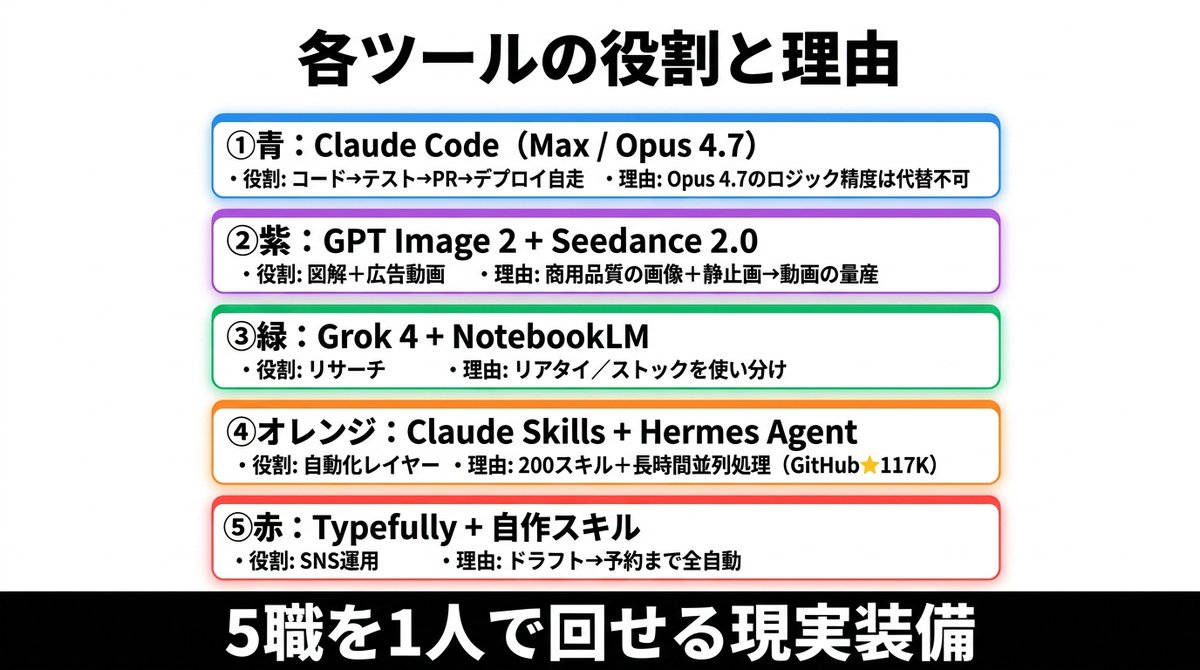
  7. Japanese AI Tool Infographic — 5-Color Stack Roles Slides
GPT Image 2AI-Prompt

Japanese AI Tool Infographic — 5-Color Stack Roles Slides

A sleek, minimalist infographic Slides prompt that visualizes five color-coded AI tool roles in a clean Japanese vector layout, perfect for social media, presentations, and business reviews.
Japanese AI Tool Infographic — 5-Color Stack Roles Slides
PROMPT · EN
type
日本信息图海报
style
简洁的商业演示 Slides,极简扁平化设计,清晰的矢量风格排版,白色背景带有微妙的浅灰色调,居中构图,高对比度,适合社交媒体的横向布局
canvas
aspect_ratio
2:1
size
宽横向
headline
text
{argument name="headline text" default="各工具的角色与理由"}
position
顶部居中
font
粗体日文无衬线字体
color
黑色
size
超大
layout
sections
item 1
title
① 蓝色:Claude Code(Max / Opus 4.7)
position
中上
count
2
labels
item 1
・角色:代码 → 测试 → PR → 部署自主运行
item 2
・理由:Opus 4.7 的逻辑精度不可替代
container
带蓝色轮廓的圆角白色矩形,微弱蓝光,柔和投影
item 2
title
② 紫色:GPT Image 2 + Seedance 2.0
position
中偏下
count
2
labels
item 1
・角色:图解 + 广告视频
item 2
・理由:商用品质图像 + 静止画转视频的量产
container
带紫色轮廓的圆角白色矩形,微弱紫光,柔和投影
item 3
title
③ 绿色:Grok 4 + NotebookLM
position
居中
count
2
labels
item 1
・角色:研究
item 2
・理由:实时与存量信息的灵活运用
container
带绿色轮廓的圆角白色矩形,微弱绿光,柔和投影
item 4
title
④ 橙色:Claude Skills + Hermes Agent
position
下偏上
count
2
labels
item 1
・角色:自动化层
item 2
・理由:200 种技能 + 长时间并行处理(GitHub ★117K)
container
带橙色轮廓的圆角白色矩形,微弱橙光,柔和投影
item 5
title
⑤ 红色:Typefully + 自定义技能
position
中下
count
2
labels
item 1
・角色:SNS 运营
item 2
・理由:从草稿到预约全自动完成
container
带红色轮廓的圆角白色矩形,微弱红光,柔和投影
section_count
5
arrangement
五个等间距的水平卡片在中心垂直堆叠,宽度相同,每个卡片均有圆角和与编号颜色相匹配的彩色边框
footer
text
{argument name="footer text" default="一人即可胜任 5 种职能的现实装备"}
position
底部全宽
background
纯黑色条
font
特粗日文无衬线字体
color
白色
size
超大
typography
body_font
粗体日文无衬线字体
body_color
黑色
emphasis
工具名称加粗,紧凑间距,每个卡片内左对齐
colors
card_borders
item 1
蓝色
item 2
紫色
item 3
绿色
item 4
橙色
item 5
红色
background
白色至极浅灰
text
黑色
footer_bg
黑色
footer_text
白色
customization
item_1_tool
{argument name="first tool line" default="Claude Code(Max / Opus 4.7)"}
item_2_tool
{argument name="second tool line" default="GPT Image 2 + Seedance 2.0"}
item_3_tool
{argument name="third tool line" default="Grok 4 + NotebookLM"}

Über diesen Prompt

A sleek, minimalist infographic Slides prompt that visualizes five color-coded AI tool roles in a clean Japanese vector layout, perfect for social media, presentations, and business reviews. Use it as a Konzeptkunst starting point for GPT Image 2: keep the visual structure and style constraints intact, then swap in your own subject, brand, or scene.

This prompt is organized as structured JSON with fields such as type, style, canvas, headline, layout, footer, and typography. Keeping that hierarchy helps the model separate the subject, layout, interface elements, and detail constraints.

Start with small changes to subject, scene, camera, and color, then generate a few variations to compare composition and detail without turning the page copy into keyword stuffing.

So verwendest du diesen Prompt

  1. Copy the entire prompt JSON into your AI image or slide generation tool.
  2. Select a model that supports structured layouts and text rendering (e.g., GPT-4o image generation, Ideogram, or similar).
  3. Customize the headline text and footer text arguments to match your own content or branding.
  4. Adjust the individual section labels if you want to showcase different tools or roles.
  5. Generate the image and download in horizontal 2:1 ratio for optimal social media or presentation use.
FAQ

すぐる | ChatGPTガチ勢 𝕏

@SuguruKun_ai→

Veröffentlicht
15. Mai 2026
Originalsprache
EN
Modell
GPT Image 2
Kategorie
Konzeptkunst
GPT Image 2Konzeptkunstgpt-image-2twitter
Aufrufe
714
Kopien
57
Likes
20

Teilen

Mehr von GPT Image 2

Alle ansehen
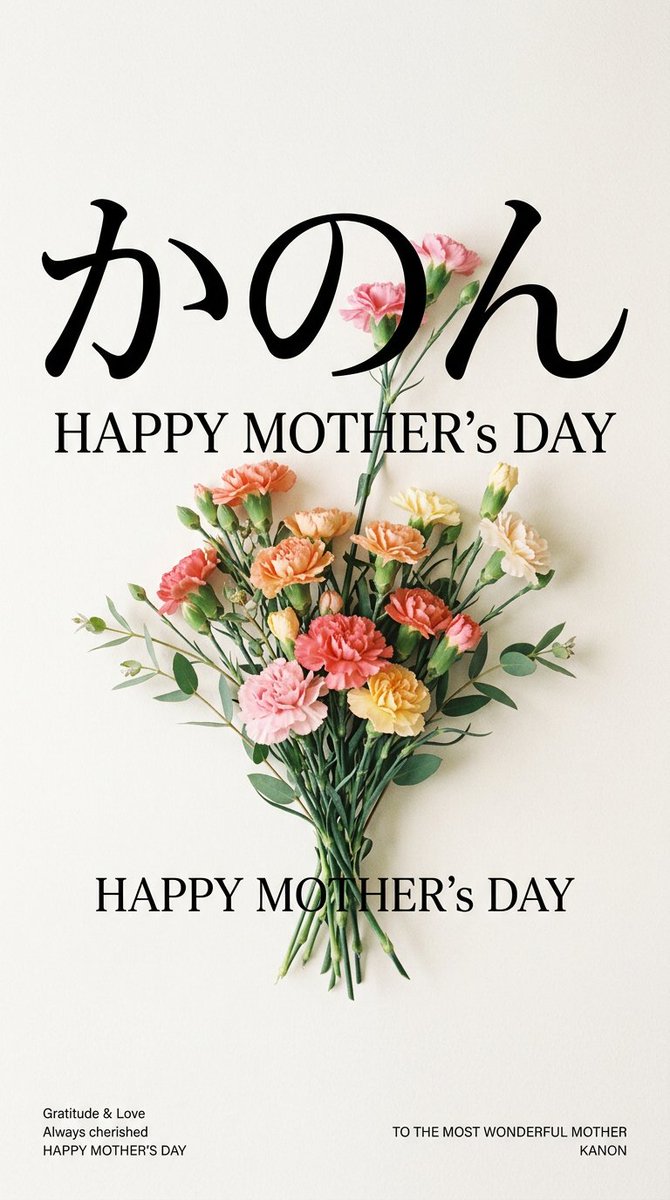
Minimalist Mother's Day Wallpaper — Sora 2 Prompt with Calligraphy & Carnations

Minimalist Mother's Day Wallpaper — Sora 2 Prompt with Calligraphy & Carnations

@EdimakorJP
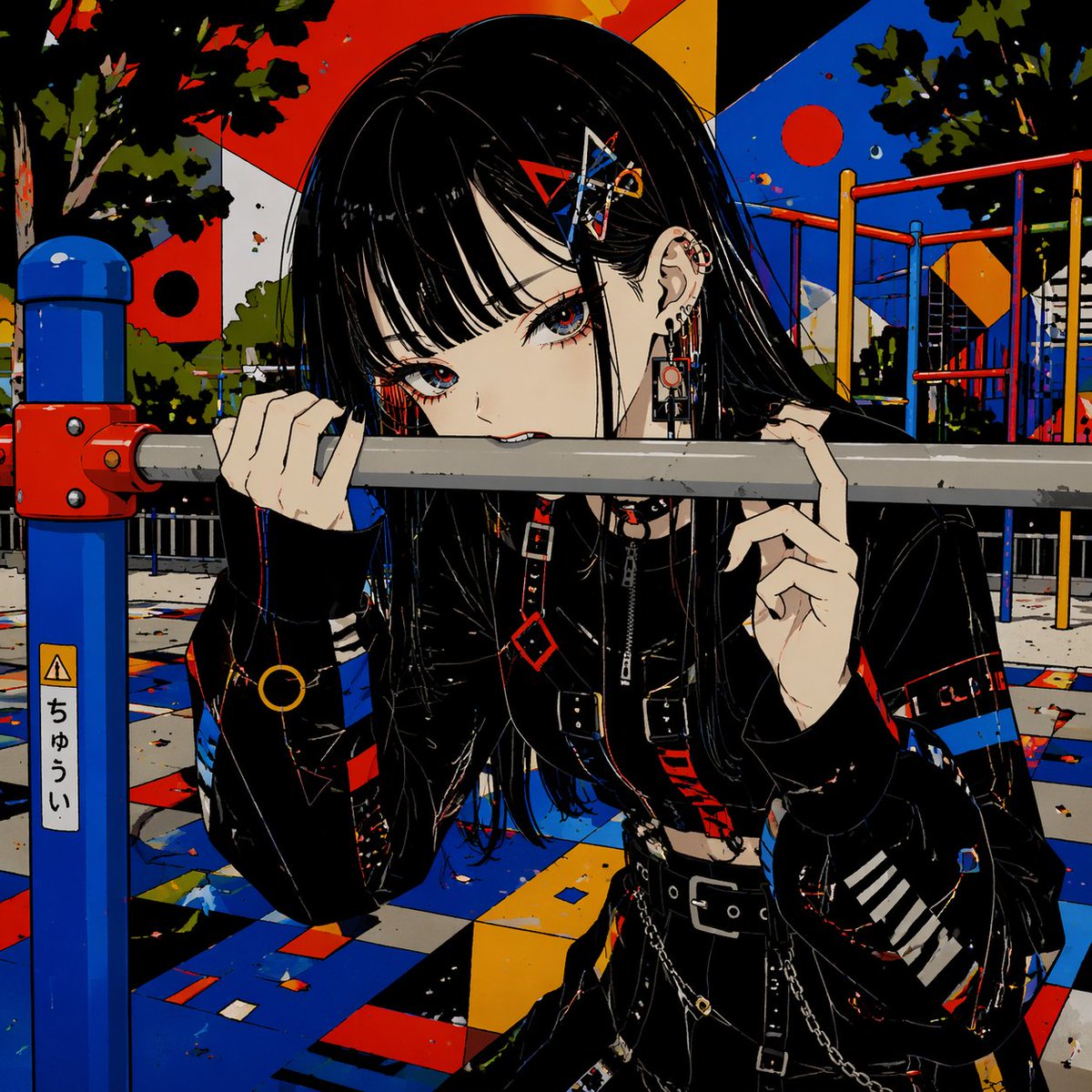
Gothic Anime Girl Bites Playground Rail — Sora 2 Prompt

Gothic Anime Girl Bites Playground Rail — Sora 2 Prompt

@hoshi122221
Shenzhen Golden Hour City Prompt: Futuristic Heritage Poster

Shenzhen Golden Hour City Prompt: Futuristic Heritage Poster

@ivanalog_com

Schneller erstellen mit Sora2Hub-Prompts.

Nutze kuratierte Prompt-Seiten als suchbare Einstiege und starte direkt mit dem passenden Modellkontext.

Prompts entdecken