Sora2 Hub
Sora2 Hub
  • Prompt-Bibliothek
  • Preise
  • Galerie
Sora2 Hub
Sora2 Hub
Sora2 Hub

Sora2 Hub

Professionelle KI-Kreationsplattform, betrieben von Sora 2, Veo 3.1 und Nano Banana Pro. Erstellen Sie atemberaubende Videos und Bilder in Studioqualität mit erweiterter Steuerung, HD-Qualität und ohne Wasserzeichen.

Email:support@sora2hub.org

KI-Videogenerator

  • Text zu Video
  • Bild zu Video
  • Veo 3.1
  • Sora 2
  • Kling 3.0
  • Kling 2.6
  • Kling 2.5
  • Runway
  • Wan 2.6
  • Seedance 2.0
  • Hailuo 2.3
  • Grok Imagine
  • HappyHorse-1.0
  • HappyHorse 1.1
  • Kling 3.0 Turbo
  • Volcengine Video-to-Video Lip Sync
  • OmniHuman 1.5
  • Grok Imagine Video 1.5
  • Gemini Omni
  • Wan 2.7 Video
  • Seedance 2.0 Mini

KI-Bildgenerator

  • Text zu Bild
  • Bild zu Bild
  • Nano Banana Pro
  • Nano Banana
  • 4o Image
  • Flux Kontext
  • Z Image
  • Seedream 4.5
  • Seedream 5.0 Lite
  • Nano Banana 2
  • GPT Image 2
  • KI-Bildvergrößerer
  • Seedream 5.0 Pro
  • Nano Banana 2 Lite
  • Qwen Image 2.0

KI-Effekte

  • KI-Altersfilter
  • KI-Geschlechtertausch
  • KI-Kuss
  • KI-Umarmung
  • Ghibli-Bild
  • KI-Meerjungfrau-Filter
  • KI-Körperschütteln
  • Lächeln-Filter
  • KI-Fett
  • Actionfigur

Produkt

  • Funktionen
  • Showcases
  • Preise

Unternehmen

  • Über uns
  • Kontakt

© 2025 • Sora2 Hub ORG Alle Rechte vorbehalten.

  • Datenschutzrichtlinie
  • Nutzungsbedingungen
  • Rückerstattungsrichtlinie
  1. Startseite
  2. /
  3. Prompts
  4. /
  5. GPT Image 2
  6. /
  7. Toronto Blue Jays Game Broadcast Screenshot — Sora 2 Prompt
GPT Image 2AI-Prompt

Toronto Blue Jays Game Broadcast Screenshot — Sora 2 Prompt

Generate a photorealistic MLB broadcast-style fan shot with Sportsnet scorebug, privacy-blurred faces, and authentic stadium atmosphere.
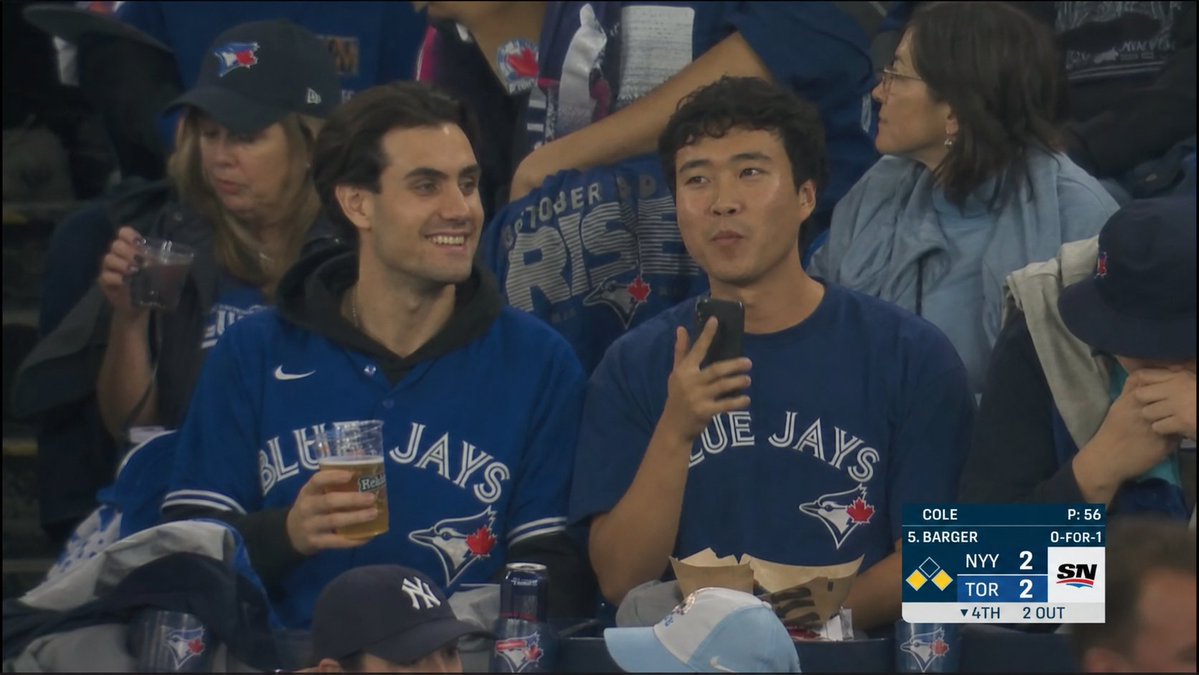
Toronto Blue Jays Game Broadcast Screenshot — Sora 2 Prompt
PROMPT · EN
type
照片级真实体育直播截图
scene
一张多伦多蓝鸟队棒球比赛的观众席抓拍,构图模拟电视转播镜头,夜间在球场灯光下对准下层看台进行拍摄。画面具有轻微压缩的烟雾感转播质感,伴有淡淡的薄雾、柔和的对比度、深色暗角以及逼真的动态模糊。
camera_and_style
aspect_ratio
16:9 宽屏
quality
广播级 MLB 转播剧照
framing
看台观众中远景特写,球迷肩并肩坐着
lens
长焦球场摄像机,扁平化视角
color_palette
深海军蓝、黑色阴影、冷灰色球场座椅、暖色肤色、白色记分牌图形
main_subjects
count
3
description
前景中三位核心多伦多蓝鸟队球迷,坐在相邻的球场座椅上。
left_fan
女性,戴着黑色多伦多蓝鸟队棒球帽,身穿蓝色球迷装备,胸前拿着一个装有深色饮料的透明塑料杯
center_fan
年轻男性,身穿宝蓝色多伦多蓝鸟队球衣,内搭黑色连帽衫,手里拿着一杯啤酒,姿态放松
right_fan
年轻男性,身穿海军蓝多伦多蓝鸟队 T 恤,一只手拿着智能手机,膝盖上放着一个纸质食品托盘
background
crowd
后方密集的观众,身穿蓝鸟队服装,包括主球迷身后中间一位穿着 October Rise 蓝鸟队衬衫的人,右侧一位穿着灰色夹克的人,以及底部边缘的部分帽子和肩膀。
team_branding
球衣、帽子、衬衫和杯子上可见多伦多蓝鸟队标志;右下角前景处有一个部分的纽约洋基队 (New York Yankees) 帽子。
privacy_obscuration
count
5
style
平坦、不透明的中棕色矩形块覆盖面部,模拟隐私匿名化处理
locations
item 1
左侧前景女性面部
item 2
中间前景男性面部
item 3
右侧前景男性面部
item 4
右上角背景女性面部
item 5
底部中心部分观众面部
broadcast_graphics
position
右下角
network_logo
SN
scorebug_components_count
9
details
item 1
投手信息:COLE 和 P:56
item 2
打者信息:5. BARGER 和 0-FOR-1
item 3
客队比分:NYY 2
item 4
主队比分:TOR 2
item 5
垒包示意图,一垒和二垒有黄色跑垒员
item 6
局数指示:▼ 4TH
item 7
出局数指示:2 OUT
item 8
深蓝色和白色矩形图形面板
item 9
右侧 Sportsnet SN 标志块
text_to_show
team_text
{argument name="team jersey text" default="BLUE JAYS"}
score_away
{argument name="away score text" default="NYY 2"}
score_home
{argument name="home score text" default="TOR 2"}
inning
{argument name="inning text" default="▼ 4TH"}
network
{argument name="network logo text" default="SN"}
composition
核心球迷占据画面主体,记分牌覆盖部分右下角座位。保持场景的抓拍感和自然感,如同比赛投球间隙真实的电视转播切镜。不要制作成摄影棚照片或插画风格。

Über diesen Prompt

Generate a photorealistic MLB broadcast-style fan shot with Sportsnet scorebug, privacy-blurred faces, and authentic stadium atmosphere. Use it as a Konzeptkunst starting point for GPT Image 2: keep the visual structure and style constraints intact, then swap in your own subject, brand, or scene.

This prompt is organized as structured JSON with fields such as type, scene, camera and style, main subjects, background, privacy obscuration, and broadcast graphics. Keeping that hierarchy helps the model separate the subject, layout, interface elements, and detail constraints.

Start with small changes to subject, scene, camera, and color, then generate a few variations to compare composition and detail without turning the page copy into keyword stuffing.

So verwendest du diesen Prompt

  1. Copy the entire prompt JSON and paste it into your preferred Sora 2-compatible AI video/image model.
  2. Select a model that supports high-resolution 16:9 photorealistic output (e.g., Sora 2, Runway Gen-3).
  3. Customize the argument variables — change team jersey text, scores, inning, or network logo to match a different game scenario.
  4. Adjust camera framing or color palette in the prompt if you want a tighter close-up or a different section of the ballpark.
  5. Generate the image and review; iterate on lighting or blur parameters if the broadcast-authentic feel needs refinement.
FAQ

Jacob Shi

@Jacoob_shi→

Veröffentlicht
15. Mai 2026
Originalsprache
EN
Modell
GPT Image 2
Kategorie
Konzeptkunst
GPT Image 2Konzeptkunstgpt-image-2twitter
Aufrufe
92
Kopien
9
Likes
2

Teilen

Mehr von GPT Image 2

Alle ansehen
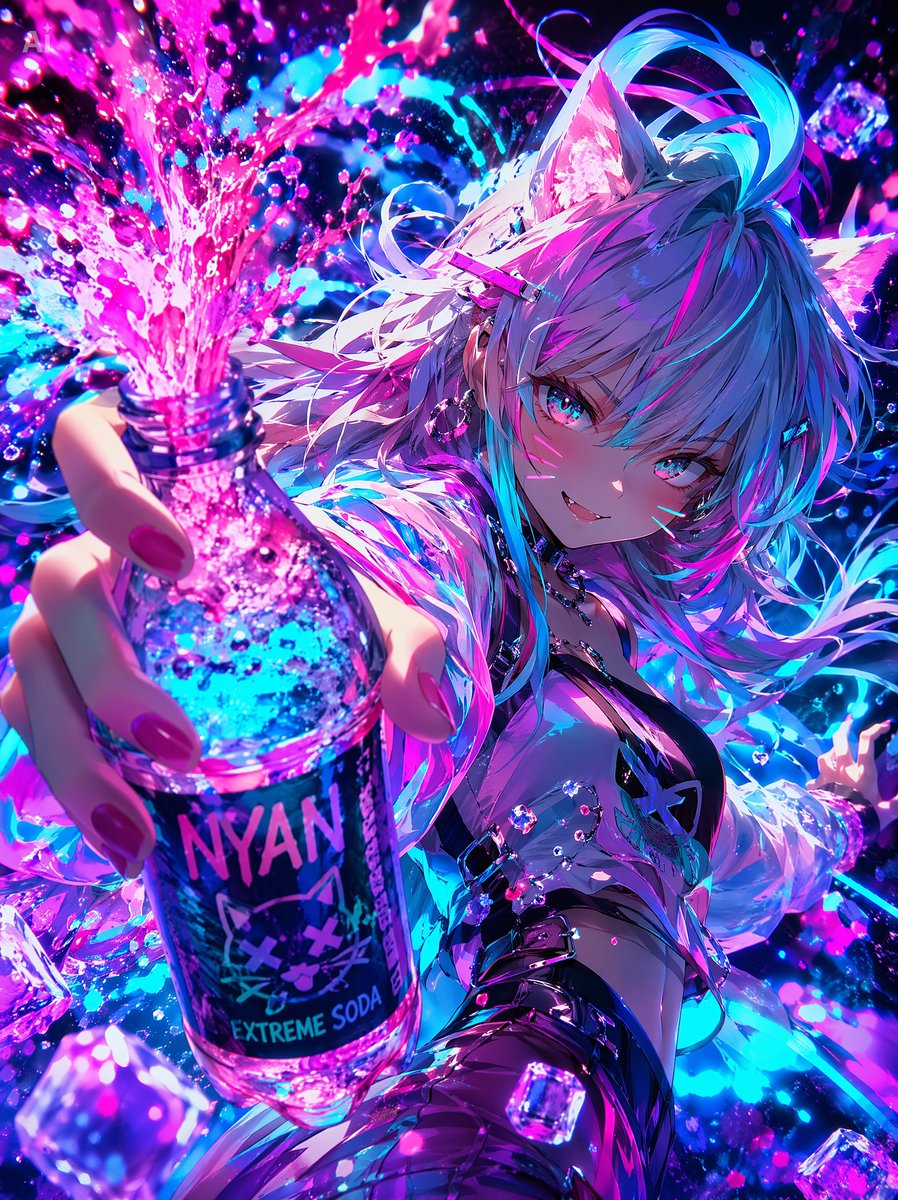
Cyberpunk Catgirl Soda Splash — Sora 2 Prompt

Cyberpunk Catgirl Soda Splash — Sora 2 Prompt

@kuso_seisakusyo
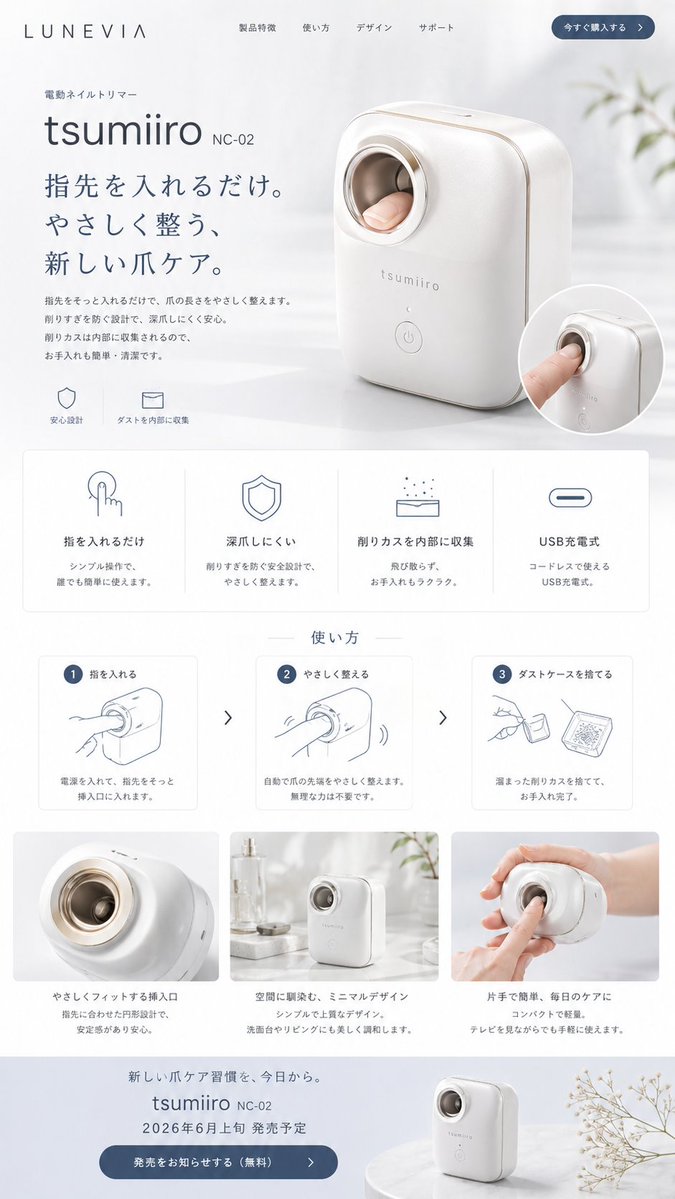
Minimalist Japanese Electric Nail Clipper Product Landing Page — Sora 2 Prompt

Minimalist Japanese Electric Nail Clipper Product Landing Page — Sora 2 Prompt

@eisho_m
Dark Anime Devil Girl Mario Kart Poster — Sora 2 Prompt

Dark Anime Devil Girl Mario Kart Poster — Sora 2 Prompt

@opener_ai

Schneller erstellen mit Sora2Hub-Prompts.

Nutze kuratierte Prompt-Seiten als suchbare Einstiege und starte direkt mit dem passenden Modellkontext.

Prompts entdecken