Sora2 Hub
Sora2 Hub
  • Prompt-Bibliothek
  • Preise
  • Galerie
Sora2 Hub
Sora2 Hub
Sora2 Hub

Sora2 Hub

Professionelle KI-Kreationsplattform, betrieben von Sora 2, Veo 3.1 und Nano Banana Pro. Erstellen Sie atemberaubende Videos und Bilder in Studioqualität mit erweiterter Steuerung, HD-Qualität und ohne Wasserzeichen.

Email:support@sora2hub.org

KI-Videogenerator

  • Text zu Video
  • Bild zu Video
  • Veo 3.1
  • Sora 2
  • Kling 3.0
  • Kling 2.6
  • Kling 2.5
  • Runway
  • Wan 2.6
  • Seedance 2.0
  • Hailuo 2.3
  • Grok Imagine
  • HappyHorse-1.0
  • HappyHorse 1.1
  • Kling 3.0 Turbo
  • Volcengine Video-to-Video Lip Sync
  • OmniHuman 1.5
  • Grok Imagine Video 1.5
  • Gemini Omni
  • Wan 2.7 Video
  • Seedance 2.0 Mini

KI-Bildgenerator

  • Text zu Bild
  • Bild zu Bild
  • Nano Banana Pro
  • Nano Banana
  • 4o Image
  • Flux Kontext
  • Z Image
  • Seedream 4.5
  • Seedream 5.0 Lite
  • Nano Banana 2
  • GPT Image 2
  • KI-Bildvergrößerer
  • Seedream 5.0 Pro
  • Nano Banana 2 Lite
  • Qwen Image 2.0

KI-Effekte

  • KI-Altersfilter
  • KI-Geschlechtertausch
  • KI-Kuss
  • KI-Umarmung
  • Ghibli-Bild
  • KI-Meerjungfrau-Filter
  • KI-Körperschütteln
  • Lächeln-Filter
  • KI-Fett
  • Actionfigur

Produkt

  • Funktionen
  • Showcases
  • Preise

Unternehmen

  • Über uns
  • Kontakt

© 2025 • Sora2 Hub ORG Alle Rechte vorbehalten.

  • Datenschutzrichtlinie
  • Nutzungsbedingungen
  • Rückerstattungsrichtlinie
  1. Startseite
  2. /
  3. Prompts
  4. /
  5. GPT Image 2
  6. /
  7. ChatGPT Image Prompt Guide — Infographic Generator
GPT Image 2AI-Prompt

ChatGPT Image Prompt Guide — Infographic Generator

Generate a clean, corporate infographic outlining best practices for writing and refining AI image generation prompts, complete with icons and step-by-step tips.
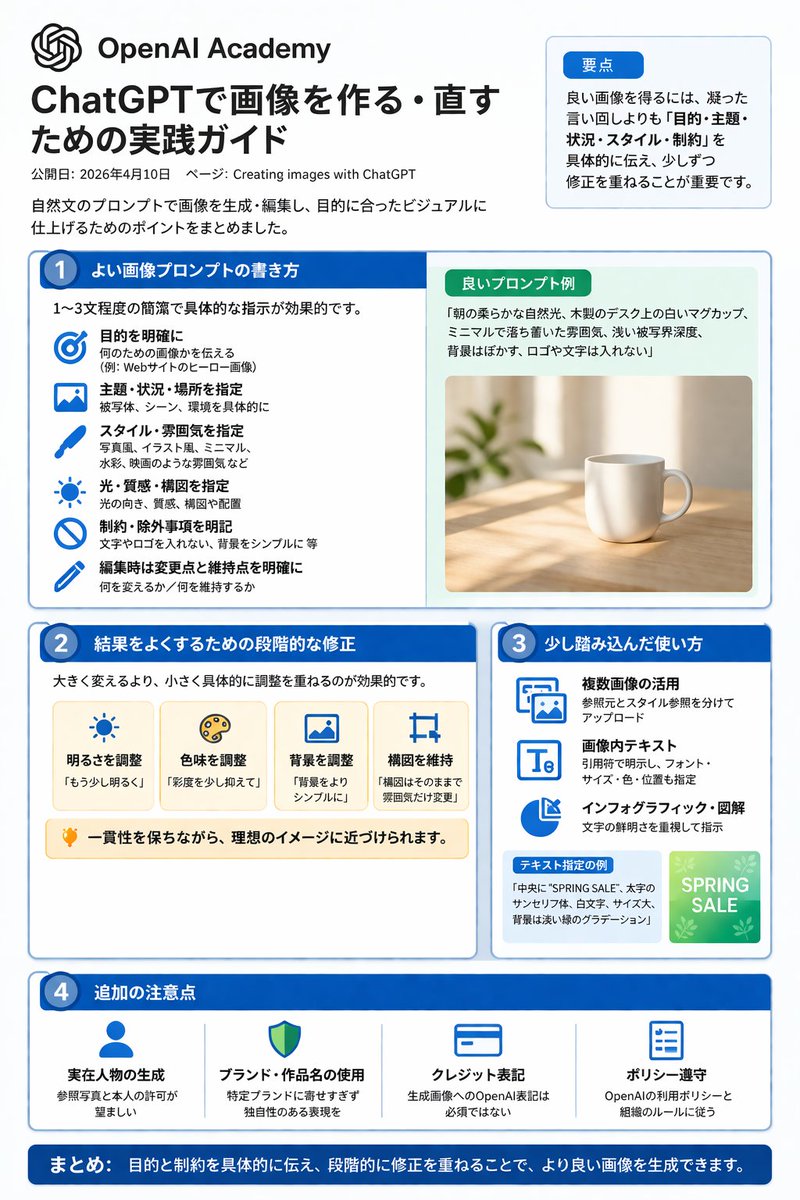
ChatGPT Image Prompt Guide — Infographic Generator
PROMPT · EN
type
infographic
style
clean, corporate, flat design, pastel accents, dark blue primary color
header
logo
swirl icon
academy_name
{argument name="academy name" default="OpenAI Academy"}
main_title
{argument name="main title" default="ChatGPTで画像を作る・直すための実践ガイド"}
metadata
date and page info
summary_box
title
要点
content
paragraph about key points
layout
sections
item 1
number
1
title
{argument name="section 1 title" default="よい画像プロンプトの書き方"}
layout
two columns
left_column
count
6
items
item 1
icon
target
label
目的を明確に
item 2
icon
landscape
label
主題・状況・場所を指定
item 3
icon
brush
label
スタイル・雰囲気を指定
item 4
icon
sun
label
光・質感・構図を指定
item 5
icon
prohibition
label
制約・除外事項を明記
item 6
icon
pencil
label
編集時は変更点と維持点を明確に
right_column
box_title
良いプロンプト例
image
{argument name="example image subject" default="white mug on a wooden desk"}
item 2
number
2
title
結果をよくするための段階的な修正
cards
count
4
items
item 1
icon
sun
label
明るさを調整
item 2
icon
palette
label
色味を調整
item 3
icon
landscape
label
背景を調整
item 4
icon
crop
label
構図を維持
bottom_banner
lightbulb icon with text
item 3
number
3
title
少し踏み込んだ使い方
list
count
3
items
item 1
icon
multiple images
label
複数画像の活用
item 2
icon
text 'Te'
label
画像内テキスト
item 3
icon
pie chart
label
インフォグラフィック・図解
example_box
title
テキスト指定の例
graphic
green box with 'SPRING SALE'
item 4
number
4
title
追加の注意点
items
count
4
items
item 1
icon
person
label
実在人物の生成
item 2
icon
shield
label
ブランド・作品名の使用
item 3
icon
id card
label
クレジット表記
item 4
icon
checklist
label
ポリシー遵守
footer
style
dark blue banner
text
{argument name="footer summary" default="まとめ: 目的と制約を具体的に伝え、段階的に修正を重ねることで、より良い画像を生成できます。"}

Über diesen Prompt

Generate a clean, corporate infographic outlining best practices for writing and refining AI image generation prompts, complete with icons and step-by-step tips. Use it as a Konzeptkunst starting point for GPT Image 2: keep the visual structure and style constraints intact, then swap in your own subject, brand, or scene.

This prompt is organized as structured JSON with fields such as type, style, header, and layout. Keeping that hierarchy helps the model separate the subject, layout, interface elements, and detail constraints.

Start with small changes to subject, scene, camera, and color, then generate a few variations to compare composition and detail without turning the page copy into keyword stuffing.

So verwendest du diesen Prompt

  1. Copy the prompt text from the page. 2. Choose an AI model like Sora 2 that supports detailed visual generation. 3. Customize variables like 'academy name', 'main title', and 'example image subject' to match your needs. 4. Generate the image to create your tailored infographic guide.
FAQ

炎鎮🔥 - ₿onochin -

@prompts→

Veröffentlicht
30. Apr. 2026
Originalsprache
EN
Modell
GPT Image 2
Kategorie
Konzeptkunst
GPT Image 2Konzeptkunstgpt-image-2gptimage2api promptsgptimage2apien
Aufrufe
85
Kopien
13
Likes
3

Teilen

Mehr von GPT Image 2

Alle ansehen
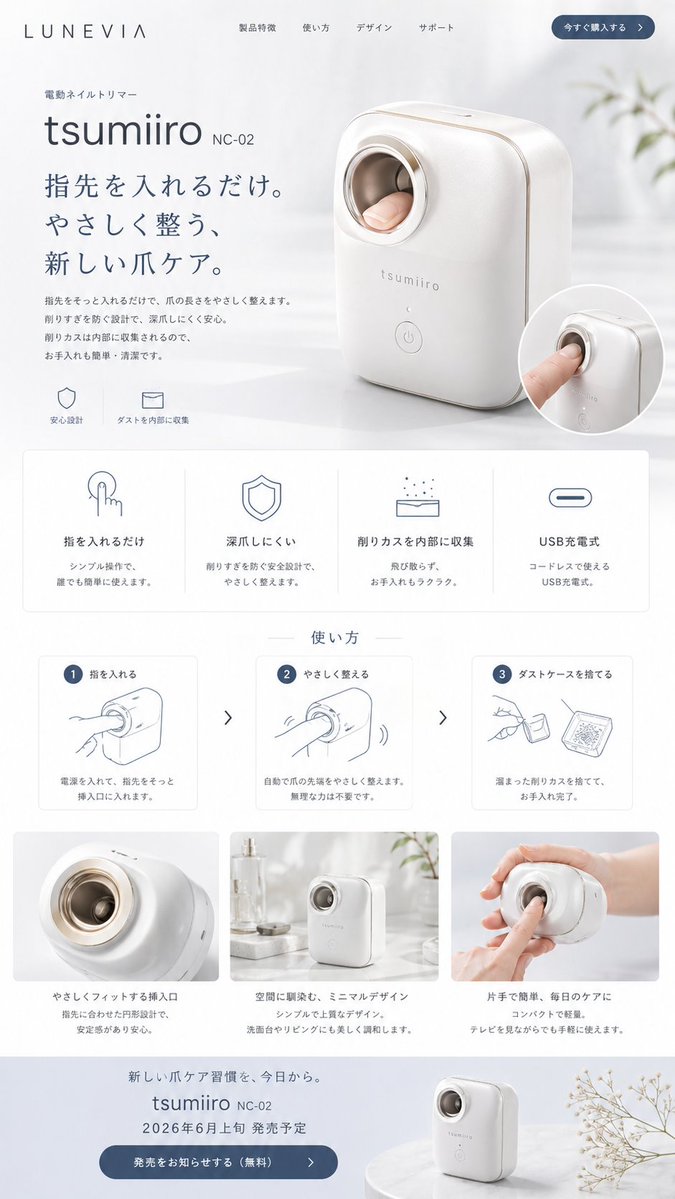
Minimalist Japanese Electric Nail Clipper Product Landing Page — Sora 2 Prompt

Minimalist Japanese Electric Nail Clipper Product Landing Page — Sora 2 Prompt

@eisho_m
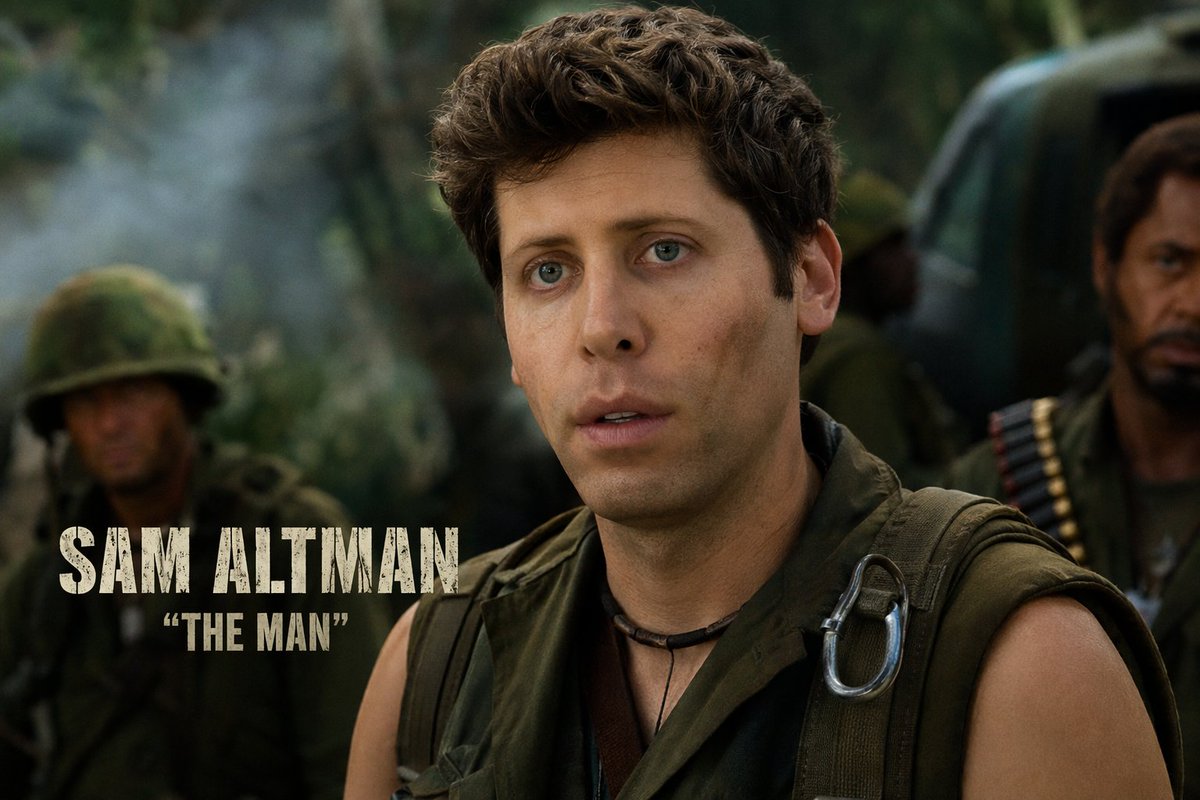
Celebrity Crossover — Sora 2 Prompt

Celebrity Crossover — Sora 2 Prompt

@Conor_D_Dart
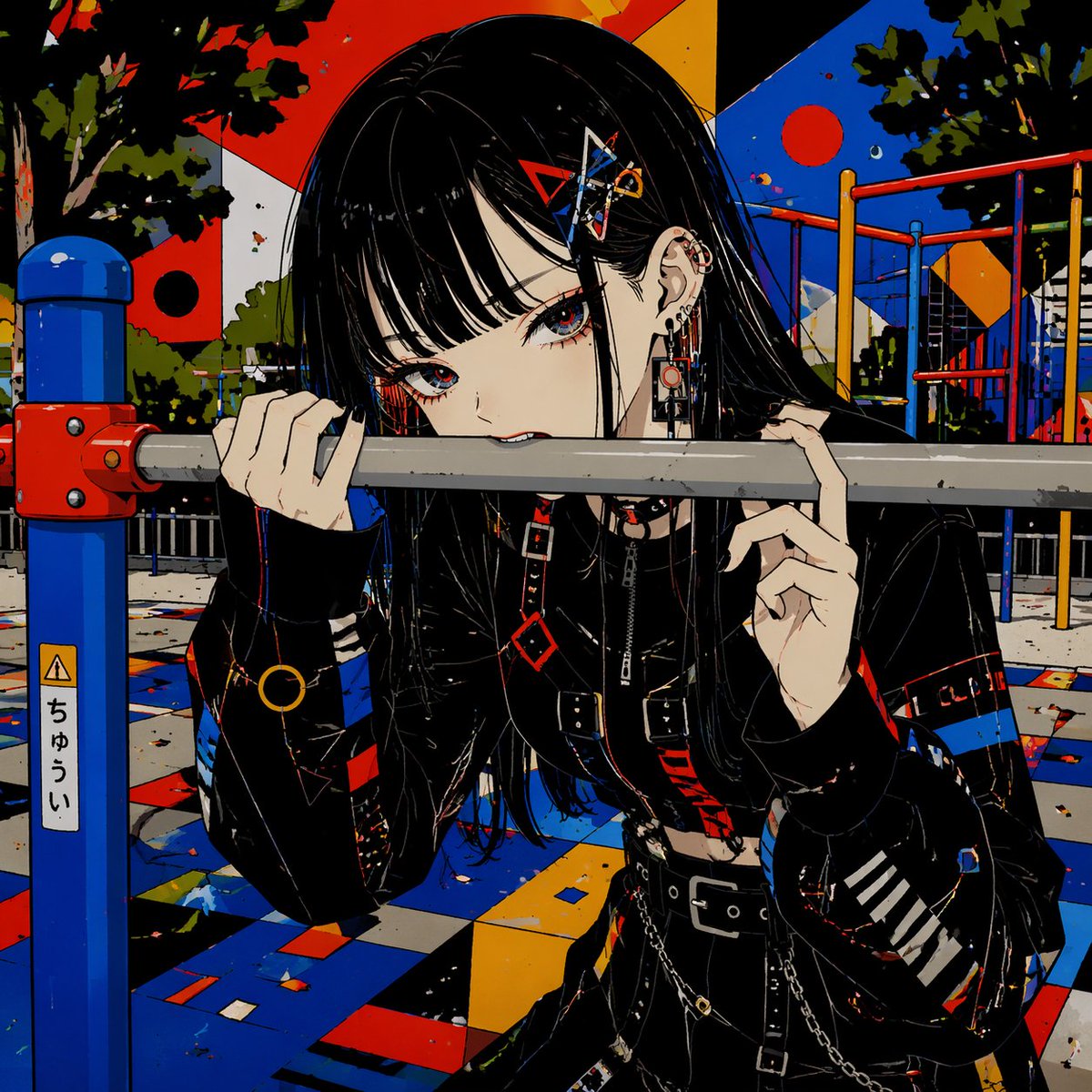
Gothic Anime Girl Bites Playground Rail — Sora 2 Prompt

Gothic Anime Girl Bites Playground Rail — Sora 2 Prompt

@hoshi122221

Schneller erstellen mit Sora2Hub-Prompts.

Nutze kuratierte Prompt-Seiten als suchbare Einstiege und starte direkt mit dem passenden Modellkontext.

Prompts entdecken