Sora2 Hub
Sora2 Hub
  • Prompt-Bibliothek
  • Preise
  • Galerie
Sora2 Hub
Sora2 Hub
Sora2 Hub

Sora2 Hub

Professionelle KI-Kreationsplattform, betrieben von Sora 2, Veo 3.1 und Nano Banana Pro. Erstellen Sie atemberaubende Videos und Bilder in Studioqualität mit erweiterter Steuerung, HD-Qualität und ohne Wasserzeichen.

Email:support@sora2hub.org

KI-Videogenerator

  • Text zu Video
  • Bild zu Video
  • Veo 3.1
  • Sora 2
  • Kling 3.0
  • Kling 2.6
  • Kling 2.5
  • Runway
  • Wan 2.6
  • Seedance 2.0
  • Hailuo 2.3
  • Grok Imagine
  • HappyHorse-1.0
  • HappyHorse 1.1
  • Kling 3.0 Turbo
  • Volcengine Video-to-Video Lip Sync
  • OmniHuman 1.5
  • Grok Imagine Video 1.5
  • Gemini Omni
  • Wan 2.7 Video
  • Seedance 2.0 Mini

KI-Bildgenerator

  • Text zu Bild
  • Bild zu Bild
  • Nano Banana Pro
  • Nano Banana
  • 4o Image
  • Flux Kontext
  • Z Image
  • Seedream 4.5
  • Seedream 5.0 Lite
  • Nano Banana 2
  • GPT Image 2
  • KI-Bildvergrößerer
  • Seedream 5.0 Pro
  • Nano Banana 2 Lite
  • Qwen Image 2.0

KI-Effekte

  • KI-Altersfilter
  • KI-Geschlechtertausch
  • KI-Kuss
  • KI-Umarmung
  • Ghibli-Bild
  • KI-Meerjungfrau-Filter
  • KI-Körperschütteln
  • Lächeln-Filter
  • KI-Fett
  • Actionfigur

Produkt

  • Funktionen
  • Showcases
  • Preise

Unternehmen

  • Über uns
  • Kontakt

© 2025 • Sora2 Hub ORG Alle Rechte vorbehalten.

  • Datenschutzrichtlinie
  • Nutzungsbedingungen
  • Rückerstattungsrichtlinie
  1. Startseite
  2. /
  3. Prompts
  4. /
  5. GPT Image 2
  6. /
  7. ChatGPT Super App Concept — Sora 2 UI Prompt
GPT Image 2AI-Prompt

ChatGPT Super App Concept — Sora 2 UI Prompt

Generate a realistic computer screenshot of a polished ChatGPT Super App interface, perfect for app design mockups and creative explorations.
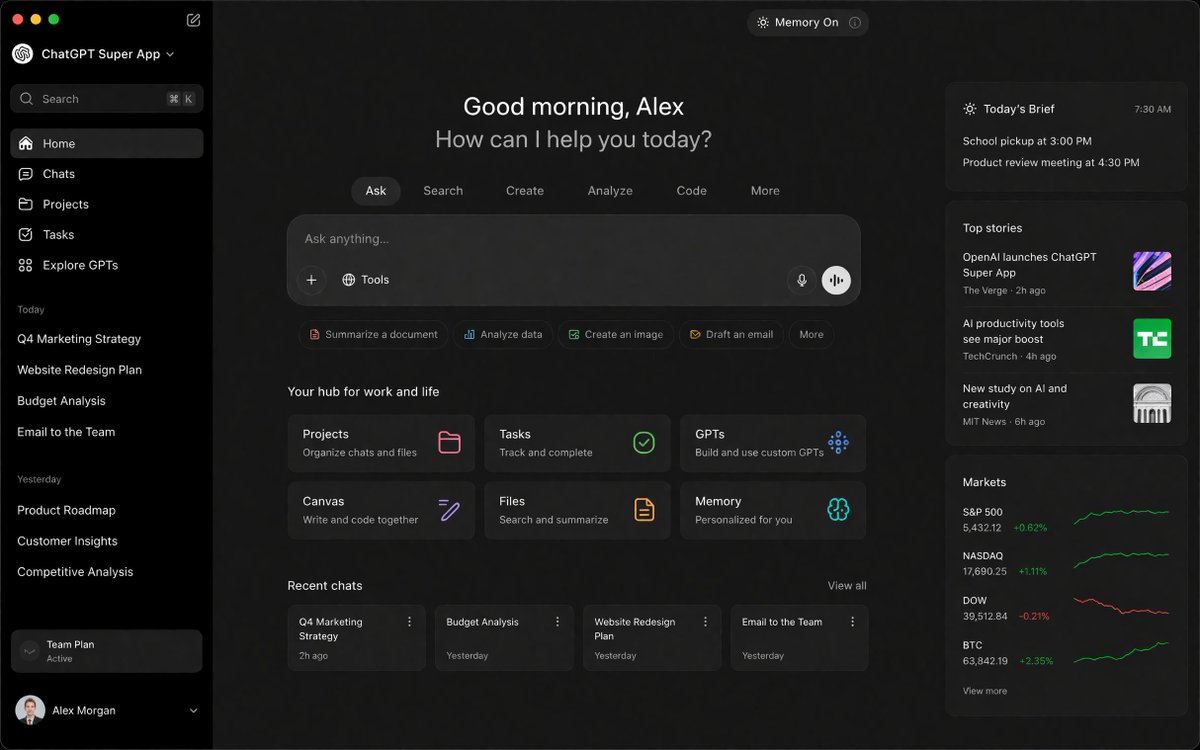
ChatGPT Super App Concept — Sora 2 UI Prompt
PROMPT · EN
Computer Screenshot of argsubject: ChatGPT’s Super App

Über diesen Prompt

Generate a realistic computer screenshot of a polished ChatGPT Super App interface, perfect for app design mockups and creative explorations. Use it as a Konzeptkunst starting point for GPT Image 2: keep the visual structure and style constraints intact, then swap in your own subject, brand, or scene.

Common directions include gptimage2api prompts, gptimage2api, and en. Treat these tags as creative cues; the prompt structure and preview image are the more useful guide.

Start by replacing subject, then keep the camera, composition, and material cues in the same order. This makes the output easier to compare across variations.

So verwendest du diesen Prompt

  1. Copy the entire prompt text above.
  2. Open your preferred AI image generator (e.g., Sora 2, DALL·E, or Midjourney).
  3. Paste the prompt and replace the {subject} variable with your desired app name or concept.
  4. Adjust any style or resolution settings to match your vision.
  5. Generate and iterate until you achieve the perfect interface mockup.
FAQ

Patrick

@prompts→

Veröffentlicht
30. Apr. 2026
Originalsprache
EN
Modell
GPT Image 2
Kategorie
Konzeptkunst
GPT Image 2Konzeptkunstgpt-image-2gptimage2api promptsgptimage2apien
Aufrufe
1.4K
Kopien
79
Likes
43

Teilen

Mehr von GPT Image 2

Alle ansehen
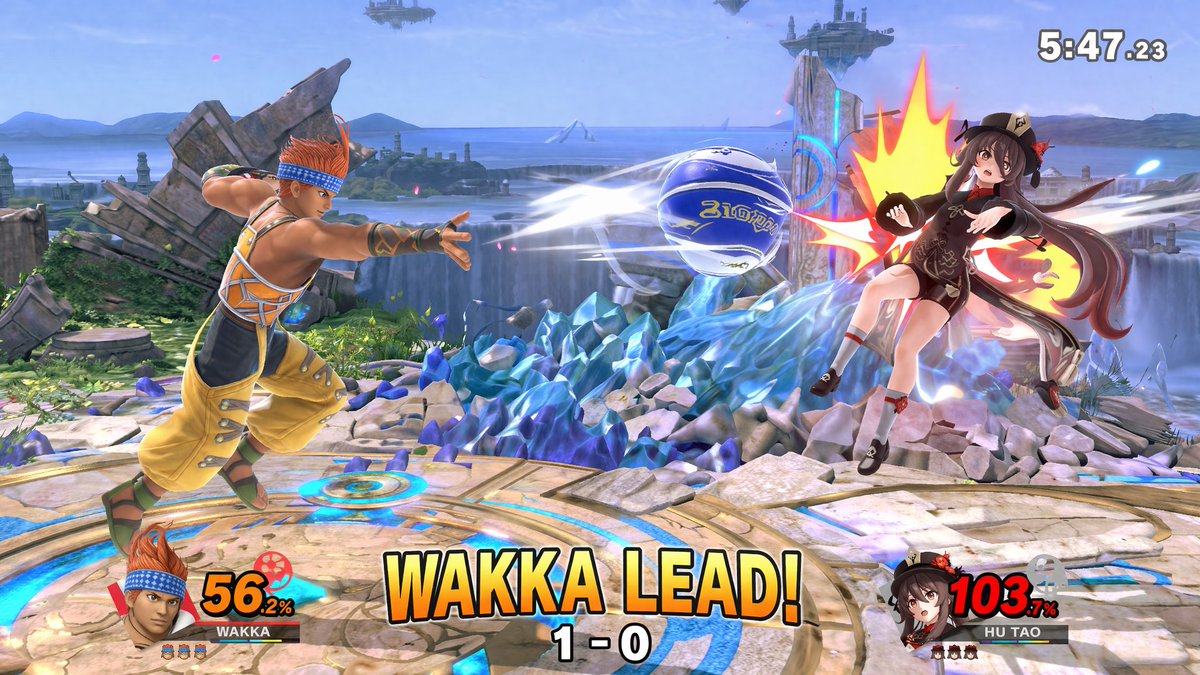
AI-Generated Crossover Fighter Screenshot — Sora 2 Prompt

AI-Generated Crossover Fighter Screenshot — Sora 2 Prompt

@momoringo_sub
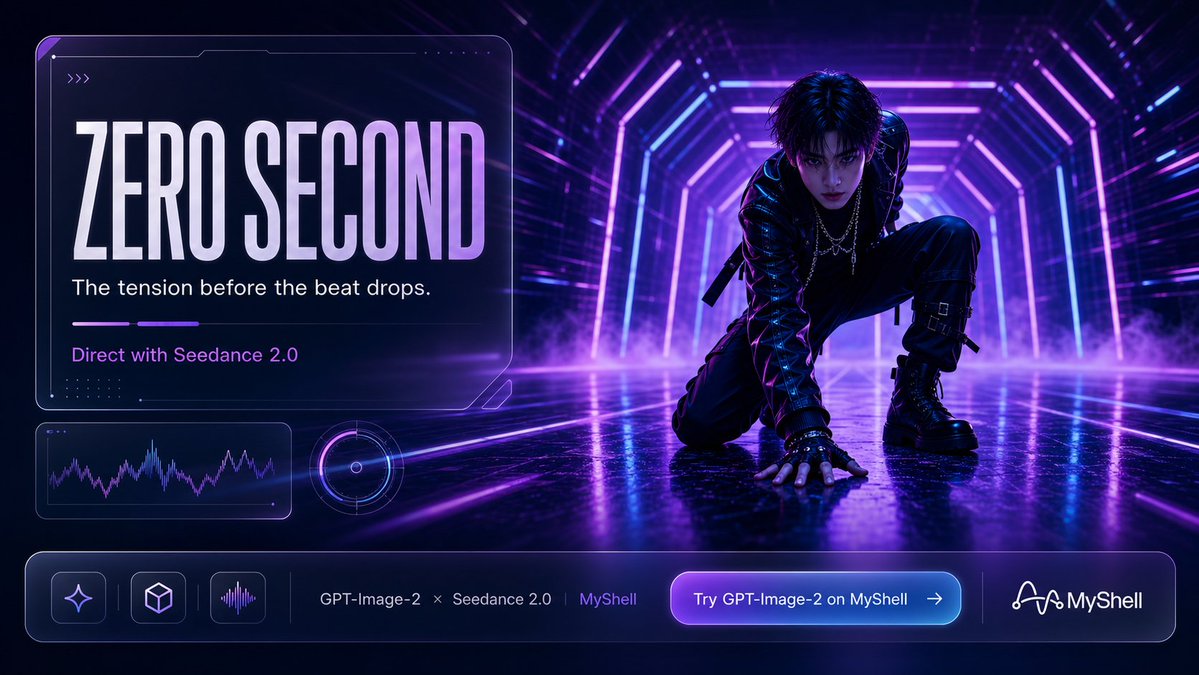
Cyberpunk AI Launch Banner — Cinematic Neon Poster Prompt

Cyberpunk AI Launch Banner — Cinematic Neon Poster Prompt

@ObieriI
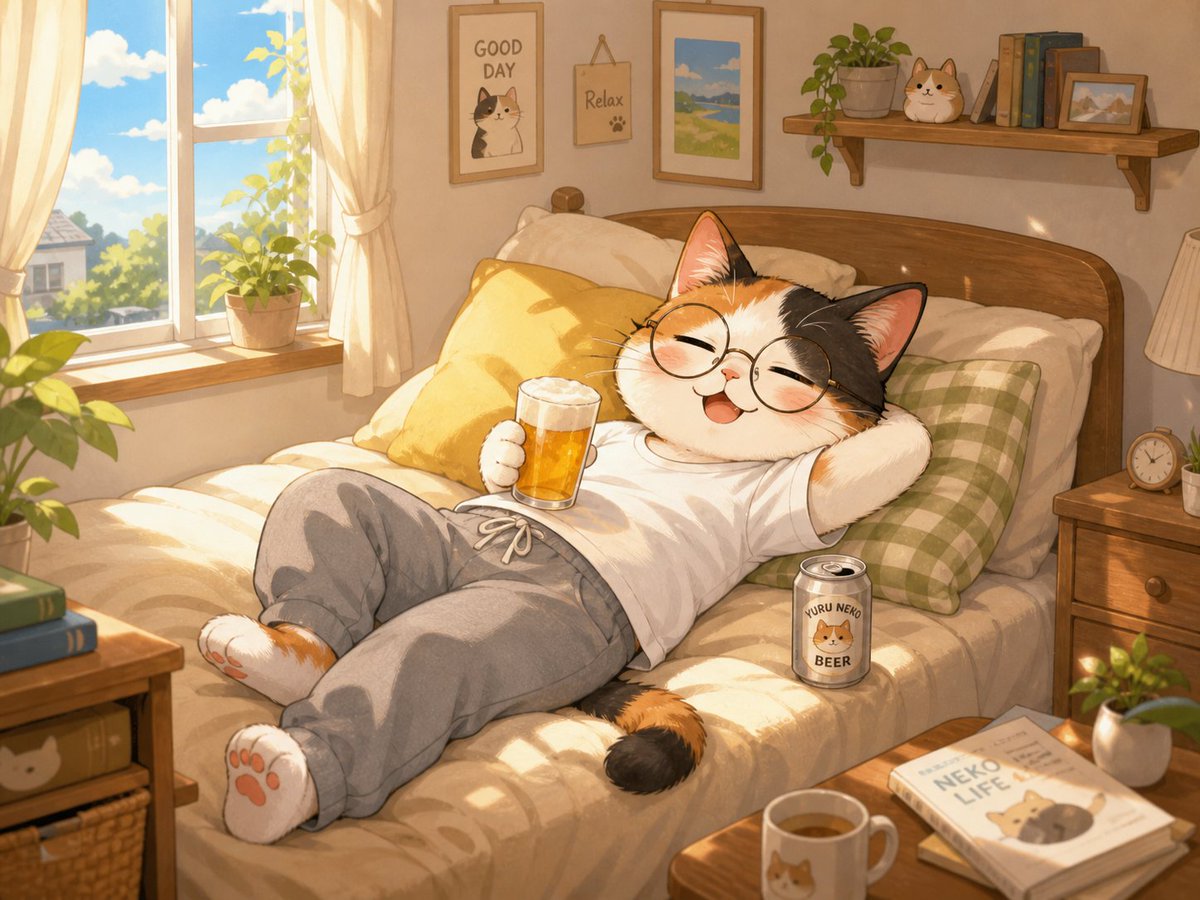
Cozy Anime Cat Holiday Bedroom — Sora 2 Prompt

Cozy Anime Cat Holiday Bedroom — Sora 2 Prompt

@miya_space

Schneller erstellen mit Sora2Hub-Prompts.

Nutze kuratierte Prompt-Seiten als suchbare Einstiege und starte direkt mit dem passenden Modellkontext.

Prompts entdecken