
GPT Image 2AI-Prompt
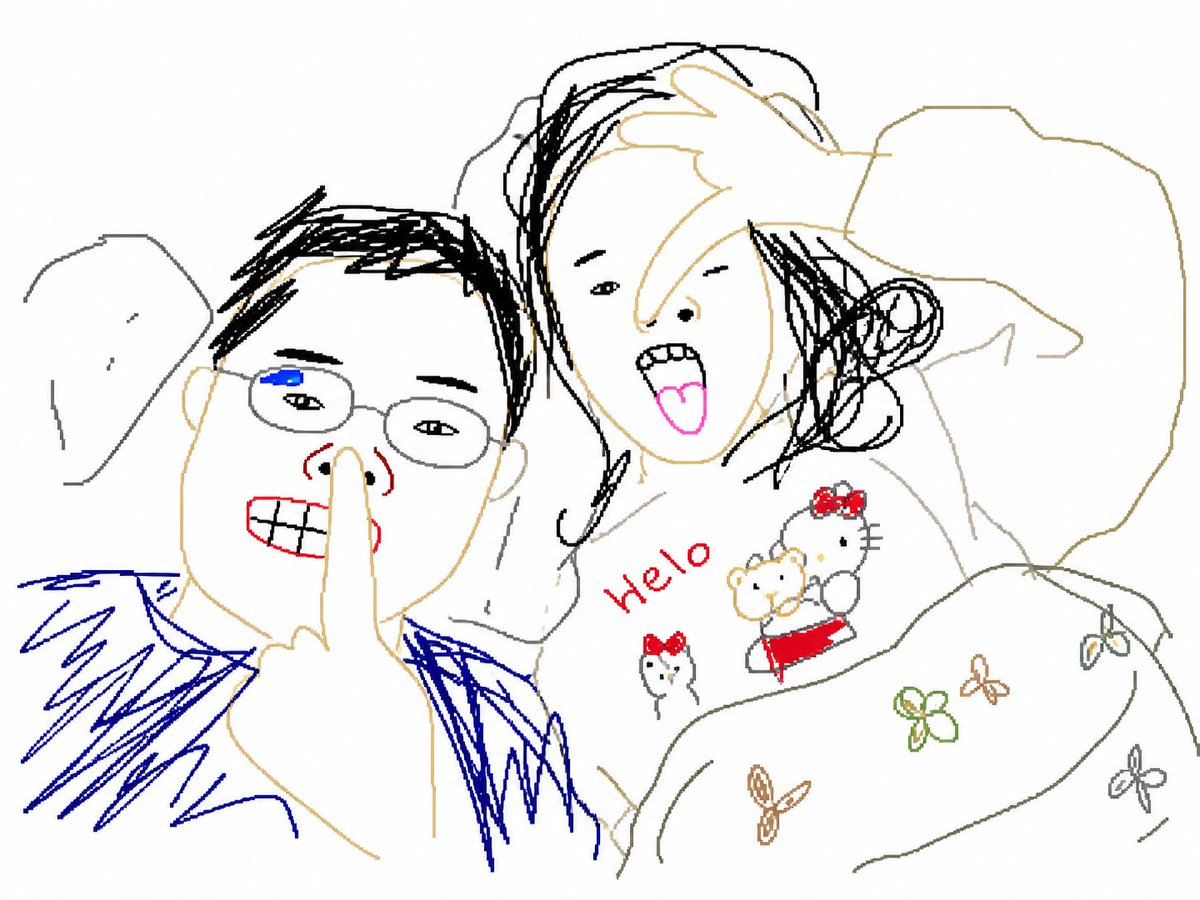
Intentionally Bad MS Paint Redraw — AI Image Prompt
Generates a deliberately ugly, pixelated image redrawn in a clumsy Microsoft Paint style with a white background for comedic or artistic effect.
PROMPT · EN
请使用 argstyle: 最笨拙、潦草且绝对辣眼睛的方式 重绘这张附件图片。请使用纯白色背景,并使其看起来像是用鼠标在 Microsoft Paint 中绘制的一样。它应该与原图有几分相似,但又不完全一致——既有联系又带有一种令人费解的尴尬感。图像应具有低质量、逐像素的颗粒感纹理,以充分体现其荒谬的丑陋感。总之,随你怎么画都行。
Über diesen Prompt
Generates a deliberately ugly, pixelated image redrawn in a clumsy Microsoft Paint style with a white background for comedic or artistic effect. Use it as a Konzeptkunst starting point for GPT Image 2: keep the visual structure and style constraints intact, then swap in your own subject, brand, or scene.
Start by replacing style, then keep the camera, composition, and material cues in the same order. This makes the output easier to compare across variations.
So verwendest du diesen Prompt
- Copy the prompt text above and paste it into your chosen AI image generation model's interface.
- Select a model that supports text-to-image generation (e.g., Sora 2 or similar).
- You can adjust the "style" argument to change the drawing style (e.g., "childish scribbles" or "spiteful doodles").
- Attach the reference image you want redrawn when prompted.
- Generate the image and review the intentionally low-quality, humorous result.


