
GPT Image 2AI-Prompt
Historical Aerial Photo Colorization — Sora 2 Prompt
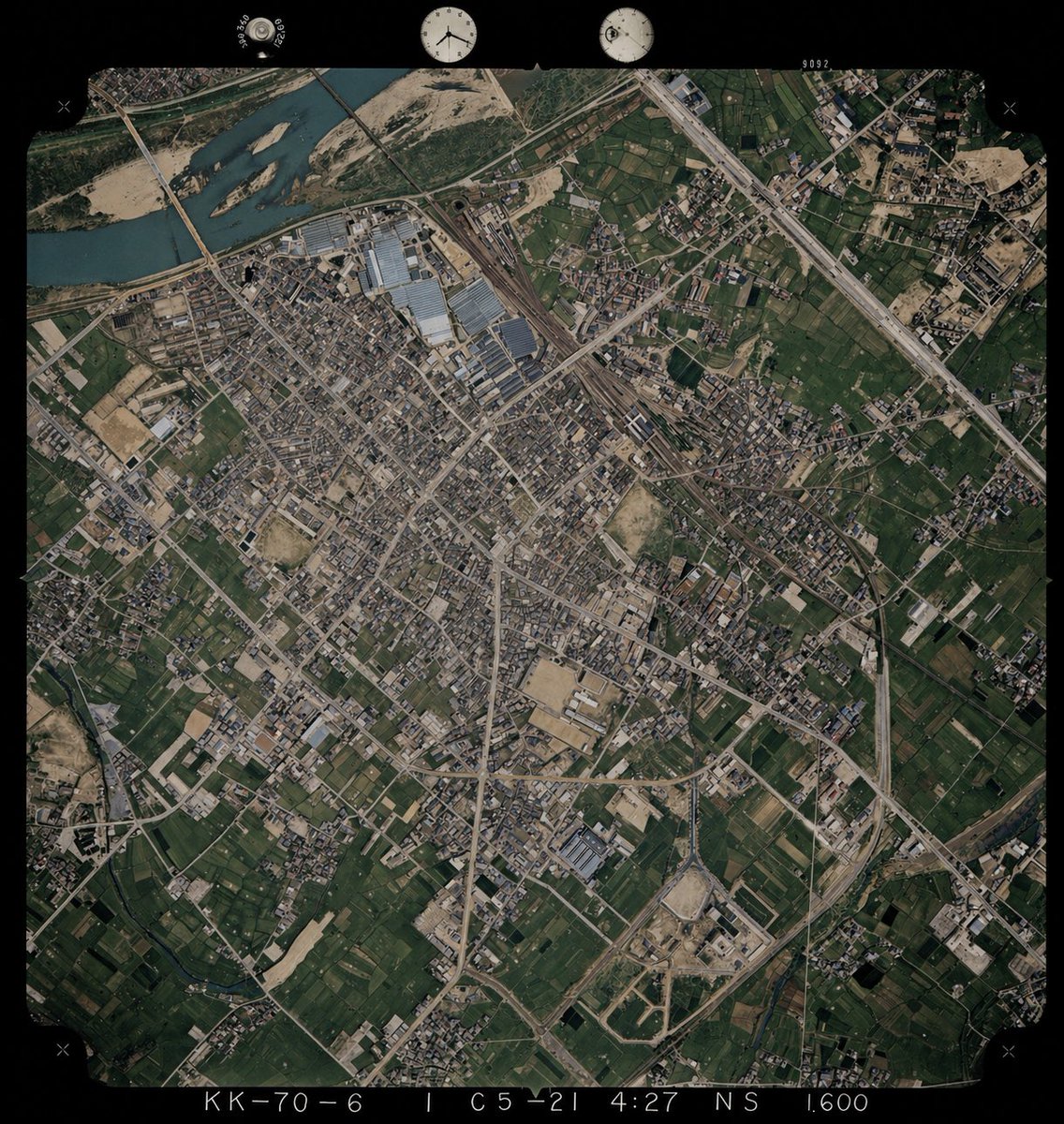
Transform black-and-white aerial photos into realistic color images using a reference photo as a color guide for rivers, vegetation, soil, and structures.
PROMPT · EN
以 REFERENCE_0 为底图,为单色历史航拍照片上色,同时保留原始的构图、角度、比例、胶片边框、边缘标记以及所有地理结构。仅将 REFERENCE_1 作为从高空俯瞰时的地表颜色参考指南。保持旧照片的布局和地形细节不变,但需推断出 4 种主要地表类型的自然色彩:河流为柔和的蓝绿色,植被和农田为深浅不一的深绿色,裸露土壤/沙地和建筑区域为棕褐色,道路/建筑物/工业屋顶为低饱和度的灰色至浅棕色。保持写实的档案级航拍照片质感,而非现代卫星图像风格,确保色彩饱和度适中、对比度微妙,并使整张图像的色彩保持一致。
Über diesen Prompt
Transform black-and-white aerial photos into realistic color images using a reference photo as a color guide for rivers, vegetation, soil, and structures. Use it as a Konzeptkunst starting point for GPT Image 2: keep the visual structure and style constraints intact, then swap in your own subject, brand, or scene.
Start with small changes to subject, scene, camera, and color, then generate a few variations to compare composition and detail without turning the page copy into keyword stuffing.
So verwendest du diesen Prompt
- Copy this prompt and paste it into your Sora 2 or compatible AI video/image model interface.
- Upload your black-and-white historical aerial photo as REFERENCE_0 (the base image).
- Upload a color aerial photo of a similar landscape as REFERENCE_1 (the color palette guide).
- Adjust any surface-type color preferences if needed, such as river tones or vegetation shades.
- Generate the output and review for color consistency, archival texture, and structural fidelity before downloading.


