Sora2 Hub
Sora2 Hub
  • Prompt-Bibliothek
  • Preise
  • Galerie
Sora2 Hub
Sora2 Hub
Sora2 Hub

Sora2 Hub

Professionelle KI-Kreationsplattform, betrieben von Sora 2, Veo 3.1 und Nano Banana Pro. Erstellen Sie atemberaubende Videos und Bilder in Studioqualität mit erweiterter Steuerung, HD-Qualität und ohne Wasserzeichen.

Email:support@sora2hub.org

KI-Videogenerator

  • Text zu Video
  • Bild zu Video
  • Veo 3.1
  • Sora 2
  • Kling 3.0
  • Kling 2.6
  • Kling 2.5
  • Runway
  • Wan 2.6
  • Seedance 2.0
  • Hailuo 2.3
  • Grok Imagine
  • HappyHorse-1.0

KI-Bildgenerator

  • Text zu Bild
  • Bild zu Bild
  • Nano Banana Pro
  • Nano Banana
  • 4o Image
  • Flux Kontext
  • Z Image
  • Seedream 4.5
  • Seedream 5.0 Lite
  • Nano Banana 2
  • GPT Image 2
  • KI-Bildvergrößerer

KI-Effekte

  • KI-Altersfilter
  • KI-Geschlechtertausch
  • KI-Kuss
  • KI-Umarmung
  • Ghibli-Bild
  • KI-Meerjungfrau-Filter
  • KI-Körperschütteln
  • Lächeln-Filter
  • KI-Fett
  • Actionfigur

Produkt

  • Funktionen
  • Showcases
  • Preise

Unternehmen

  • Über uns
  • Kontakt

© 2025 • Sora2 Hub ORG Alle Rechte vorbehalten.

  • Datenschutzrichtlinie
  • Nutzungsbedingungen
  • Rückerstattungsrichtlinie
  1. Startseite
  2. /
  3. Prompts
  4. /
  5. GPT Image 2
  6. /
  7. Industrial Design Showcase Grid — Sora 2 Prompt
GPT Image 2AI-Prompt

Industrial Design Showcase Grid — Sora 2 Prompt

Generate a professional industrial design product showcase with a clean grid layout, multiple colorways, and hyper-realistic 4K renders.
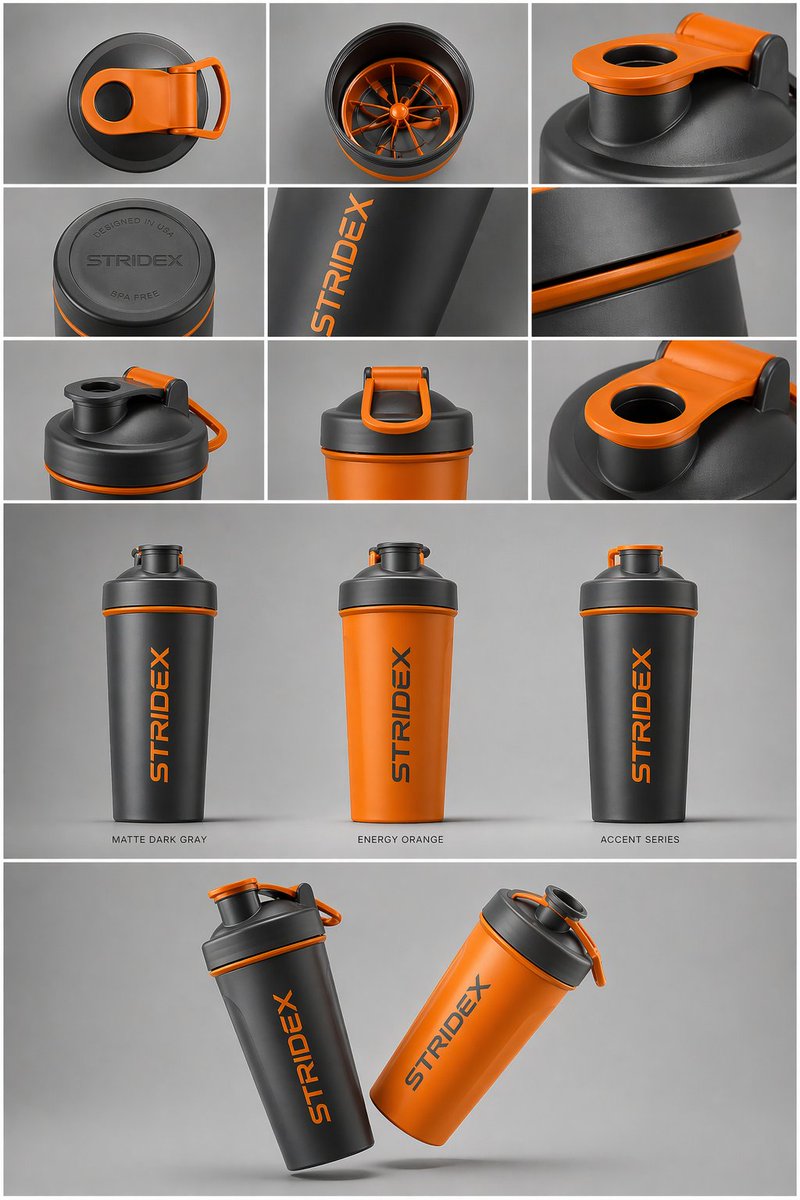
Industrial Design Showcase Grid — Sora 2 Prompt
PROMPT · EN
核心主题:[argreference: 使用上传的图片,保持细节、排版和结构 100% 不变] 布局与构图:一个 argpresentation type: 专业的工业设计展示页。图片应组织成清晰的网格系统。 顶行:3x3 布局,展示俯视平铺视图和材质的微距细节。 中间部分:三张产品垂直站立的精选特写,展示不同配色(哑光黑、北极白及强调色变体)。产品应略微倾斜以展现深度和形态。 底部部分:动态的“悬浮”构图,通过两个产品以相反角度重叠,同时展示正面和侧面轮廓。 环境与光影:背景为极简的中性摄影棚灰色。采用柔和的顶光,带有真实的接触阴影。高端产品摄影美学。 风格与质感:哑光纹理、干净的轮廓和锐利的边缘。在产品表面留出指定的空白区域用于“占位品牌标识”和“图形样机”。4k 分辨率,Unreal Engine 5 渲染风格,超写实,干净的美学风格。

Über diesen Prompt

Generate a professional industrial design product showcase with a clean grid layout, multiple colorways, and hyper-realistic 4K renders. Use it as a Konzeptkunst starting point for GPT Image 2: keep the visual structure and style constraints intact, then swap in your own subject, brand, or scene.

Start by replacing reference and presentation type, then keep the camera, composition, and material cues in the same order. This makes the output easier to compare across variations.

So verwendest du diesen Prompt

  1. Copy the prompt text.
  2. Choose an AI image model like Sora 2, Midjourney, or DALL-E.
  3. Customize variables such as the reference image, presentation type, and color variants.
  4. Paste the prompt and generate.
  5. Review and refine for your desired output.
FAQ

Shams

@ShamsAmin56→

Veröffentlicht
25. Apr. 2026
Originalsprache
EN
Modell
GPT Image 2
Kategorie
Konzeptkunst
GPT Image 2Konzeptkunstgpt-image-2twitter
Aufrufe
1.1K
Kopien
158
Likes
60

Teilen

Mehr von GPT Image 2

Alle ansehen
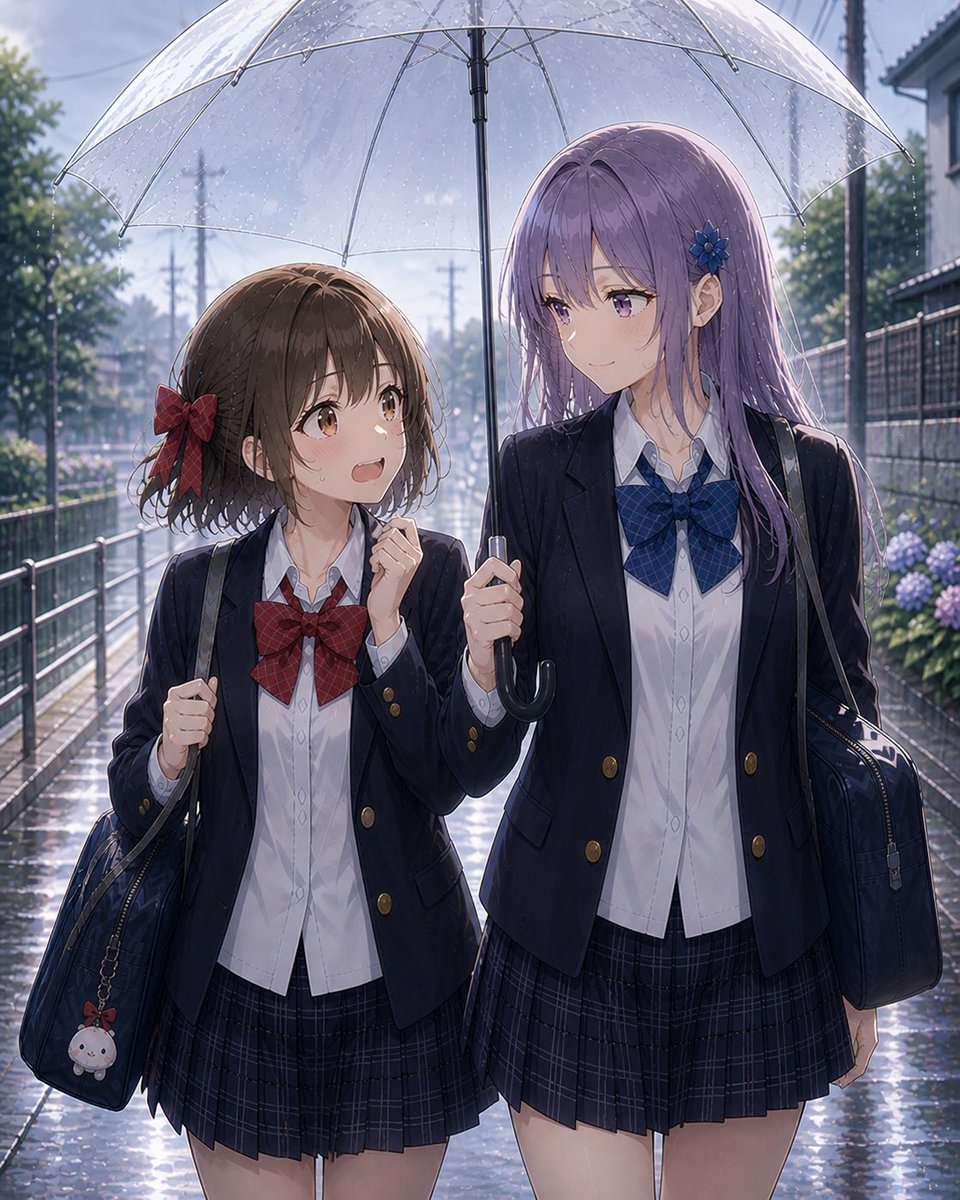
Anime Schoolgirls Sharing Transparent Umbrella — Sora 2 Prompt

Anime Schoolgirls Sharing Transparent Umbrella — Sora 2 Prompt

@yB7CqdfoDmrbhgD
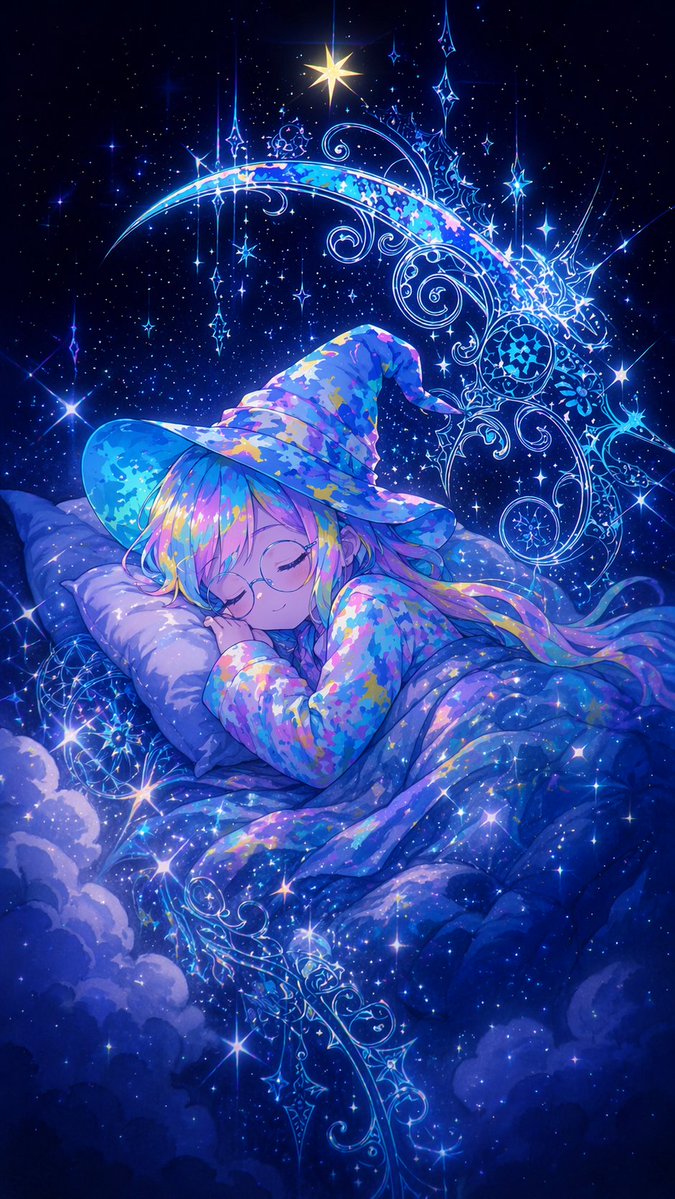
Sleeping Anime Star Witch — Dreamy Cosmic Sora 2 Prompt

Sleeping Anime Star Witch — Dreamy Cosmic Sora 2 Prompt

@prompts
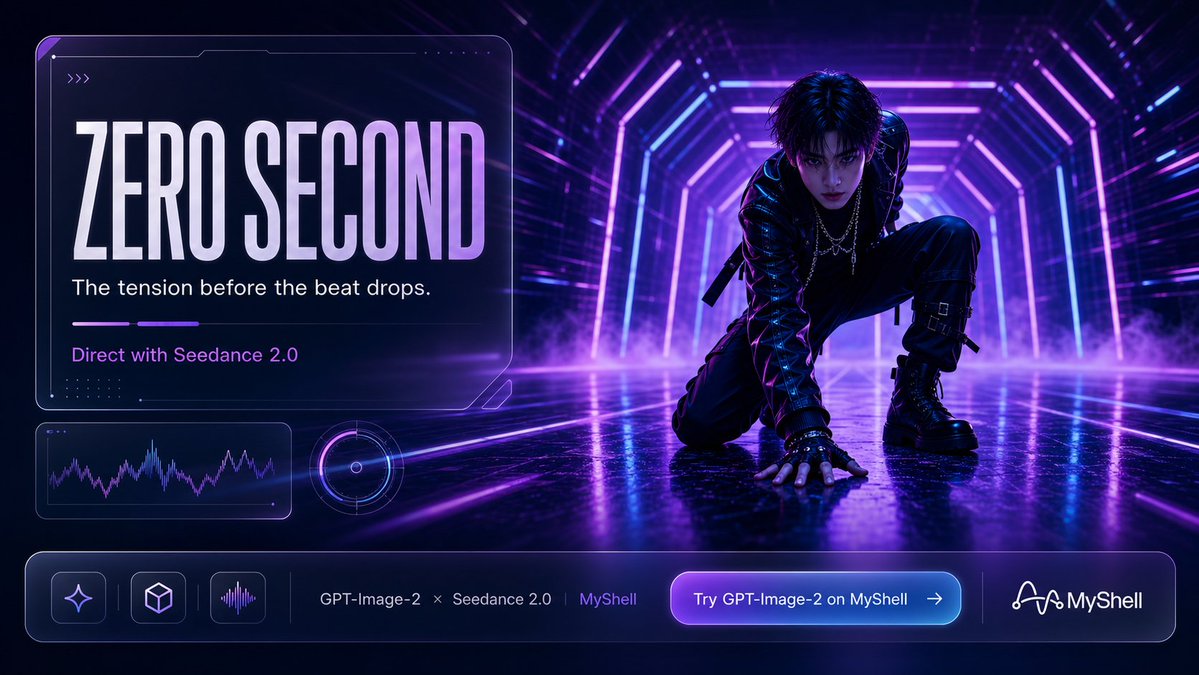
Cyberpunk AI Launch Banner — Cinematic Neon Poster Prompt

Cyberpunk AI Launch Banner — Cinematic Neon Poster Prompt

@ObieriI

Schneller erstellen mit Sora2Hub-Prompts.

Nutze kuratierte Prompt-Seiten als suchbare Einstiege und starte direkt mit dem passenden Modellkontext.

Prompts entdecken