Sora2 Hub
Sora2 Hub
  • Prompt-Bibliothek
  • Preise
  • Galerie
Sora2 Hub
Sora2 Hub
Sora2 Hub

Sora2 Hub

Professionelle KI-Kreationsplattform, betrieben von Sora 2, Veo 3.1 und Nano Banana Pro. Erstellen Sie atemberaubende Videos und Bilder in Studioqualität mit erweiterter Steuerung, HD-Qualität und ohne Wasserzeichen.

Email:support@sora2hub.org

KI-Videogenerator

  • Text zu Video
  • Bild zu Video
  • Veo 3.1
  • Sora 2
  • Kling 3.0
  • Kling 2.6
  • Kling 2.5
  • Runway
  • Wan 2.6
  • Seedance 2.0
  • Hailuo 2.3
  • Grok Imagine
  • HappyHorse-1.0

KI-Bildgenerator

  • Text zu Bild
  • Bild zu Bild
  • Nano Banana Pro
  • Nano Banana
  • 4o Image
  • Flux Kontext
  • Z Image
  • Seedream 4.5
  • Seedream 5.0 Lite
  • Nano Banana 2
  • GPT Image 2
  • KI-Bildvergrößerer

KI-Effekte

  • KI-Altersfilter
  • KI-Geschlechtertausch
  • KI-Kuss
  • KI-Umarmung
  • Ghibli-Bild
  • KI-Meerjungfrau-Filter
  • KI-Körperschütteln
  • Lächeln-Filter
  • KI-Fett
  • Actionfigur

Produkt

  • Funktionen
  • Showcases
  • Preise

Unternehmen

  • Über uns
  • Kontakt

© 2025 • Sora2 Hub ORG Alle Rechte vorbehalten.

  • Datenschutzrichtlinie
  • Nutzungsbedingungen
  • Rückerstattungsrichtlinie
  1. Startseite
  2. /
  3. Prompts
  4. /
  5. GPT Image 2
  6. /
  7. Anime Art Creation Infographic: Midsummer Girl Tutorial
GPT Image 2AI-Prompt

Anime Art Creation Infographic: Midsummer Girl Tutorial

Generate a detailed anime art process infographic showing each step from sketch to final render, with composition tips, color palettes, and close-up details.
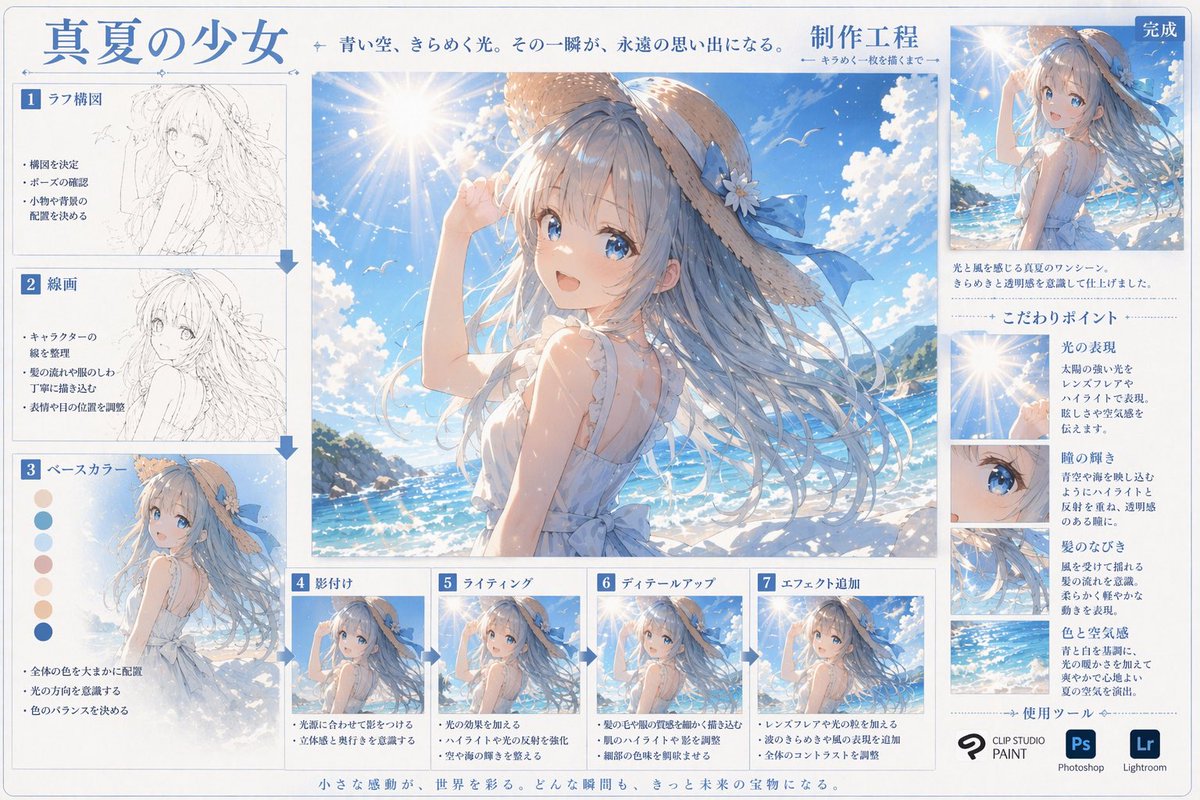
Anime Art Creation Infographic: Midsummer Girl Tutorial
PROMPT · EN
type
数字艺术创作流程信息图
header
title
{argument name="main title" default="盛夏少女"}
subtitle
湛蓝天空,闪烁光影。那一瞬间,成为永恒的回忆。
process_label
{argument name="process title" default="制作工程"}
centerpiece
description
高质量的大幅动漫插画,描绘了 {argument name="character appearance" default="一位留着飘逸蓝长发、戴着系有蓝色丝带草帽、身穿白色无袖夏装的动漫少女"} 站在 {argument name="setting" default="阳光明媚的海滩、波光粼粼的蓝色海洋、带有镜头光晕的晴朗天空"} 前。
layout
left_column
count
3
steps
item 1
label
1 草图构图
image_type
粗略铅笔草图
bullet_points
3
item 2
label
2 线稿
image_type
干净的单色线稿
bullet_points
3
item 3
label
3 底色
image_type
平涂颜色
extra_elements
7 个圆形色卡
bullet_points
3
bottom_row
count
4
steps
item 1
label
4 阴影
image_type
基础赛璐珞阴影
bullet_points
2
item 2
label
5 光影
image_type
添加光效和高光
bullet_points
2
item 3
label
6 细节刻画
image_type
精细细节渲染
bullet_points
2
item 4
label
7 特效添加
image_type
最终后期处理效果
bullet_points
3
right_column
top_section
label
完成
image_type
缩小的最终插画
description_text
2 行文字
focus_points
title
核心要点
count
4
items
item 1
label
光影表现
image_crop
镜头光晕与太阳
description_text
简短段落
item 2
label
瞳孔光泽
image_crop
少女蓝色眼睛特写
description_text
简短段落
item 3
label
发丝飘动
image_crop
飘逸发丝特写
description_text
简短段落
item 4
label
色彩与氛围
image_crop
海洋与天空背景
description_text
简短段落
tools_used
title
使用工具
count
3
logos
item 1
{argument name="primary software" default="CLIP STUDIO PAINT"}
item 2
Photoshop (Ps)
item 3
Lightroom (Lr)
footer
text
微小的感动,点缀着世界。每一个瞬间,都将成为未来的宝藏。

Über diesen Prompt

Generate a detailed anime art process infographic showing each step from sketch to final render, with composition tips, color palettes, and close-up details. Use it as a Konzeptkunst starting point for GPT Image 2: keep the visual structure and style constraints intact, then swap in your own subject, brand, or scene.

This prompt is organized as structured JSON with fields such as type, header, centerpiece, and layout. Keeping that hierarchy helps the model separate the subject, layout, interface elements, and detail constraints.

Start with small changes to subject, scene, camera, and color, then generate a few variations to compare composition and detail without turning the page copy into keyword stuffing.

So verwendest du diesen Prompt

  1. Copy the entire prompt, including all arguments in curly braces.
  2. Choose a high-detail AI image generator (e.g., Midjourney v6, DALL·E 3, Stable Diffusion with an anime checkpoint).
  3. Customize optional variables like 'character appearance' and 'setting' to match your desired scene.
  4. Paste the prompt and generate your infographic; use it as a learning reference or shareable art resource.
FAQ

art55@リス駆動人生

@Art55_Japan→

Veröffentlicht
25. Apr. 2026
Originalsprache
EN
Modell
GPT Image 2
Kategorie
Konzeptkunst
GPT Image 2Konzeptkunstgpt-image-2twitter
Aufrufe
750
Kopien
93
Likes
52

Teilen

Mehr von GPT Image 2

Alle ansehen
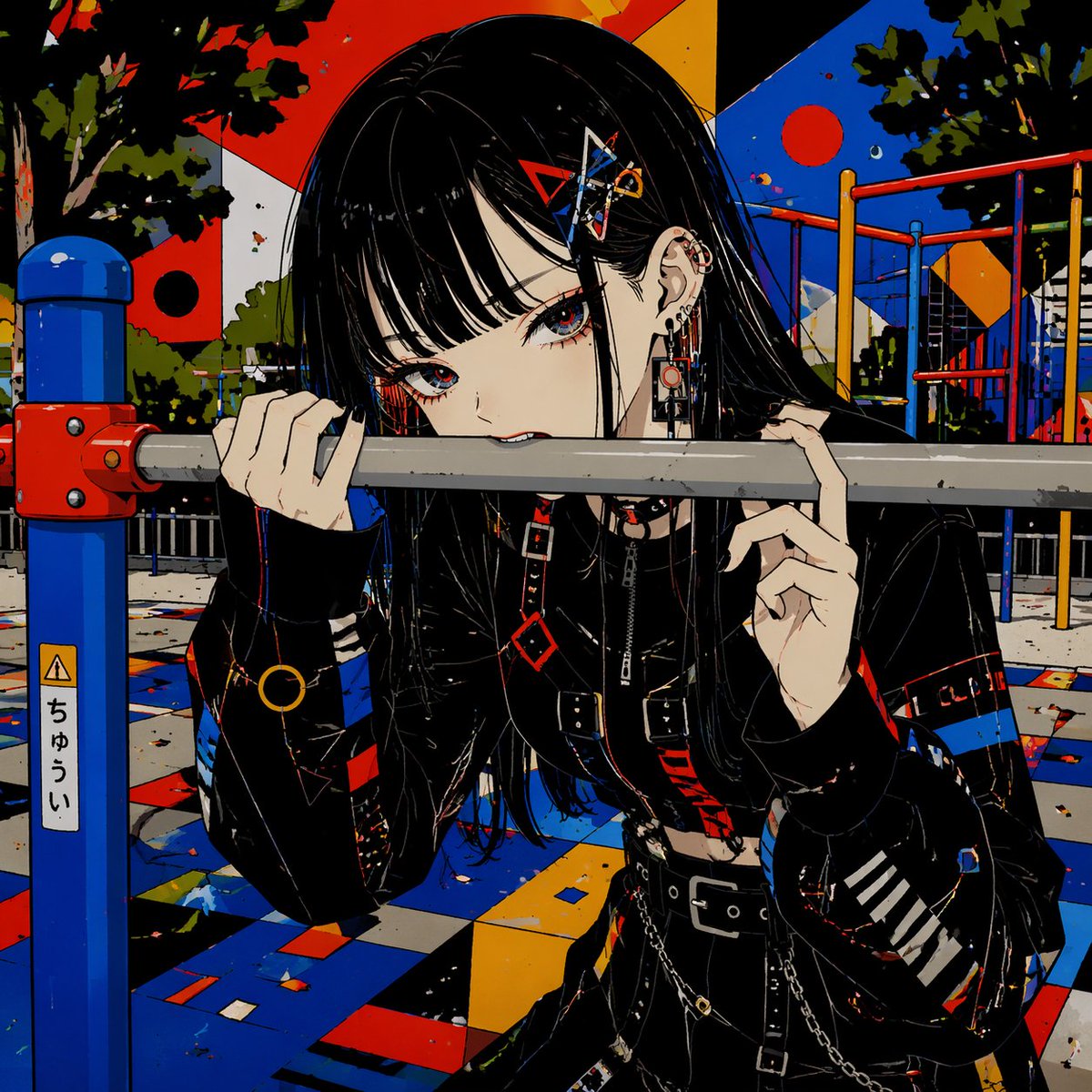
Gothic Anime Girl Bites Playground Rail — Sora 2 Prompt

Gothic Anime Girl Bites Playground Rail — Sora 2 Prompt

@hoshi122221
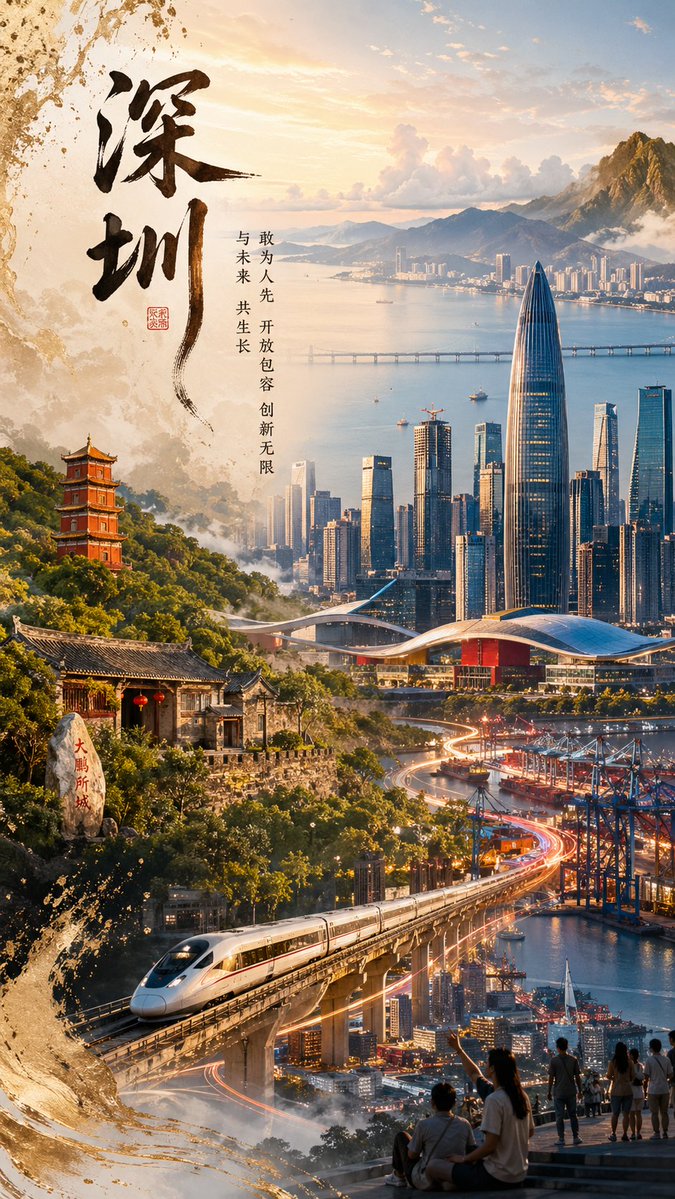
Shenzhen Golden Hour City Prompt: Futuristic Heritage Poster

Shenzhen Golden Hour City Prompt: Futuristic Heritage Poster

@ivanalog_com
Minimalist Mother's Day Wallpaper — Sora 2 Prompt with Calligraphy & Carnations

Minimalist Mother's Day Wallpaper — Sora 2 Prompt with Calligraphy & Carnations

@EdimakorJP

Schneller erstellen mit Sora2Hub-Prompts.

Nutze kuratierte Prompt-Seiten als suchbare Einstiege und starte direkt mit dem passenden Modellkontext.

Prompts entdecken