
GPT Image 2AI-Prompt
Business Vector Icon Set — 40 Flat Icons for Slides & Docs
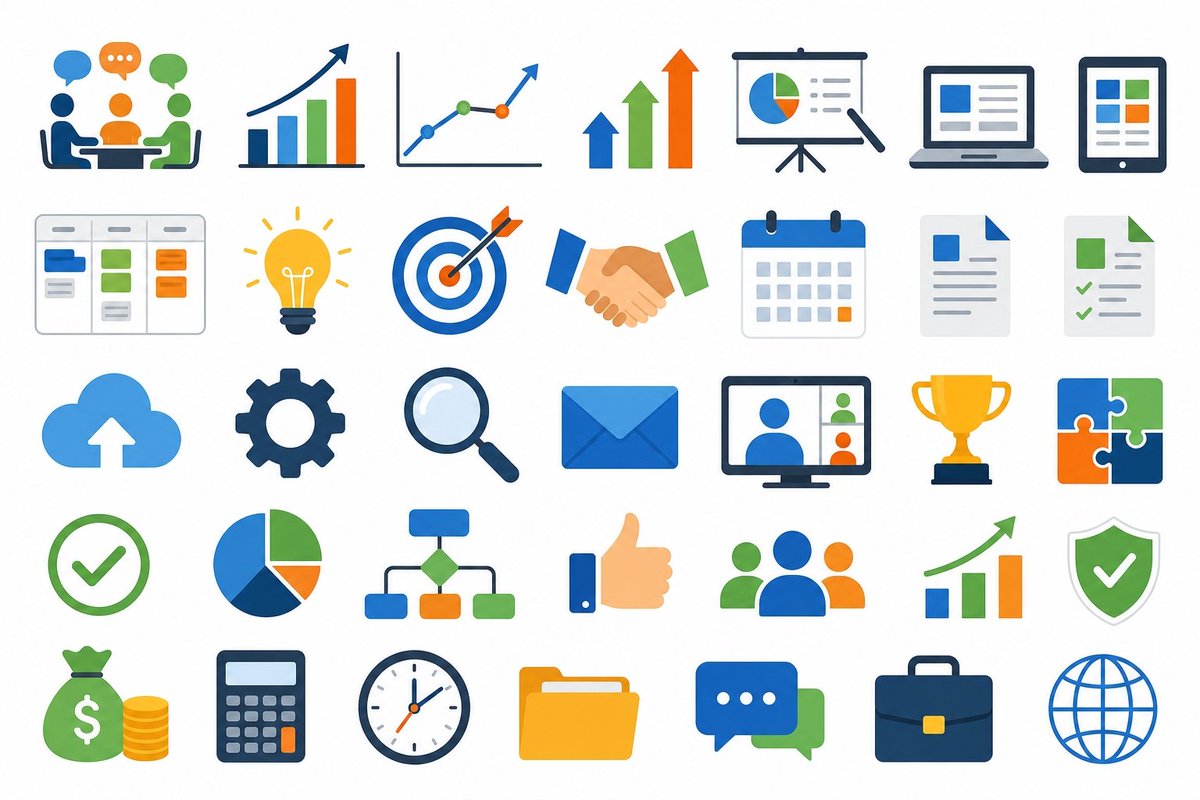
Generate 40 crisp, flat business icons in a clean 5×8 grid—covering meetings, analytics, teamwork, and productivity—for professional presentations.
PROMPT · EN
目标:创建一套简洁的矢量图标集,用于商务演示插图,适用于 Slides 和文档。 画布:16:9 宽屏白色背景,采用均匀分布的网格布局,包含 40 个独立图标,排列为 5 行 8 列。使用宽裕的边距和统一的图标尺寸。 视觉风格:扁平化现代企业矢量风格,具有圆润的形状、极简的阴影、清晰的边缘,以及亲和的 SaaS/商务外观。使用有限的调色板:argprimary blue: 亮蓝色、argaccent green: 清新绿、argaccent orange: 鲜橙色、深海军蓝轮廓、浅灰色 UI 细节以及点缀的黄色。无文字标签,无水印,无写实纹理。 图标内容:按从左到右、从上到下的顺序包含 40 个图标:
第 1 行:1) 三人在桌前开会并带有对话气泡,2) 带有上升增长箭头的柱状图,3) 带有三个彩色点和上升箭头的折线图,4) 蓝、绿、橙三色垂直上升箭头,5) 带有饼图和指针的演示屏幕,6) 带有仪表盘卡片的笔记本电脑,7) 带有彩色仪表盘模块的平板电脑。
第 2 行:8) 带有三列和彩色任务卡片的看板项目 (kanban board),9) 发光的灯泡创意图标,10) 箭中靶心的目标图标,11) 穿着蓝绿袖口的握手图标,12) 带有橙色日期的月度日历网格,13) 带有蓝色折角和线条的文档页面,14) 带有绿色勾选标记的清单文档。
第 3 行:15) 带有向上箭头的云端上传图标,16) 深蓝色齿轮设置图标,17) 放大镜搜索图标,18) 蓝色信封邮件图标,19) 带有四名参与者的视频会议显示器,20) 金色奖杯奖励图标,21) 蓝、绿、橙四块拼图。
第 4 行:22) 绿色圆形勾选标记,23) 蓝、绿、橙三色饼图,24) 带有连接彩色节点的组织架构图,25) 点赞审批图标,26) 包含三人的团队/群组图标,27) 带有上升绿色箭头的柱状图,28) 带有白色勾选标记的绿色盾牌。
第 5 行:29) 带有美元符号和堆叠硬币的钱袋,30) 带有橙色按键的计算器,31) 模拟时钟,32) 黄色文件夹,33) 带有省略号的重叠聊天气泡,34) 带有黄色扣环的深蓝色公文包,35) 蓝色地球仪线框图。 布局约束:保持平衡的网格和一致的视觉权重;在图标之间留出空白;保持所有图标在其单元格中居中;避免添加标题或额外元素。最终图像应呈现为可复用的 argasset type: 商务图标库,适用于 arguse case: 演示材料。
Über diesen Prompt
Generate 40 crisp, flat business icons in a clean 5×8 grid—covering meetings, analytics, teamwork, and productivity—for professional presentations. Use it as a Konzeptkunst starting point for GPT Image 2: keep the visual structure and style constraints intact, then swap in your own subject, brand, or scene.
Start by replacing primary blue, accent green, accent orange, and asset type, then keep the camera, composition, and material cues in the same order. This makes the output easier to compare across variations.
So verwendest du diesen Prompt
- Copy the full prompt below and paste it into your preferred AI image generator (Sora 2, Midjourney, etc.).
- Select a model that excels at flat vector or illustration styles.
- Customize the color arguments—
primary blue,accent green,accent orange—andasset type/use caseto match your brand. - Generate the image; expect a 16:9 white canvas with 40 centered icons on a balanced grid.
- Export or screenshot individual icons from the grid for direct use in Slides or documents.


