Sora2 Hub
Sora2 Hub
  • Prompt-Bibliothek
  • Preise
  • Galerie
Sora2 Hub
Sora2 Hub
Sora2 Hub

Sora2 Hub

Professionelle KI-Kreationsplattform, betrieben von Sora 2, Veo 3.1 und Nano Banana Pro. Erstellen Sie atemberaubende Videos und Bilder in Studioqualität mit erweiterter Steuerung, HD-Qualität und ohne Wasserzeichen.

Email:support@sora2hub.org

KI-Videogenerator

  • Text zu Video
  • Bild zu Video
  • Veo 3.1
  • Sora 2
  • Kling 3.0
  • Kling 2.6
  • Kling 2.5
  • Runway
  • Wan 2.6
  • Seedance 2.0
  • Hailuo 2.3
  • Grok Imagine
  • HappyHorse-1.0
  • HappyHorse 1.1
  • Kling 3.0 Turbo
  • Volcengine Video-to-Video Lip Sync
  • OmniHuman 1.5
  • Grok Imagine Video 1.5
  • Gemini Omni
  • Wan 2.7 Video
  • Seedance 2.0 Mini

KI-Bildgenerator

  • Text zu Bild
  • Bild zu Bild
  • Nano Banana Pro
  • Nano Banana
  • 4o Image
  • Flux Kontext
  • Z Image
  • Seedream 4.5
  • Seedream 5.0 Lite
  • Nano Banana 2
  • GPT Image 2
  • KI-Bildvergrößerer
  • Seedream 5.0 Pro
  • Nano Banana 2 Lite
  • Qwen Image 2.0

KI-Effekte

  • KI-Altersfilter
  • KI-Geschlechtertausch
  • KI-Kuss
  • KI-Umarmung
  • Ghibli-Bild
  • KI-Meerjungfrau-Filter
  • KI-Körperschütteln
  • Lächeln-Filter
  • KI-Fett
  • Actionfigur

Produkt

  • Funktionen
  • Showcases
  • Preise

Unternehmen

  • Über uns
  • Kontakt

© 2025 • Sora2 Hub ORG Alle Rechte vorbehalten.

  • Datenschutzrichtlinie
  • Nutzungsbedingungen
  • Rückerstattungsrichtlinie
  1. Startseite
  2. /
  3. Prompts
  4. /
  5. GPT Image 2
  6. /
  7. Editable PSD Layer Generator — Sora 2 Prompt
GPT Image 2AI-Prompt

Editable PSD Layer Generator — Sora 2 Prompt

Generate a multi-layered, editable Photoshop file from any reference image by automatically isolating subjects, effects, and text onto separate layers.
Editable PSD Layer Generator — Sora 2 Prompt
PROMPT · EN
根据参考图像生成一个 argfile format: 可编辑的 Photoshop 分层 PSD 文件。请将图像分解为若干独立元素,且不改变其原始位置,并在 Photoshop 中生成相应的图层:1. 主体:使用图像生成工具创建无背景的 PNG,然后将其复制到对应的 Photoshop 图层中。2. 特效:如光效、装饰或氛围元素;同样生成无背景的 PNG 并复制到图层中。3. 文本:优先使用 Photoshop 原生文本工具调整字体、大小、颜色和样式;如果无法复刻字体,则生成无背景的 PNG 文本图像并放置在正确位置。4. 所有元素应与参考图像保持一致的位置、大小和层级关系。5. 最后,输出一个可以在 Photoshop 中打开并编辑的 PSD 文件。

Über diesen Prompt

Generate a multi-layered, editable Photoshop file from any reference image by automatically isolating subjects, effects, and text onto separate layers. Use it as a Konzeptkunst starting point for GPT Image 2: keep the visual structure and style constraints intact, then swap in your own subject, brand, or scene.

Start by replacing file format, then keep the camera, composition, and material cues in the same order. This makes the output easier to compare across variations.

So verwendest du diesen Prompt

  1. Copy this prompt into your AI image generation model (e.g., GPT-4o, GPT Image 2).
  2. Upload or specify your reference image.
  3. Adjust the 'file format' argument if you need a different output type.
  4. Run the prompt to generate the layered PSD structure.
  5. Download and open the output file in Adobe Photoshop for full editing.
FAQ

serein

@you1873118→

Veröffentlicht
30. Apr. 2026
Originalsprache
EN
Modell
GPT Image 2
Kategorie
Konzeptkunst
GPT Image 2Konzeptkunstgpt-image-2twitter
Aufrufe
96
Kopien
13
Likes
7

Teilen

Mehr von GPT Image 2

Alle ansehen
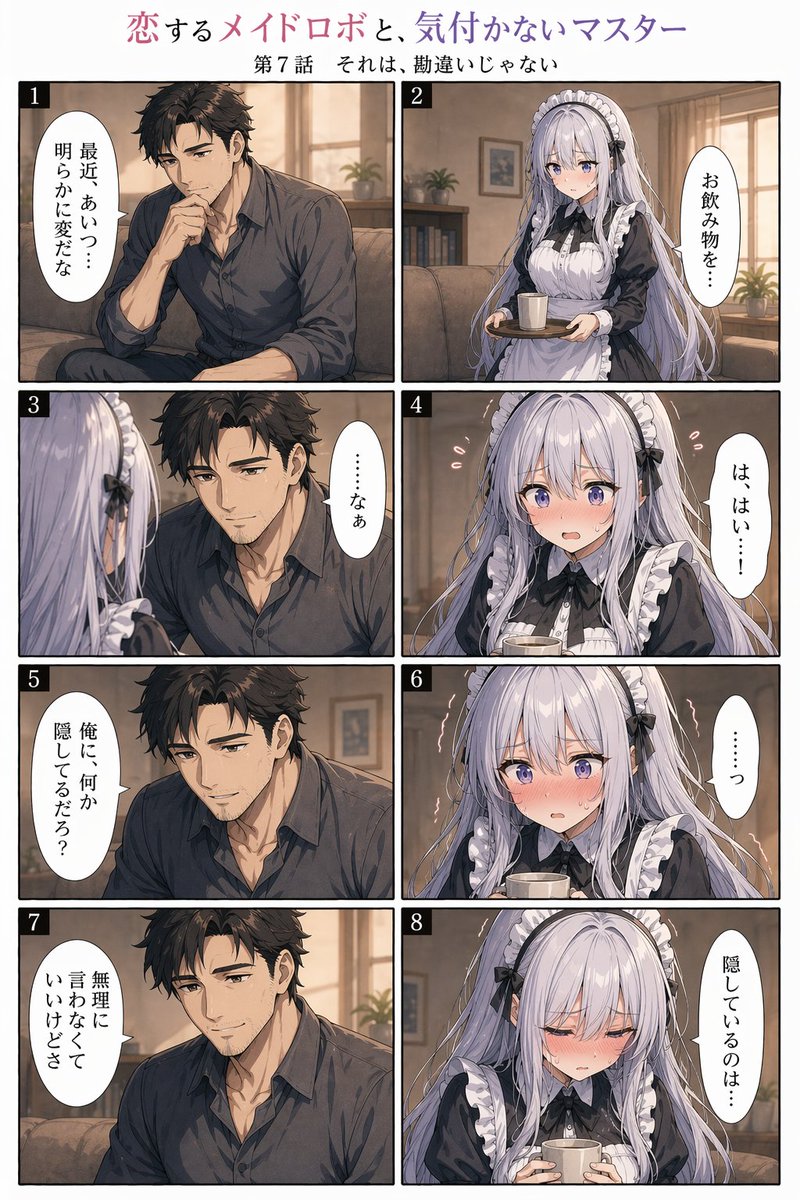
8-Panel Romantic Manga: Shy Maid Robot & Master — Sora 2 Prompt

8-Panel Romantic Manga: Shy Maid Robot & Master — Sora 2 Prompt

@yume00112211
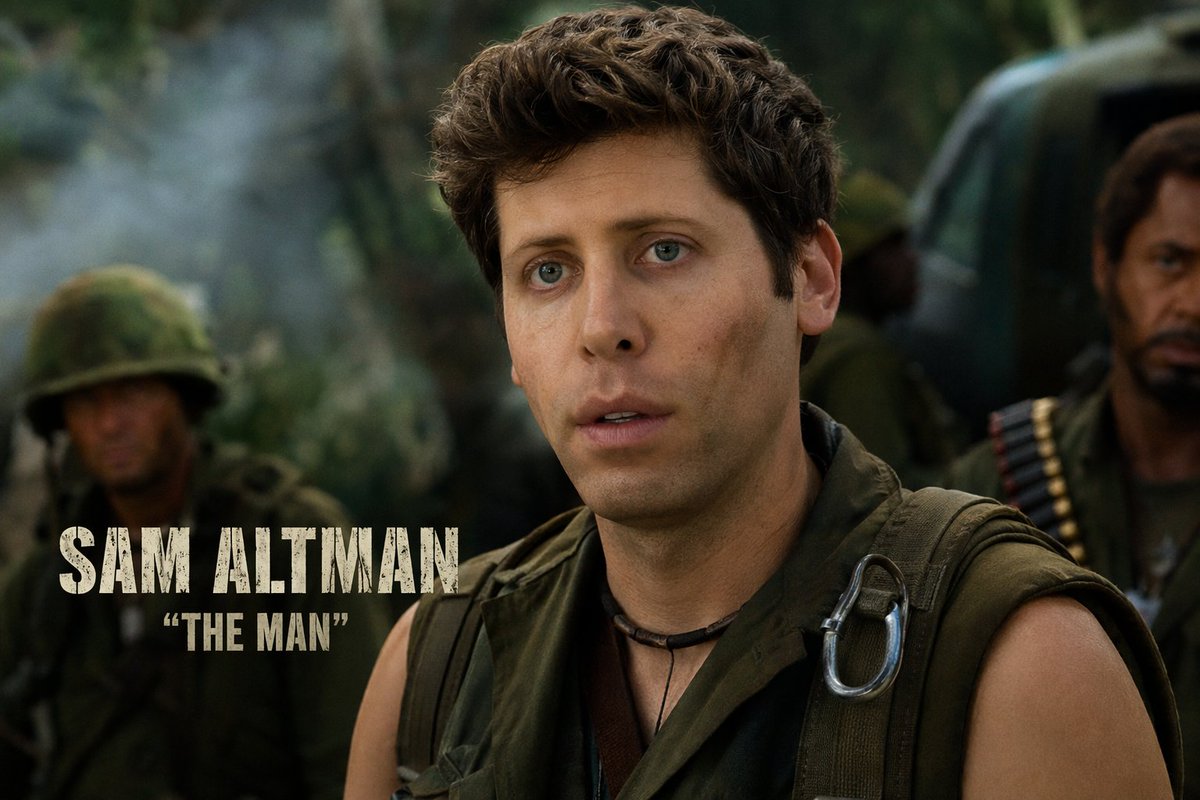
Celebrity Crossover — Sora 2 Prompt

Celebrity Crossover — Sora 2 Prompt

@Conor_D_Dart
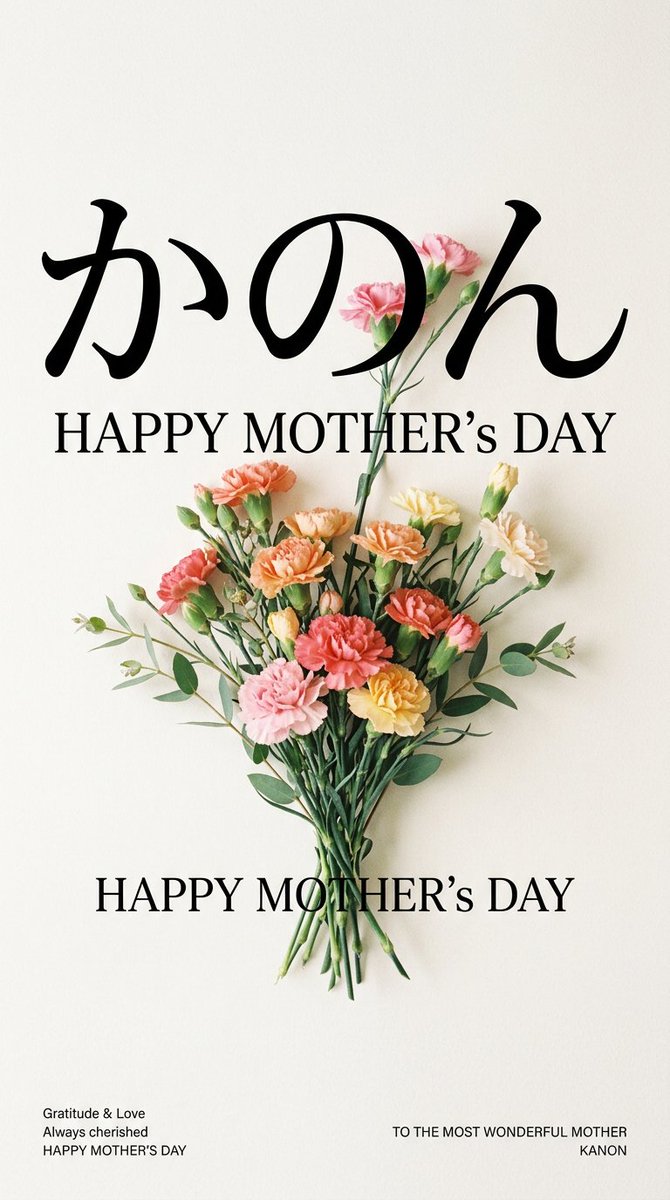
Minimalist Mother's Day Wallpaper — Sora 2 Prompt with Calligraphy & Carnations

Minimalist Mother's Day Wallpaper — Sora 2 Prompt with Calligraphy & Carnations

@EdimakorJP

Schneller erstellen mit Sora2Hub-Prompts.

Nutze kuratierte Prompt-Seiten als suchbare Einstiege und starte direkt mit dem passenden Modellkontext.

Prompts entdecken