
Museum-Style Chinese Cloisonné Art Slide — Sora 2 Prompt
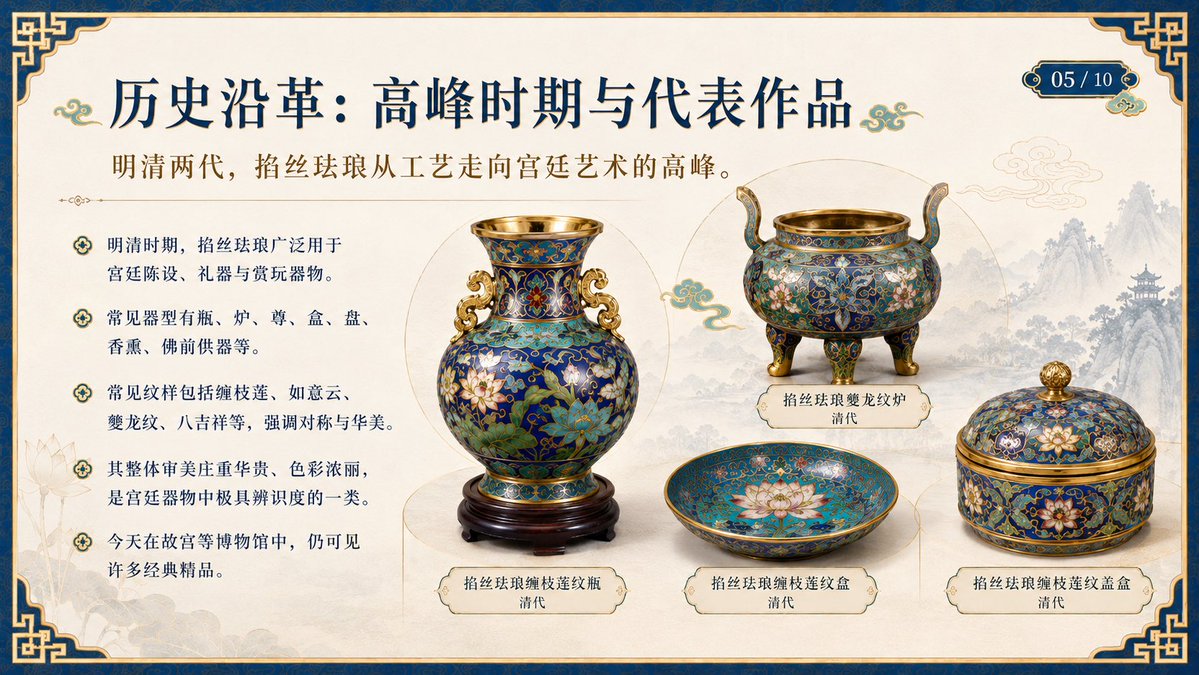
Create a stunning, academically elegant PowerPoint slide showcasing Ming-Qing dynasty cloisonné enamel artifacts in a refined Chinese museum aesthetic.
Über diesen Prompt
Create a stunning, academically elegant PowerPoint slide showcasing Ming-Qing dynasty cloisonné enamel artifacts in a refined Chinese museum aesthetic. Use it as a Konzeptkunst starting point for GPT Image 2: keep the visual structure and style constraints intact, then swap in your own subject, brand, or scene.
This prompt is organized as structured JSON with fields such as type, slide, layout, text elements, artifacts, visual requirements, and customization. Keeping that hierarchy helps the model separate the subject, layout, interface elements, and detail constraints.
Start with small changes to subject, scene, camera, and color, then generate a few variations to compare composition and detail without turning the page copy into keyword stuffing.
So verwendest du diesen Prompt
- Copy the full prompt text from Sora2Hub.com.
- Paste it into your preferred AI image generation model that supports detailed slide or illustration prompts (e.g., Sora 2, DALL-E 3, or Midjourney).
- Customize the slide title or subtitle by editing the default text within the curly braces
{}if needed. - Adjust any artifact labels or descriptions to feature different cloisonné pieces if desired.
- Generate the image and review the output for layout clarity and text legibility. Re-run with slight wording tweaks for best results.


