
GPT Image 2AI-Prompt
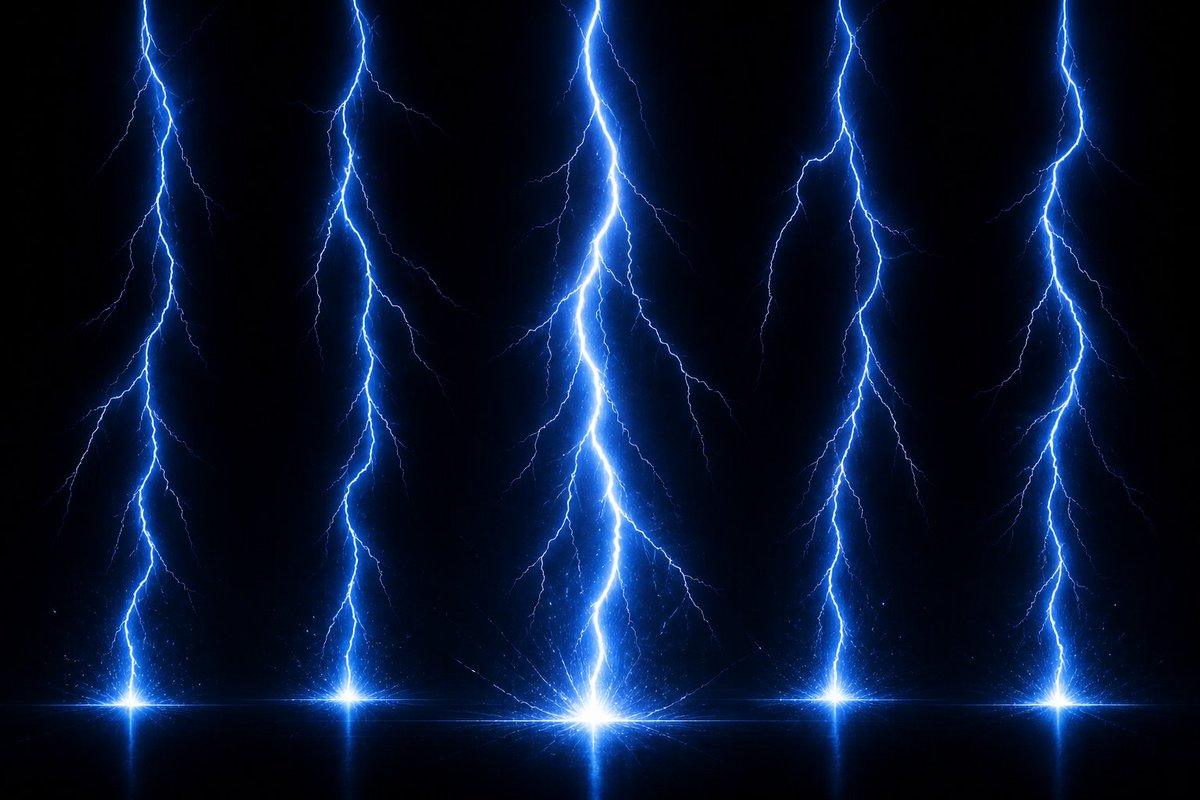
Vertical Lightning VFX — 5-Bolt Storm Overlay
Generate a high-res, black-background lightning VFX overlay with five vertical bolts, perfect for gaming, film compositing, and visual effects work.
PROMPT · EN
创建一个高分辨率的 argeffect type: 电闪雷鸣 VFX 素材,背景为纯黑色(呈现透明感),旨在用作游戏或合成特效图。展示 5 条从顶部边缘延伸到底部的独立垂直闪电柱:一条靠近最左侧,一条位于左中,一条位于中心(最大且最亮),一条位于右中,一条靠近最右侧。每条闪电都有锯齿状的分支主闪电,颜色为强烈的 arglightning color: 电光蓝,核心呈白热色,并带有向外扩散的细小分支以及柔和的蓝色光晕。在每条闪电的底部,添加一个明亮的星爆冲击点,置于一条微妙的水平发光线上,并带有微弱的火花、细小的粒子散射以及冲击点下方轻微的镜像反射。使中心闪电成为最高、最粗、最亮的视觉焦点,其余四条闪电略窄且均匀分布。采用戏剧性的暗黑风暴能量外观,高对比度,清晰的分支细节,发光光环,体积光,无文字,无角色,无场景,无边框,16:9 宽屏构图,适合作为视觉特效素材进行叠加使用。
Über diesen Prompt
Generate a high-res, black-background lightning VFX overlay with five vertical bolts, perfect for gaming, film compositing, and visual effects work. Use it as a Konzeptkunst starting point for GPT Image 2: keep the visual structure and style constraints intact, then swap in your own subject, brand, or scene.
Start by replacing effect type and lightning color, then keep the camera, composition, and material cues in the same order. This makes the output easier to compare across variations.
So verwendest du diesen Prompt
- Copy the full prompt into your AI video or image generation tool.
- Select a model that supports high-resolution VFX output (e.g., Sora 2 or similar).
- Customize the
effect typeandlightning colorvariables to match your creative vision. - Generate the asset in 16:9 widescreen and download the transparent-background result.
- Import the footage into your editing software and use it as a blend-mode overlay on your scene.


