Sora2 Hub
Sora2 Hub
  • Biblioteca de Prompts
  • Precios
  • Galería
Sora2 Hub
Sora2 Hub
Sora2 Hub

Sora2 Hub

Plataforma de creación profesional de IA impulsada por Sora 2, Veo 3.1 y Nano Banana Pro. Cree videos impresionantes e imágenes de calidad de estudio con control avanzado, calidad HD y sin marcas de agua.

Email:support@sora2hub.org

Generador de Video IA

  • Texto a Video
  • Imagen a Video
  • Veo 3.1
  • Sora 2
  • Kling 3.0
  • Kling 2.6
  • Kling 2.5
  • Runway
  • Wan 2.6
  • Seedance 2.0
  • Hailuo 2.3
  • Grok Imagine
  • HappyHorse-1.0
  • HappyHorse 1.1
  • Kling 3.0 Turbo
  • Volcengine Video-to-Video Lip Sync
  • OmniHuman 1.5
  • Grok Imagine Video 1.5
  • Gemini Omni
  • Wan 2.7 Video
  • Seedance 2.0 Mini

Generador de Imagen IA

  • Texto a Imagen
  • Imagen a Imagen
  • Nano Banana Pro
  • Nano Banana
  • 4o Image
  • Flux Kontext
  • Z Image
  • Seedream 4.5
  • Seedream 5.0 Lite
  • Nano Banana 2
  • GPT Image 2
  • Ampliador de Imagen IA
  • Seedream 5.0 Pro
  • Nano Banana 2 Lite
  • Qwen Image 2.0

Efectos IA

  • Filtro de Edad IA
  • Cambio de Género IA
  • Beso IA
  • Abrazo IA
  • Imagen Ghibli
  • Filtro Sirena IA
  • Sacudida Corporal IA
  • Filtro de Sonrisa
  • Gordo IA
  • Figura de Acción

Producto

  • Características
  • Escaparates
  • Precios

Empresa

  • Acerca de
  • Contacto

© 2025 • Sora2 Hub ORG Todos los derechos reservados.

  • Política de Privacidad
  • Términos de Servicio
  • Política de Reembolso
  1. Inicio
  2. /
  3. Prompts
  4. /
  5. GPT Image 2
  6. /
  7. Codex Launch Poster Prompt — Apple-Style SaaS Visual
GPT Image 2Prompt de IA

Codex Launch Poster Prompt — Apple-Style SaaS Visual

Generate a sleek product update poster in Apple minimalist style with this AI prompt, perfect for SaaS launches and announcements.
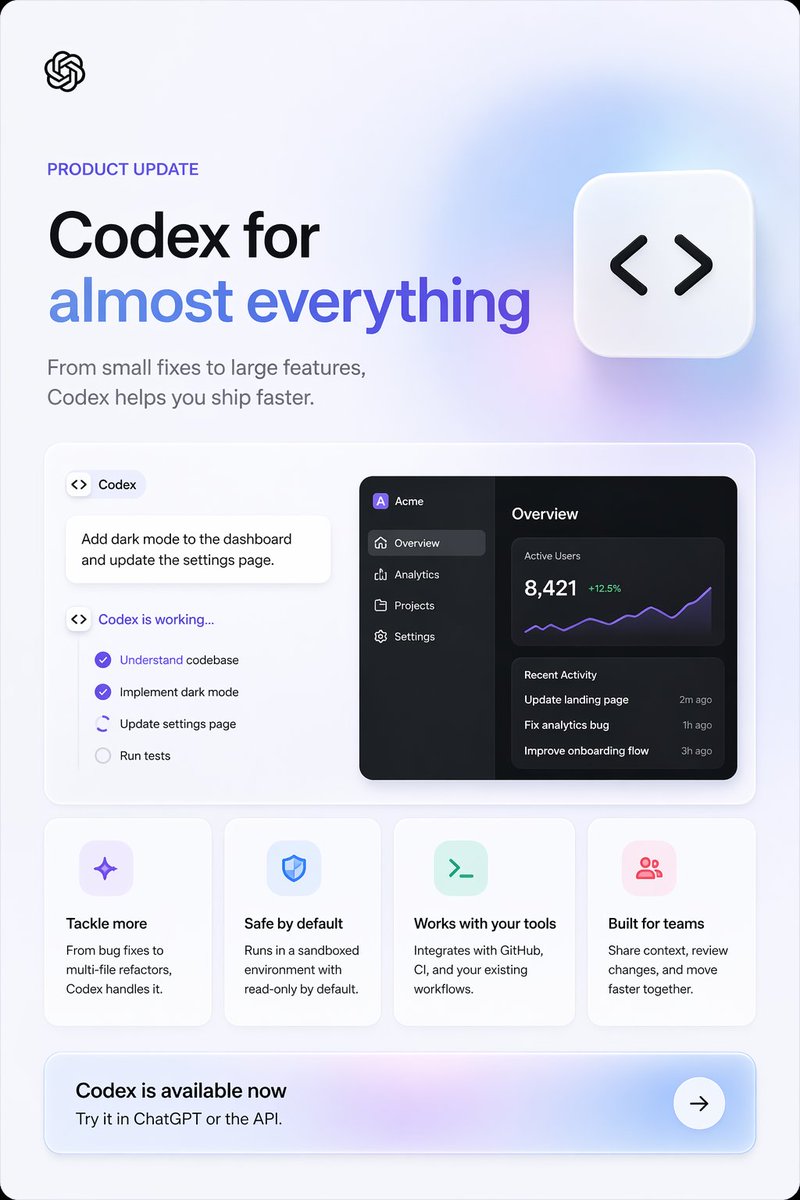
Codex Launch Poster Prompt — Apple-Style SaaS Visual
PROMPT · EN
type
产品更新营销海报
style
简洁现代的 SaaS 落地页图形,Apple 风格的极简主义,柔和的环境渐变,细腻的阴影,圆角卡片,清晰的矢量 UI,高端宣传设计
brand
OpenAI
canvas
aspect_ratio
2:3 竖版
background
极浅的冷灰色,带有淡淡的薰衣草蓝光渐变,外框圆角
layout
sections
item 1
title
顶部首屏
position
顶部
count
4
labels
item 1
OpenAI logo
item 2
产品更新
item 3
主标题
item 4
辅助副标题
item 2
title
主展示面板
position
中部
count
3
labels
item 1
Codex 任务卡片
item 2
工作清单卡片
item 3
深色分析仪表盘预览
item 3
title
功能卡片
position
中下部
count
4
labels
item 1
应对更多挑战
item 2
默认安全
item 3
兼容现有工具
item 4
为团队打造
item 4
title
行动号召横幅
position
底部
count
3
labels
item 1
Codex 现已推出
item 2
在 ChatGPT 或 API 中试用。
item 3
箭头按钮
centerpiece
右上角附近有一个大型悬浮圆角方形图标,带有黑色代码括号符号
content_blocks
eyebrow
{argument name="eyebrow text" default="产品更新"}
headline_line_1
{argument name="headline line 1" default="Codex,助力"}
headline_line_2
{argument name="headline line 2" default="一切可能"}
subheadline
{argument name="subheadline" default="从小型修复到大型功能开发,Codex 助你更快交付。"}
cta_title
{argument name="call to action title" default="Codex 现已推出"}
visual_details
logo
左上角小型黑色 OpenAI 绳结 logo
headline
左侧超大加粗无衬线标题,第一行黑色,第二行蓝紫色渐变文字
subheadline_style
中灰色无衬线字体,标题下方两行
floating_icon
白色圆角方形磁贴,带有柔和阴影,包含黑色 <> 代码符号,置于右上角
showcase_panel
大型白色圆角矩形,带有细边框和柔和阴影
left_task_area
count
3
items
item 1
带有代码图标和 Codex 文字的小型胶囊标签
item 2
白色提示卡片,内容为:为仪表盘添加深色模式并更新设置页面。
item 3
标题为“Codex 正在运行...”的状态清单
checklist
count
4
items
item 1
理解代码库(紫色勾选)
item 2
实现深色模式(紫色勾选)
item 3
更新设置页面(激活/进行中,带有部分圆形指示器)
item 4
运行测试(未勾选,灰色)
right_dashboard
theme
深色模式 UI 预览
app_name
Acme
sidebar
count
4
items
item 1
概览(已选中)
item 2
分析
item 3
项目
item 4
设置
main_panels
count
3
items
item 1
概览标题
item 2
活跃用户指标 8,421,带绿色 +12.5% 和紫色折线图
item 3
包含 3 条记录的近期活动列表
recent_activity
count
3
items
item 1
更新落地页 — 2 分钟前
item 2
修复分析错误 — 1 小时前
item 3
优化引导流程 — 3 小时前
feature_cards
count
4
cards
item 1
title
应对更多挑战
icon
淡薰衣草色圆角方形中的紫色闪光/星形图标
body
从 Bug 修复到多文件重构,Codex 都能胜任。
item 2
title
默认安全
icon
淡蓝色圆角方形中的蓝色盾牌图标
body
在沙盒环境中运行,默认只读。
item 3
title
兼容现有工具
icon
淡薄荷色圆角方形中的绿色终端提示符图标
body
与 GitHub、CI 及你现有的工作流集成。
item 4
title
为团队打造
icon
淡粉色圆角方形中的粉色群组/用户图标
body
共享上下文,审查变更,共同加速前进。
cta_banner
style
宽圆角矩形,带有柔和的紫蓝色渐变底色,右侧为白色圆形箭头按钮
subtitle
在 ChatGPT 或 API 中试用。
composition
平衡的左对齐排版,下方采用模块化卡片网格,留白充足,高端科技广告质感
rendering
锐利的排版,细腻的深度感,柔和的玻璃质感光效,无摄影元素

Sobre este prompt

Generate a sleek product update poster in Apple minimalist style with this AI prompt, perfect for SaaS launches and announcements. Use it as a Arte Conceptual starting point for GPT Image 2: keep the visual structure and style constraints intact, then swap in your own subject, brand, or scene.

This prompt is organized as structured JSON with fields such as type, style, brand, canvas, layout, content blocks, and visual details. Keeping that hierarchy helps the model separate the subject, layout, interface elements, and detail constraints.

Start with small changes to subject, scene, camera, and color, then generate a few variations to compare composition and detail without turning the page copy into keyword stuffing.

Cómo usar este prompt

  1. Copy the prompt from the page.
  2. Open your preferred AI image generator (e.g., DALL·E, Midjourney, or Sora).
  3. Replace the bracketed {argument name="..." default="..."} variables with your own text, such as headline, subhead, and CTA.
  4. Adjust any visual details like colors or layout if your tool supports negative prompts or style tuning.
  5. Generate the image and download your high-quality poster.
Preguntas frecuentes

歸藏(guizang.ai)

@op7418→

Publicado
25 abr 2026
Idioma original
EN
Modelo
GPT Image 2
Categoría
Arte Conceptual
GPT Image 2Arte Conceptualgpt-image-2twitter
Vistas
120
Copias
9
Me gusta
7

Compartir

Más de GPT Image 2

Ver todo
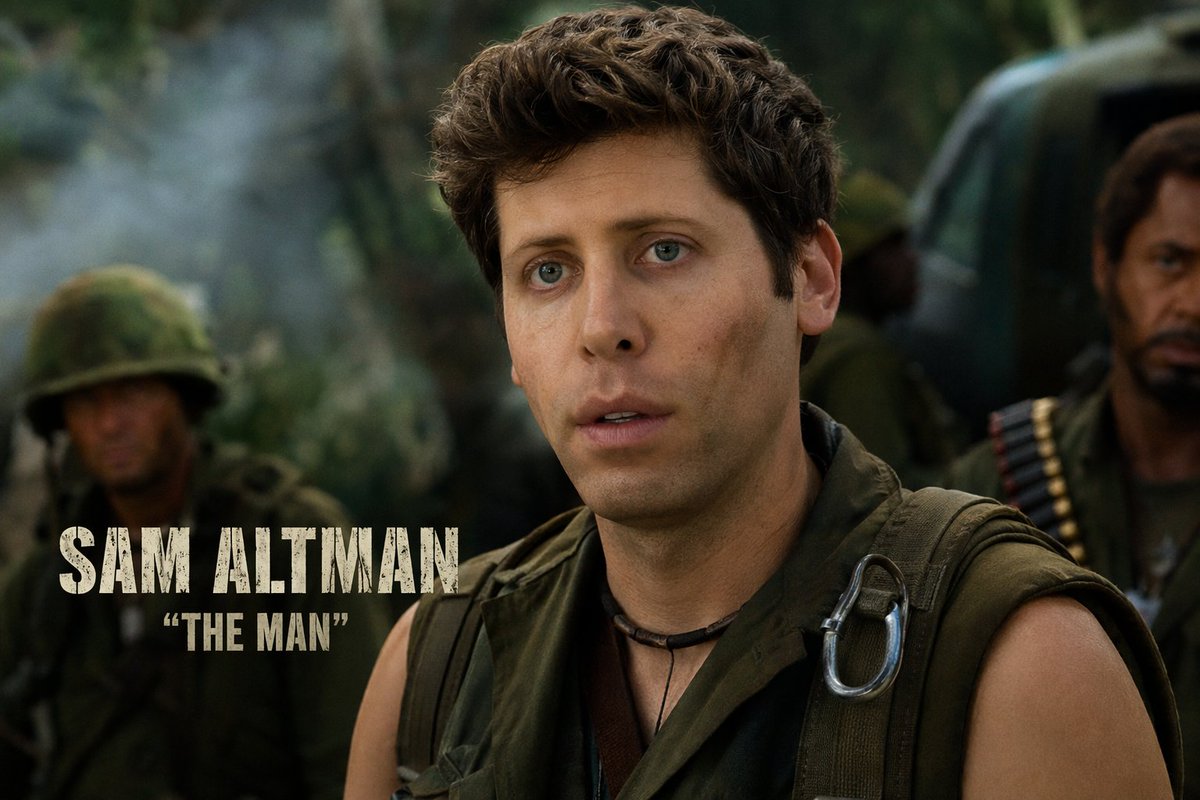
Celebrity Crossover — Sora 2 Prompt

Celebrity Crossover — Sora 2 Prompt

@Conor_D_Dart
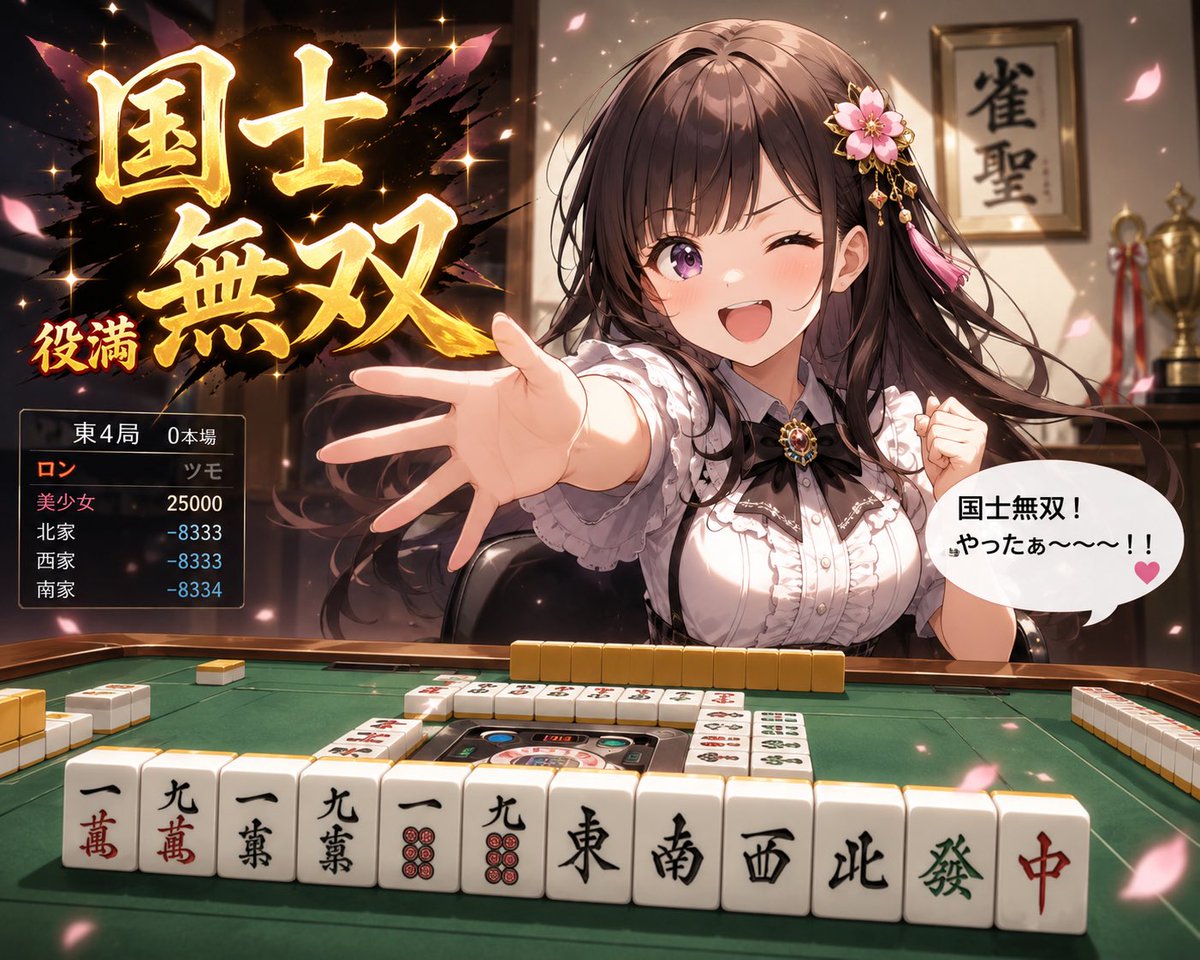
Anime Mahjong Win Scene with Yakuza Score UI — Sora 2 Prompt

Anime Mahjong Win Scene with Yakuza Score UI — Sora 2 Prompt

@AI_Ossan
Anime Reaction Thumbnail Prompt — Neon Edgy VTuber

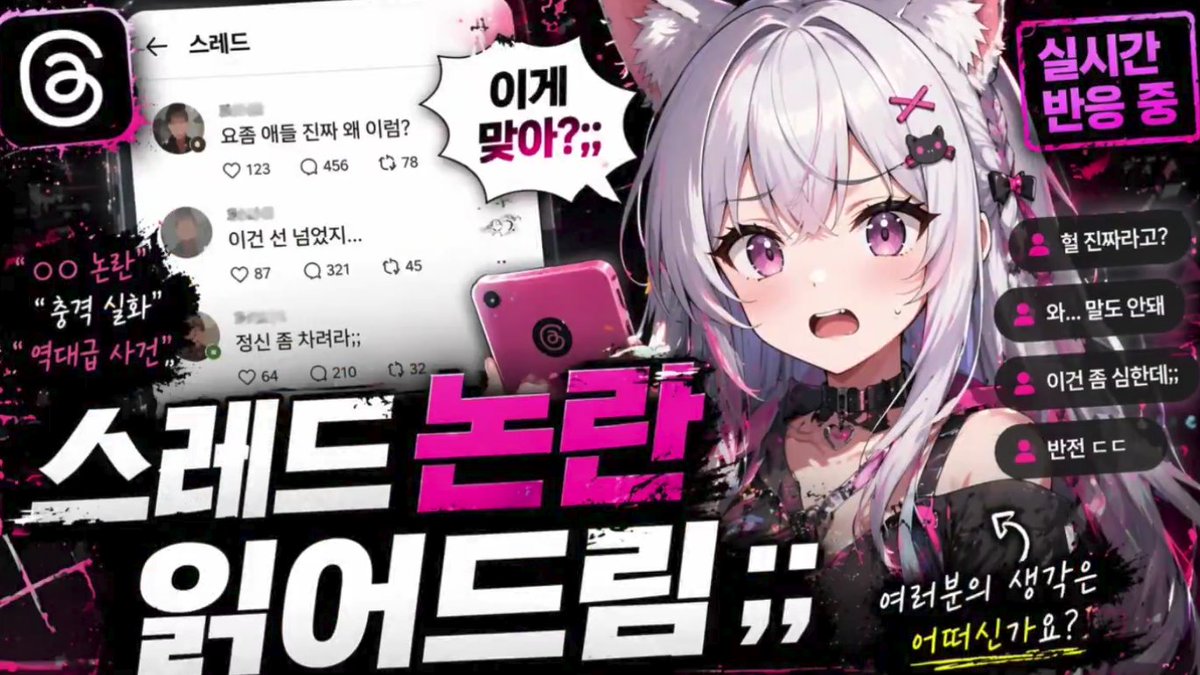
Anime Reaction Thumbnail Prompt — Neon Edgy VTuber

@abdiisan

Crea más rápido con prompts de Sora2Hub.

Usa páginas de prompts curadas como entradas buscables y salta directo a generar con el contexto correcto.

Explorar prompts