
GPT Image 2Prompt de IA
MS Paint Charlie Brown with Flag — Sora 2 Prompt
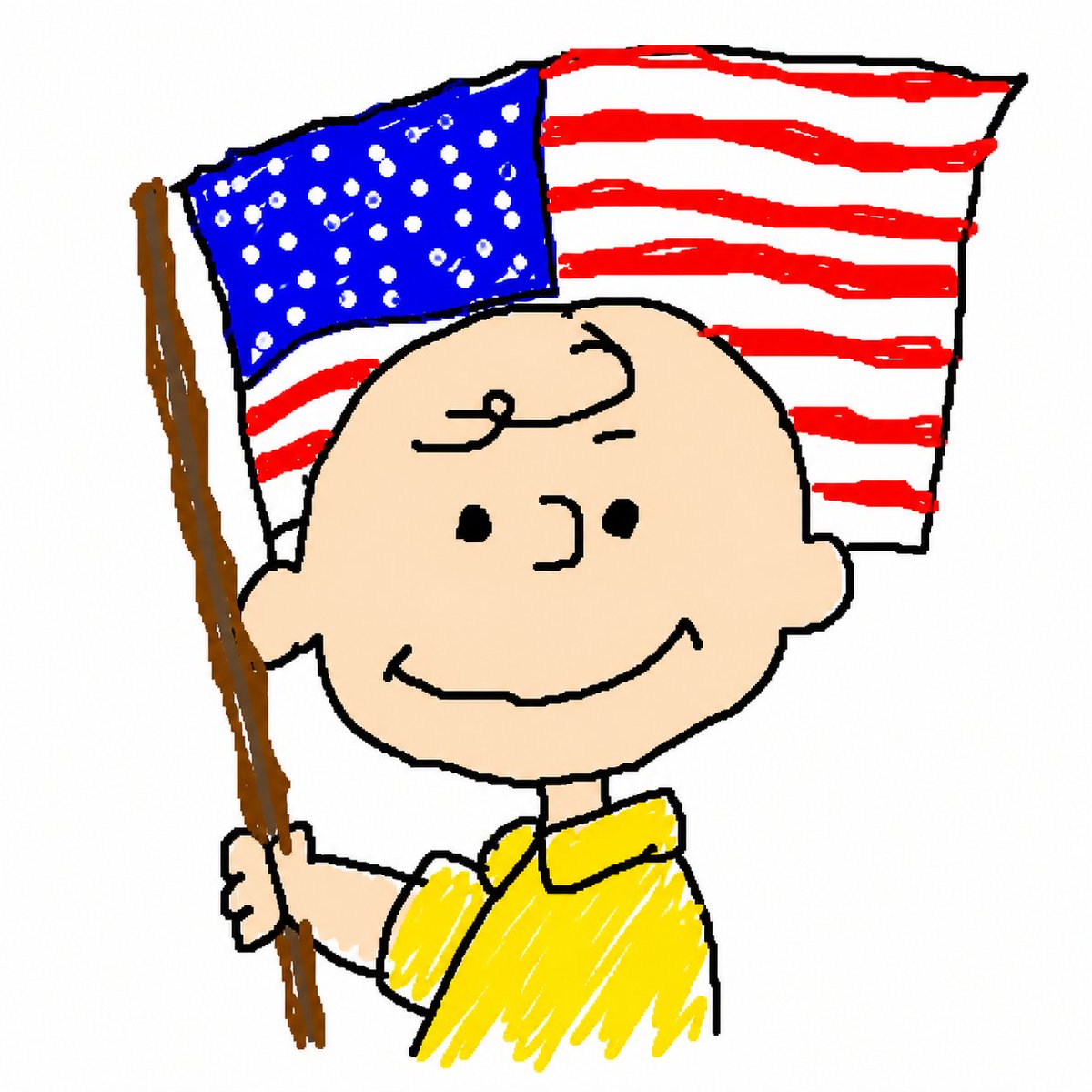
Generate a charmingly crude MS Paint cartoon of Charlie Brown smiling with a flag, perfect for memes or nostalgic doodle art.
PROMPT · EN
创作一张刻意粗糙的 Microsoft Paint 风格卡通插画,背景为纯白色,具有厚重且不均匀的黑色轮廓、摇晃的手绘形状、潦草的笔刷填充,以及充满童趣的数字涂鸦感。画面主体为 argcharacter name: 查理·布朗,半身像,正平静地对着观众微笑,有着圆圆的桃色秃头、额头上一小撮卷发、点状眼睛、简单的弧形鼻子、圆耳朵和宽大的弧形露齿笑。他穿着一件明亮的 argshirt color: 黄色 短袖翻领衬衫,衬衫内填充着凌乱的涂鸦笔触。他的左手握着一根棕色长木旗杆,旗杆在画面左侧略微向上倾斜。他头后方是一面飘扬的 argflag type: 美国国旗,蓝色旗区内布满了许多不规则的白色圆点作为星星,红白相间的横条纹被画成粗糙且不均匀的带状;旗帜有黑色轮廓,看起来连接在旗杆上。使用方形构图,角色居中,采用俏皮怀旧的 Peanuts 风格比例,呈现刻意不完美的 MS Paint 笔刷质感,无文字,无阴影,无写实渲染。
Sobre este prompt
Generate a charmingly crude MS Paint cartoon of Charlie Brown smiling with a flag, perfect for memes or nostalgic doodle art. Use it as a Arte Conceptual starting point for GPT Image 2: keep the visual structure and style constraints intact, then swap in your own subject, brand, or scene.
Start by replacing character name, shirt color, and flag type, then keep the camera, composition, and material cues in the same order. This makes the output easier to compare across variations.
Cómo usar este prompt
- Copy the full prompt from the site.
- Paste it into your preferred AI image generator (like Sora 2).
- Customize the variables in curly braces, such as
character name,shirt color, orflag type. - Click Generate to create your unique, hand-drawn style illustration.
- Download and use the image for fun projects, memes, or creative inspiration.


