
GPT Image 2Prompt de IA
Intentionally Bad MS Paint Redraw — AI Image Prompt
Transform any image into a charmingly clumsy, pixelated sketch that looks hilariously hand-drawn in MS Paint.
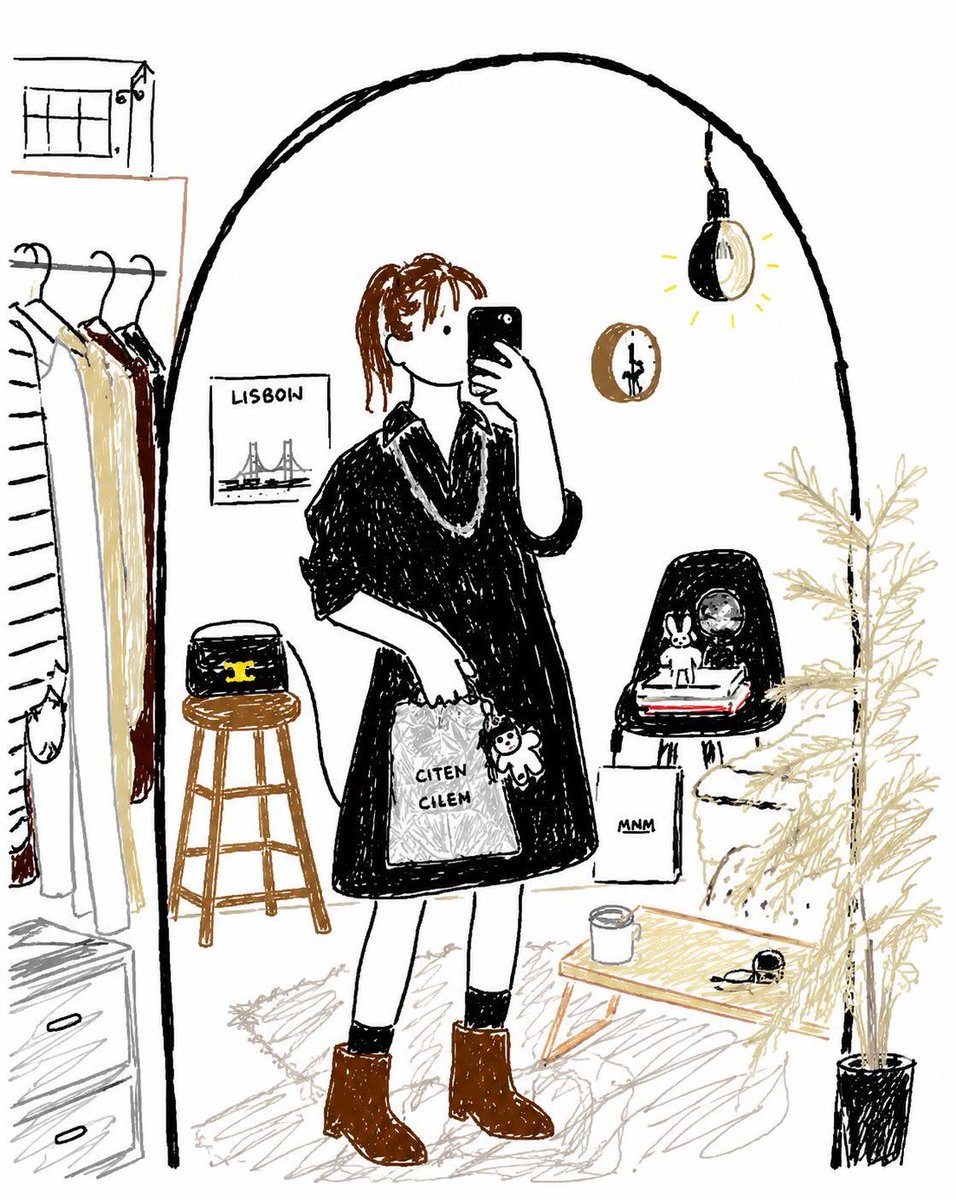
PROMPT · EN
请以最笨拙、混乱且极其糟糕的方式重绘所附图像。使用白色背景,并使其看起来像是用 argsoftware style: 鼠标在 MS Paint 中 绘制的。它应该与原图有模糊的相似之处,但又不太像——就像在某些地方勉强正确,但整体上却显得格外怪异和尴尬。强调低质量、像素化的视觉效果,并使其看起来画得极其离谱。
Sobre este prompt
Transform any image into a charmingly clumsy, pixelated sketch that looks hilariously hand-drawn in MS Paint. Use it as a Arte Conceptual starting point for GPT Image 2: keep the visual structure and style constraints intact, then swap in your own subject, brand, or scene.
Start by replacing software style, then keep the camera, composition, and material cues in the same order. This makes the output easier to compare across variations.
Cómo usar este prompt
- Copy this prompt into a Sora 2 or compatible AI image generator.
- Replace the variable
{software style}if you want a different "bad drawing" aesthetic (e.g., "finger painting"). - Upload your reference image to the model's interface.
- Generate the image and iterate—adjust the prompt for more or less distortion as desired.


