
GPT Image 2Prompt de IA
Custom Branded Black Garbage Bag — Sora 2 Product Shot Prompt
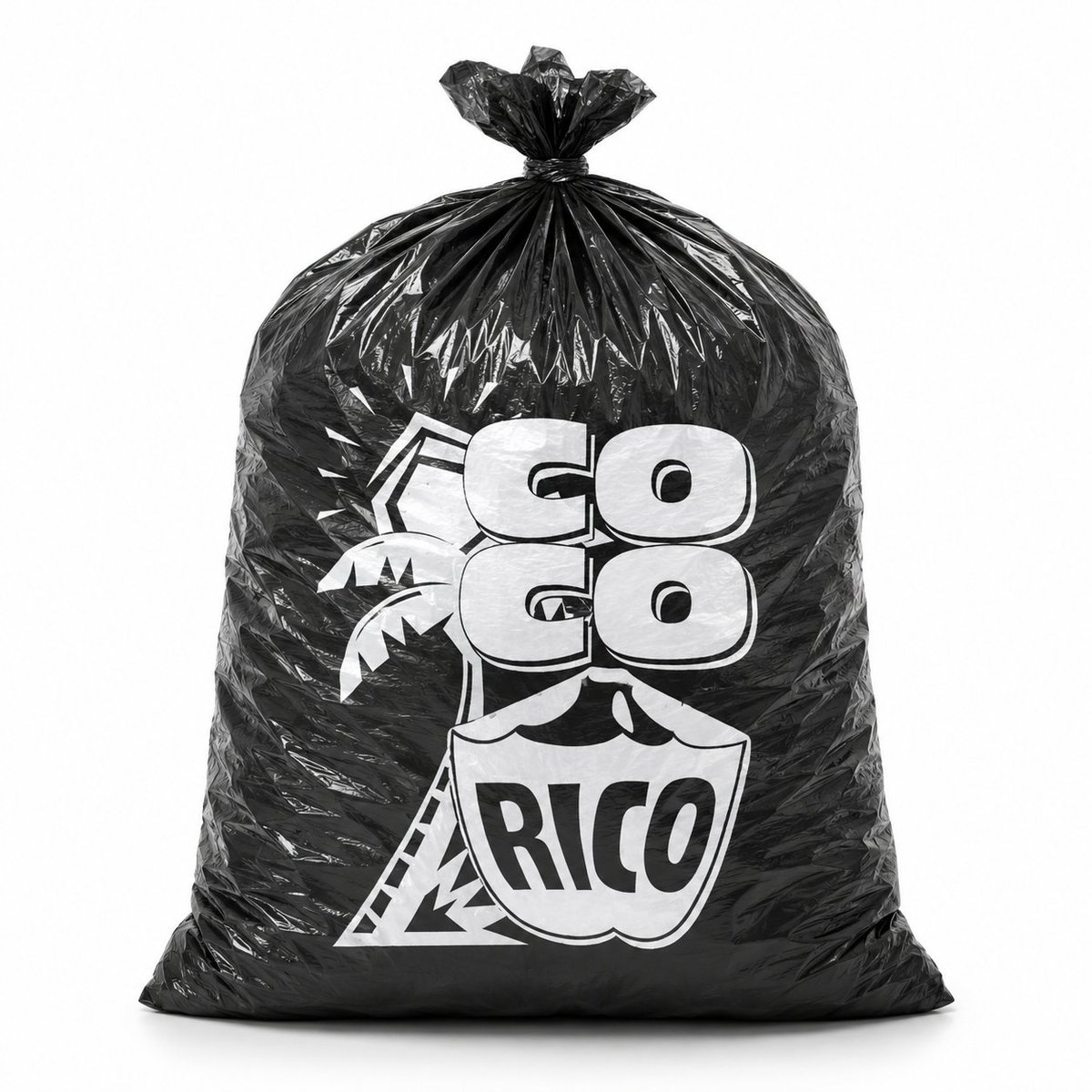
Generate a photorealistic studio product photo of a glossy black plastic bag with a custom white logo, perfect for packaging mockups and brand presentations.
PROMPT · EN
创作一张逼真的摄影级产品照,展示一个直立在干净白色无缝背景上的大型黑色塑料垃圾袋。袋子被撑得鼓鼓的,呈圆角矩形,底部平坦厚实,具有亮面褶皱聚乙烯质感,带有清晰的镜面高光,布满褶皱和折痕,顶部紧紧收拢并打成一个小结。袋子正面居中印有醒目的白色定制 Logo:argbrand text: GO GO RICO,采用厚实的圆角块状字体,两行“GO”字样位于盾牌形状的徽章上方,徽章内写有“RICO”;文字后方包含简单的热带棕榈树图形和几何轮廓。让印刷效果看起来像是在黑色塑料上真实的白色油墨,并因袋子的褶皱和弧度产生轻微变形。采用正面构图,完整展示袋子,使用柔和的摄影棚灯光,带有微妙的地面阴影,高对比度的黑白品牌设计,极简商业模型风格,无多余物品,无人物。
Sobre este prompt
Generate a photorealistic studio product photo of a glossy black plastic bag with a custom white logo, perfect for packaging mockups and brand presentations. Use it as a Arte Conceptual starting point for GPT Image 2: keep the visual structure and style constraints intact, then swap in your own subject, brand, or scene.
Start by replacing brand text, then keep the camera, composition, and material cues in the same order. This makes the output easier to compare across variations.
Cómo usar este prompt
- Copy the full prompt text and paste it into your Sora 2 or other compatible AI image generator.
- Replace the
{brand text}variable with your desired brand name or logo text. - Select a high-resolution or photorealistic model setting for best results.
- Adjust the prompt by adding lighting or background details if needed.
- Generate the image and review; refine the logo text or bag shape by re-running with tweaked parameters.


