Sora2 Hub
Sora2 Hub
  • Biblioteca de Prompts
  • Precios
  • Galería
Sora2 Hub
Sora2 Hub
Sora2 Hub

Sora2 Hub

Plataforma de creación profesional de IA impulsada por Sora 2, Veo 3.1 y Nano Banana Pro. Cree videos impresionantes e imágenes de calidad de estudio con control avanzado, calidad HD y sin marcas de agua.

Email:support@sora2hub.org

Generador de Video IA

  • Texto a Video
  • Imagen a Video
  • Veo 3.1
  • Sora 2
  • Kling 3.0
  • Kling 2.6
  • Kling 2.5
  • Runway
  • Wan 2.6
  • Seedance 2.0
  • Hailuo 2.3
  • Grok Imagine
  • HappyHorse-1.0
  • HappyHorse 1.1
  • Kling 3.0 Turbo
  • Volcengine Video-to-Video Lip Sync
  • OmniHuman 1.5
  • Grok Imagine Video 1.5
  • Gemini Omni
  • Wan 2.7 Video
  • Seedance 2.0 Mini

Generador de Imagen IA

  • Texto a Imagen
  • Imagen a Imagen
  • Nano Banana Pro
  • Nano Banana
  • 4o Image
  • Flux Kontext
  • Z Image
  • Seedream 4.5
  • Seedream 5.0 Lite
  • Nano Banana 2
  • GPT Image 2
  • Ampliador de Imagen IA
  • Seedream 5.0 Pro
  • Nano Banana 2 Lite
  • Qwen Image 2.0

Efectos IA

  • Filtro de Edad IA
  • Cambio de Género IA
  • Beso IA
  • Abrazo IA
  • Imagen Ghibli
  • Filtro Sirena IA
  • Sacudida Corporal IA
  • Filtro de Sonrisa
  • Gordo IA
  • Figura de Acción

Producto

  • Características
  • Escaparates
  • Precios

Empresa

  • Acerca de
  • Contacto

© 2025 • Sora2 Hub ORG Todos los derechos reservados.

  • Política de Privacidad
  • Términos de Servicio
  • Política de Reembolso
  1. Inicio
  2. /
  3. Prompts
  4. /
  5. GPT Image 2
  6. /
  7. Handwriting Removal & Image Cleanup — AI Prompt
GPT Image 2Prompt de IA

Handwriting Removal & Image Cleanup — AI Prompt

Erase handwritten text from specific image areas while preserving the original layout, graphics, and visual integrity.

PROMPT · EN
保持图像原样,并擦除 argposition: 右侧 的所有 argtarget: 手写字符。

Sobre este prompt

Erase handwritten text from specific image areas while preserving the original layout, graphics, and visual integrity. Use it as a Arte Conceptual starting point for GPT Image 2: keep the visual structure and style constraints intact, then swap in your own subject, brand, or scene.

Start by replacing position and target, then keep the camera, composition, and material cues in the same order. This makes the output easier to compare across variations.

Cómo usar este prompt

  1. Copy this prompt and paste it into a compatible AI image model like GPT Image 2.
  2. Specify the position variable (e.g., left, top-right corner) to target the exact area.
  3. Adjust the target variable to define what to erase, such as 'pencil marks' or 'signatures'.
  4. Generate the image to receive a clean version with the selected content removed.
Preguntas frecuentes

テツメモ|AI図解×検証|Newsletter

@tetumemo→

Publicado
15 may 2026
Idioma original
EN
Modelo
GPT Image 2
Categoría
Arte Conceptual
GPT Image 2Arte Conceptualgpt-image-2twitter
Vistas
2.3K
Copias
240
Me gusta
169

Compartir

Más de GPT Image 2

Ver todo
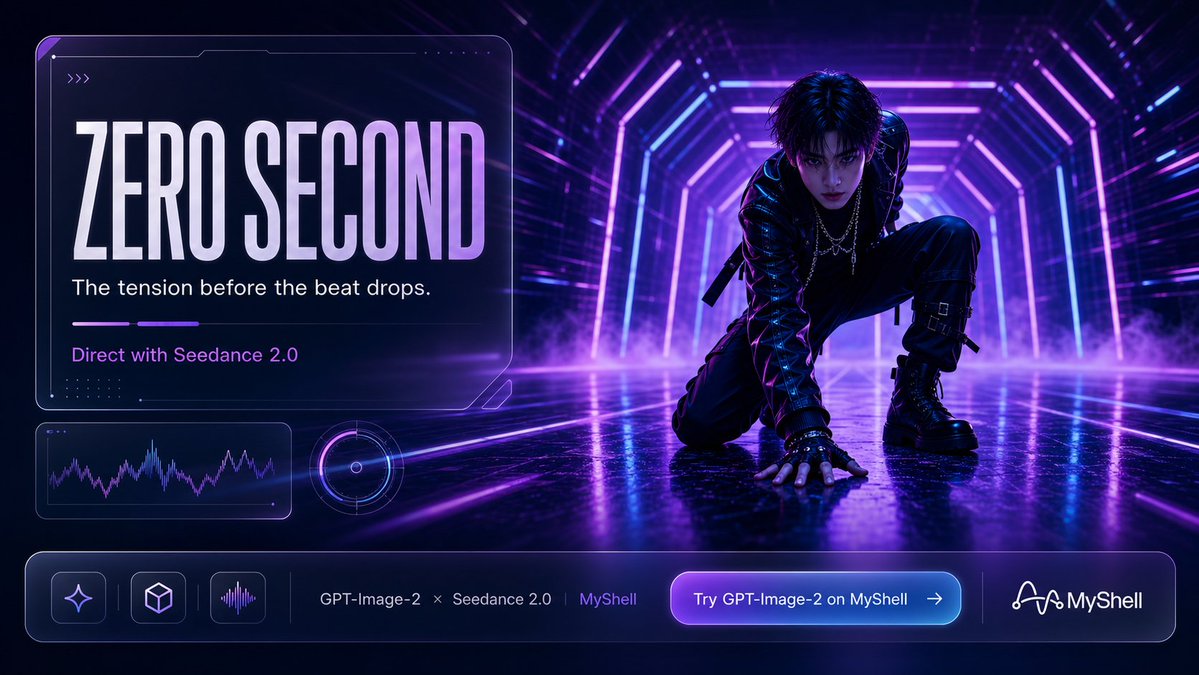
Cyberpunk AI Launch Banner — Cinematic Neon Poster Prompt

Cyberpunk AI Launch Banner — Cinematic Neon Poster Prompt

@ObieriI
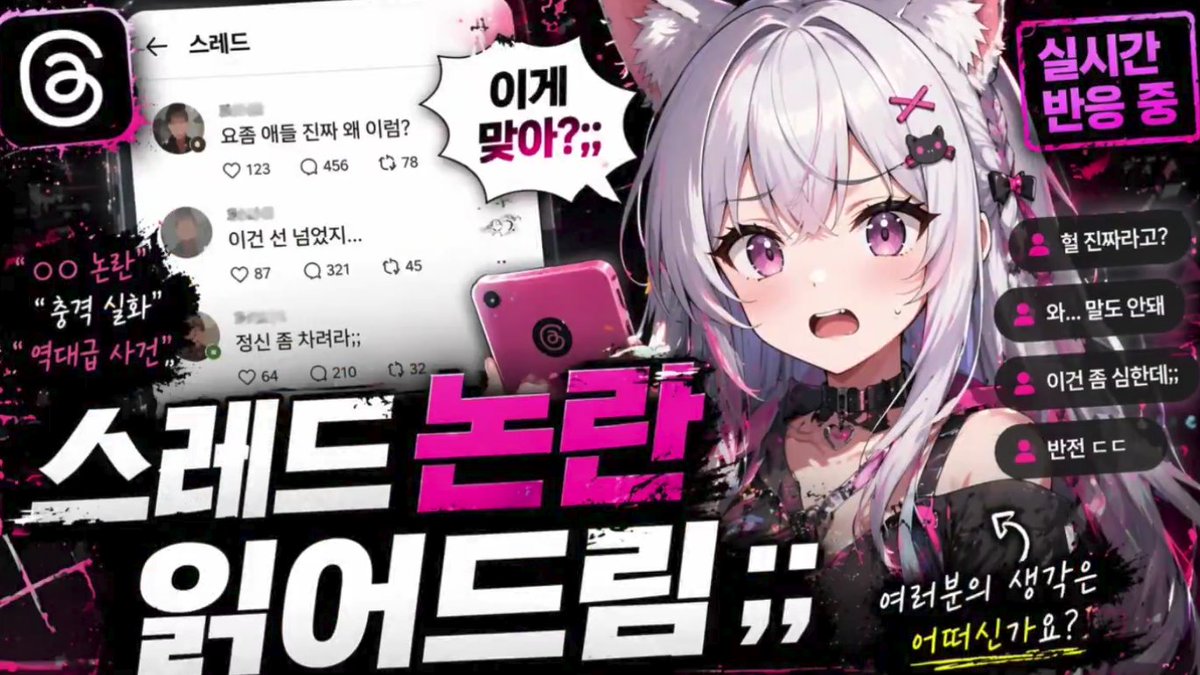
Anime Reaction Thumbnail Prompt — Neon Edgy VTuber

Anime Reaction Thumbnail Prompt — Neon Edgy VTuber

@abdiisan
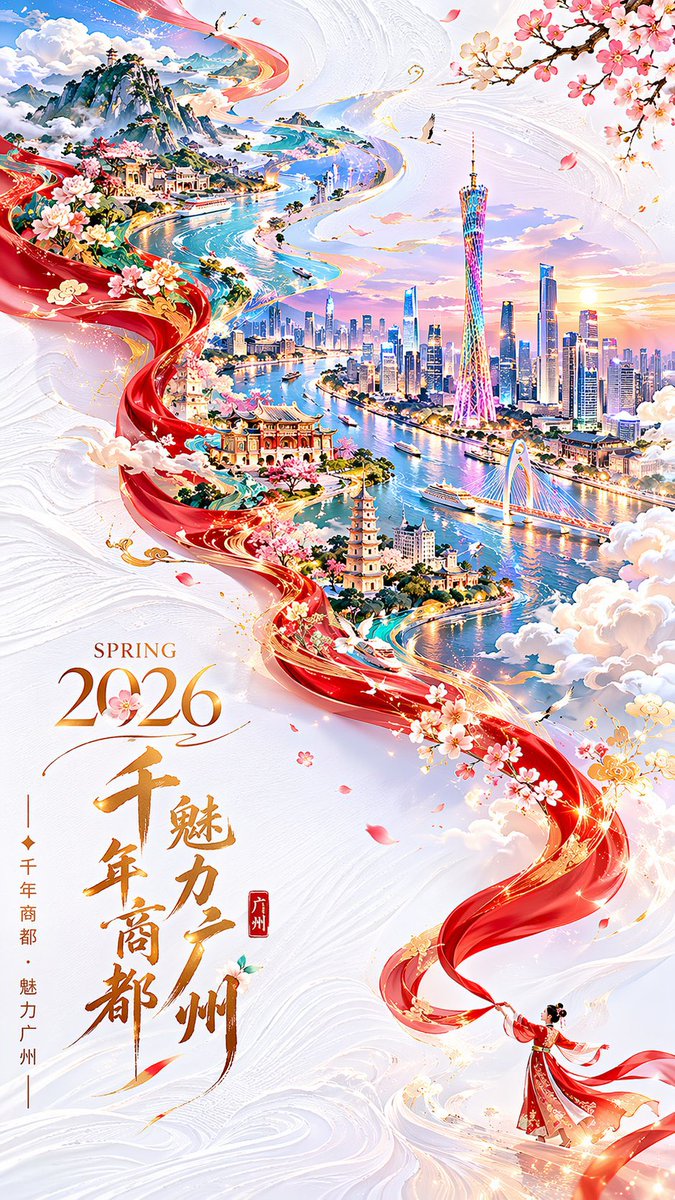
Guangzhou 2026 Poster: Silk Ribbon Cityscape — Sora 2 Prompt

Guangzhou 2026 Poster: Silk Ribbon Cityscape — Sora 2 Prompt

@alanlovelq

Crea más rápido con prompts de Sora2Hub.

Usa páginas de prompts curadas como entradas buscables y salta directo a generar con el contexto correcto.

Explorar prompts