
GPT Image 2Prompt de IA
Hand-Drawn Photo Annotation Prompt — Sora 2
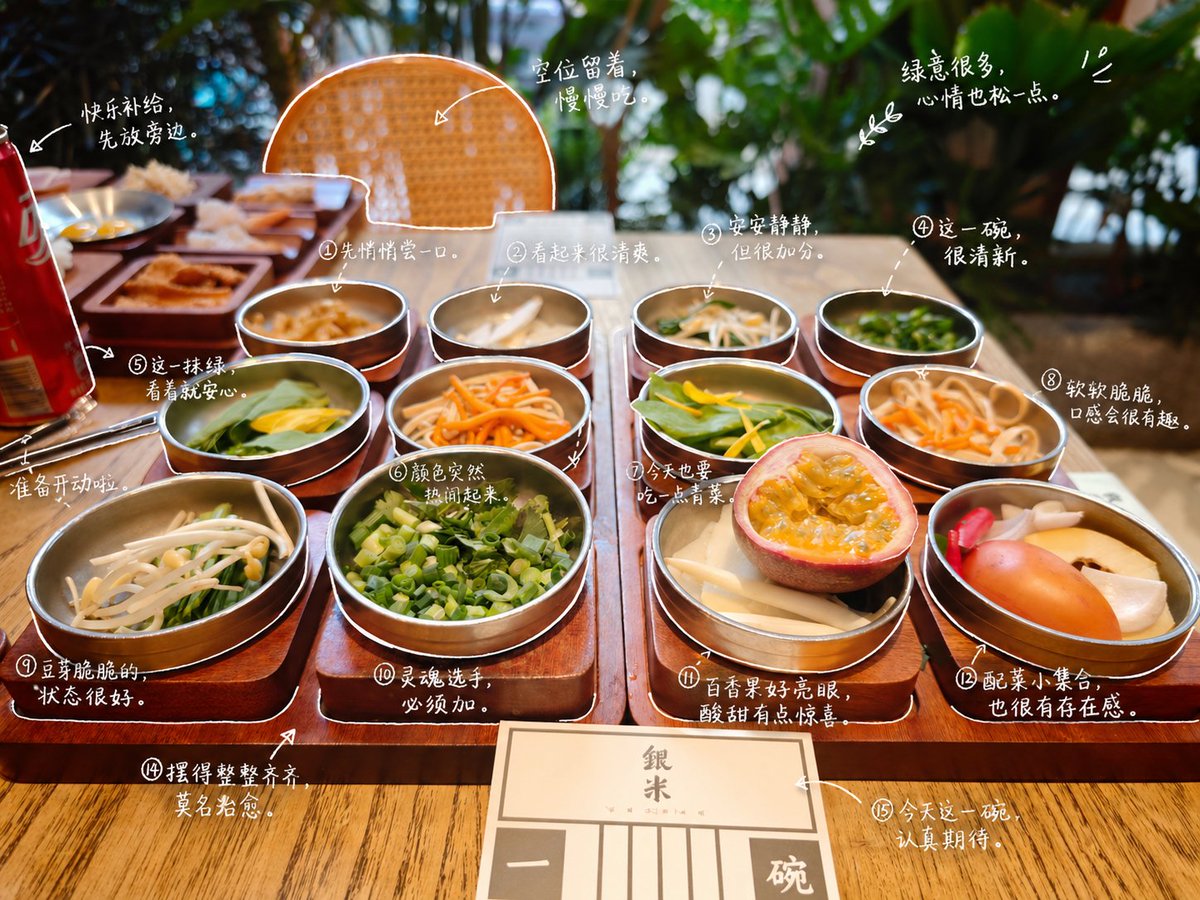
Transform photos with cute, hand-drawn style outlines and diary-like notes for a personalized, whimsical look.
PROMPT · EN
请观察照片中的元素,并为每个项目添加有意义的 argstyle: 手绘 标注。请识别照片中的项目。描述规则:• 使用类似白色笔触的精细手绘线条 • 一笔画风格,随意,略显不规则 • 沿物体边缘添加描边轮廓 • 使用箭头或虚线进行视觉引导。文字规则:• 手写风格字体 (argfont feel: 日系可爱风) • 短句,如同自言自语的呢喃 • 语气像日记一样,带有一丝情感。标注生成规则:不要过度装饰,保持留白。
Sobre este prompt
Transform photos with cute, hand-drawn style outlines and diary-like notes for a personalized, whimsical look. Use it as a Arte Conceptual starting point for GPT Image 2: keep the visual structure and style constraints intact, then swap in your own subject, brand, or scene.
Start by replacing style and font feel, then keep the camera, composition, and material cues in the same order. This makes the output easier to compare across variations.
Cómo usar este prompt
- Copy the entire prompt from the page.
- Select an AI image model that supports image editing (e.g., GPT Image 2).
- Upload your target photo when prompted.
- Adjust variables like
styleandfont feelto match your preference (e.g., change "手绘" to "sketch" or "日系可爱风" to "cute minimalist"). - Generate the image and review the annotated output. Refine if needed.


