Sora2 Hub
Sora2 Hub
  • Biblioteca de Prompts
  • Precios
  • Galería
Sora2 Hub
Sora2 Hub
Sora2 Hub

Sora2 Hub

Plataforma de creación profesional de IA impulsada por Sora 2, Veo 3.1 y Nano Banana Pro. Cree videos impresionantes e imágenes de calidad de estudio con control avanzado, calidad HD y sin marcas de agua.

Email:support@sora2hub.org

Generador de Video IA

  • Texto a Video
  • Imagen a Video
  • Veo 3.1
  • Sora 2
  • Kling 3.0
  • Kling 2.6
  • Kling 2.5
  • Runway
  • Wan 2.6
  • Seedance 2.0
  • Hailuo 2.3
  • Grok Imagine
  • HappyHorse-1.0

Generador de Imagen IA

  • Texto a Imagen
  • Imagen a Imagen
  • Nano Banana Pro
  • Nano Banana
  • 4o Image
  • Flux Kontext
  • Z Image
  • Seedream 4.5
  • Seedream 5.0 Lite
  • Nano Banana 2
  • GPT Image 2
  • Ampliador de Imagen IA

Efectos IA

  • Filtro de Edad IA
  • Cambio de Género IA
  • Beso IA
  • Abrazo IA
  • Imagen Ghibli
  • Filtro Sirena IA
  • Sacudida Corporal IA
  • Filtro de Sonrisa
  • Gordo IA
  • Figura de Acción

Producto

  • Características
  • Escaparates
  • Precios

Empresa

  • Acerca de
  • Contacto

© 2025 • Sora2 Hub ORG Todos los derechos reservados.

  • Política de Privacidad
  • Términos de Servicio
  • Política de Reembolso
  1. Inicio
  2. /
  3. Prompts
  4. /
  5. GPT Image 2
  6. /
  7. RAW iPhone Subway Motion Blur — Sora 2 Prompt
GPT Image 2Prompt de IA

RAW iPhone Subway Motion Blur — Sora 2 Prompt

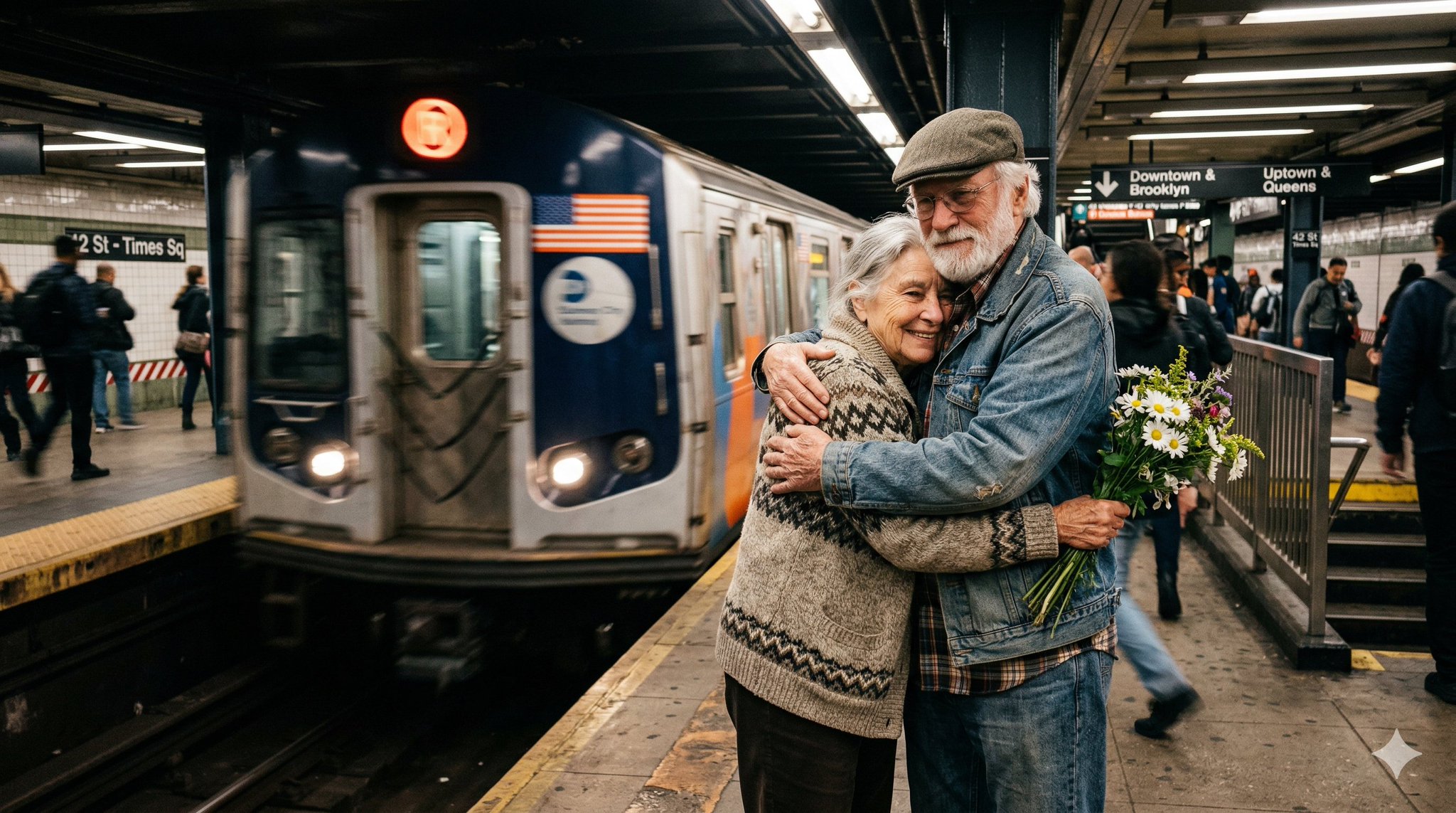
Generate an unprocessed, raw iPhone-style image of a moving USA subway with natural blur, featuring an elderly woman and man in front for candid realism.
RAW iPhone Subway Motion Blur — Sora 2 Prompt
1 / 2
PROMPT · EN
Create a completely RAW quality, unprocessed, unedited image with full iPhone camera quality. A subway station in USA, a momentary blur. The subway is in motion. In front of the subway, there is an elderly woman and man.

Sobre este prompt

Generate an unprocessed, raw iPhone-style image of a moving USA subway with natural blur, featuring an elderly woman and man in front for candid realism. Use it as a Arte Conceptual starting point for GPT Image 2: keep the visual structure and style constraints intact, then swap in your own subject, brand, or scene.

Common directions include photography & photorealism. Treat these tags as creative cues; the prompt structure and preview image are the more useful guide.

Start with small changes to subject, scene, camera, and color, then generate a few variations to compare composition and detail without turning the page copy into keyword stuffing.

Cómo usar este prompt

  1. Copy the prompt text exactly as provided.
  2. Open Sora 2, Midjourney, or DALL-E 3 in a compatible interface.
  3. Paste the prompt and optionally adjust camera-related terms (e.g., 'iPhone 15 Pro') for desired texture.
  4. Generate the image, repeating if needed to fine-tune the motion blur effect.
  5. Use the 'remix' or variation feature to explore different subway angles or passenger poses.
Preguntas frecuentes

WolfRiccardo

@WolfRiccardo→

Publicado
25 abr 2026
Idioma original
EN
Modelo
GPT Image 2
Categoría
Arte Conceptual
GPT Image 2Arte Conceptualgpt-image-2photography & photorealism
Vistas
180
Copias
24
Me gusta
14

Compartir

Más de GPT Image 2

Ver todo
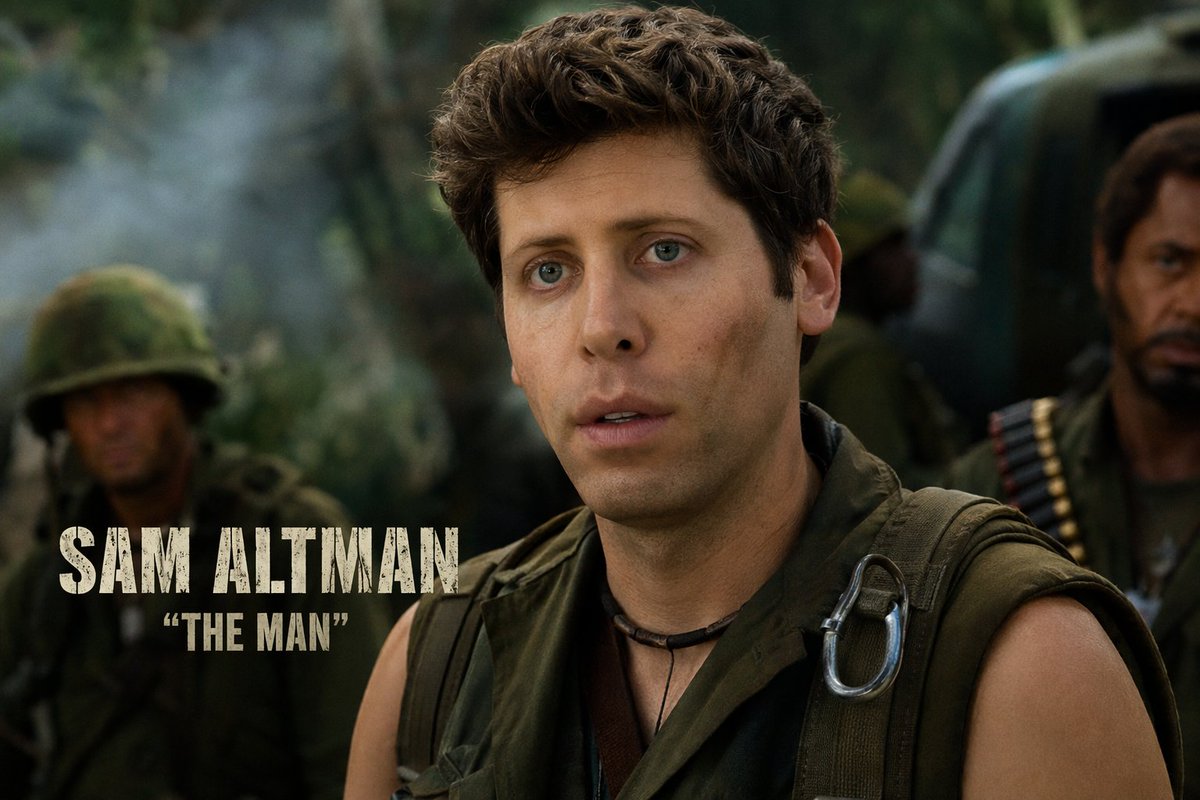
Celebrity Crossover — Sora 2 Prompt

Celebrity Crossover — Sora 2 Prompt

@Conor_D_Dart
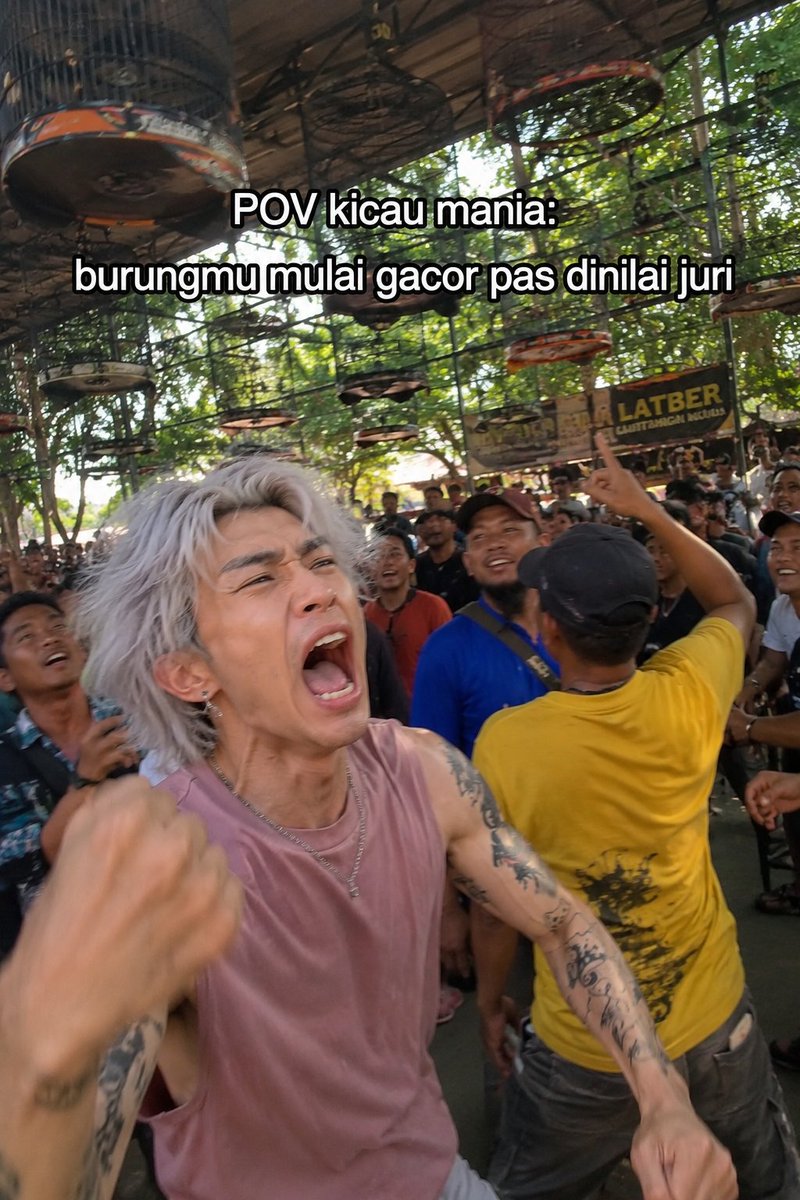
Indonesian Bird Contest Meme — Low-Quality Phone Photo

Indonesian Bird Contest Meme — Low-Quality Phone Photo

@NyaiiBubu
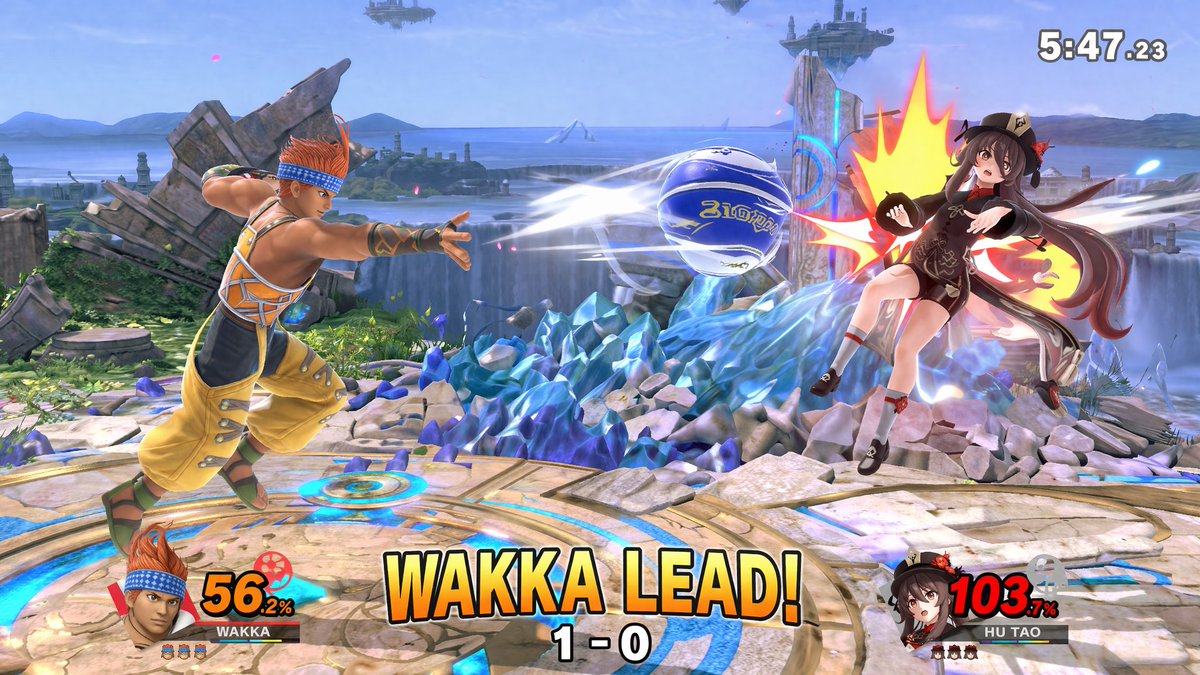
AI-Generated Crossover Fighter Screenshot — Sora 2 Prompt

AI-Generated Crossover Fighter Screenshot — Sora 2 Prompt

@momoringo_sub

Crea más rápido con prompts de Sora2Hub.

Usa páginas de prompts curadas como entradas buscables y salta directo a generar con el contexto correcto.

Explorar prompts