
GPT Image 2Prompt IA
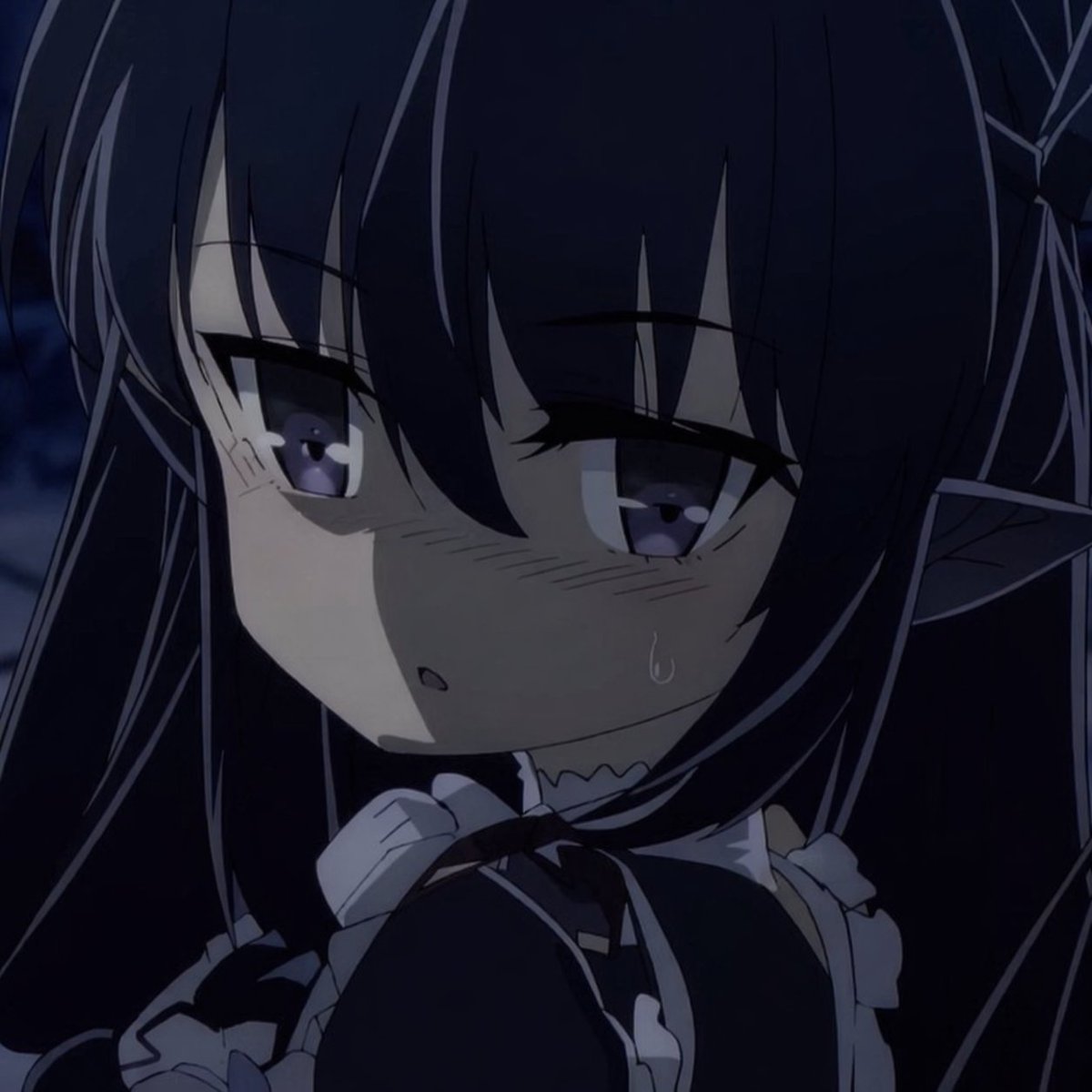
Transform Photos into Anime Snapshots — Sora 2 Prompt
Convert any image into a cinematic anime frame with authentic lighting, stylized lines, and clean color blocking.
PROMPT · EN
Show me the attached image as a snapshot from an actual anime. Keep the scene readable and cinematic, with authentic anime lighting, stylized line treatment, clean color blocking, and the feeling of a real frame from a polished TV or film production.
À propos de ce prompt
Convert any image into a cinematic anime frame with authentic lighting, stylized lines, and clean color blocking. Use it as a Art Conceptuel starting point for GPT Image 2: keep the visual structure and style constraints intact, then swap in your own subject, brand, or scene.
Common directions include character design, beginner, anime, and character. Treat these tags as creative cues; the prompt structure and preview image are the more useful guide.
Start with small changes to subject, scene, camera, and color, then generate a few variations to compare composition and detail without turning the page copy into keyword stuffing.
Comment utiliser ce prompt
- Copy the prompt template from above.
- Open your AI image generator (e.g., Sora 2, Midjourney, DALL·E).
- Attach the image you want to convert.
- (Optional) Modify the prompt to specify anime era or studio (e.g., '90s anime').
- Generate and refine until you achieve the desired cinematic anime look.


